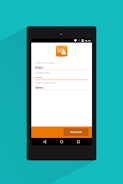
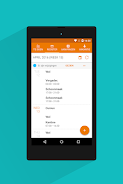
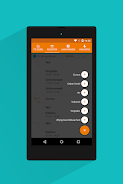
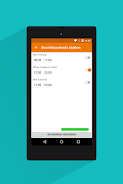
The 24/7 Rostar app streamlines work schedule management, offering a user-friendly platform for viewing, modifying, and optimizing your shifts. This app provides convenient tools for requesting time off, swapping shifts with colleagues, and creating personalized schedules through its intuitive shift picking feature. Accurate time tracking is ensured with real-time registration and location control (via QR code or GPS).
Key features include:
- Effortless Roster Access: Quickly view and manage your schedule.
- Simplified Leave Requests: Easily submit time-off requests.
- Streamlined Shift Swapping: Collaborate with colleagues for flexible shift changes.
- Customizable Shift Selection: Create and manage your ideal work schedule.
- Enhanced Communication: Receive push notifications for important updates from planners and colleagues.
- Precise Time Tracking: Real-time time registration with location verification ensures accurate hour recording.
The 24/7 Rostar app boasts a multi-lingual interface (Dutch, English, German, French, and Spanish), ensuring accessibility for a diverse workforce. Its comprehensive features, combined with secure multi-factor authentication, empower employees and planners to efficiently manage schedules and enhance team communication. Download 24/7 Rostar today for a more efficient and controlled work experience.