Learn to sketch, trace, paint, and create stunning artwork with AR Drawing!
AR Drawing is an innovative tracing app that teaches you how to draw, helping you create beautiful drawings and paintings using AI art technology. Simply use your phone's camera to project any image onto a surface. Just trace the outline on paper and color it in!
Whether you're a seasoned artist or a complete beginner, discover how to draw in just three days! The AR Drawing: Trace to Sketch app is the perfect tool to unleash your creativity and explore new artistic possibilities. Use it to learn, practice, and easily trace images.
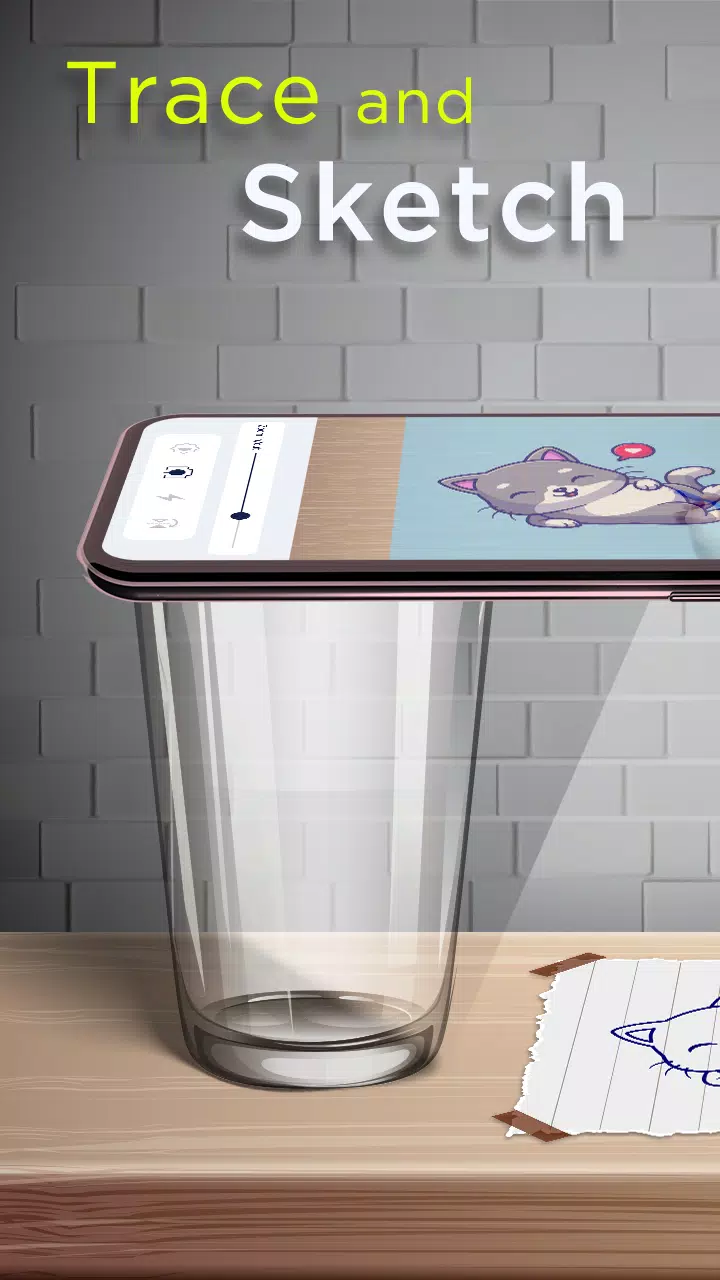
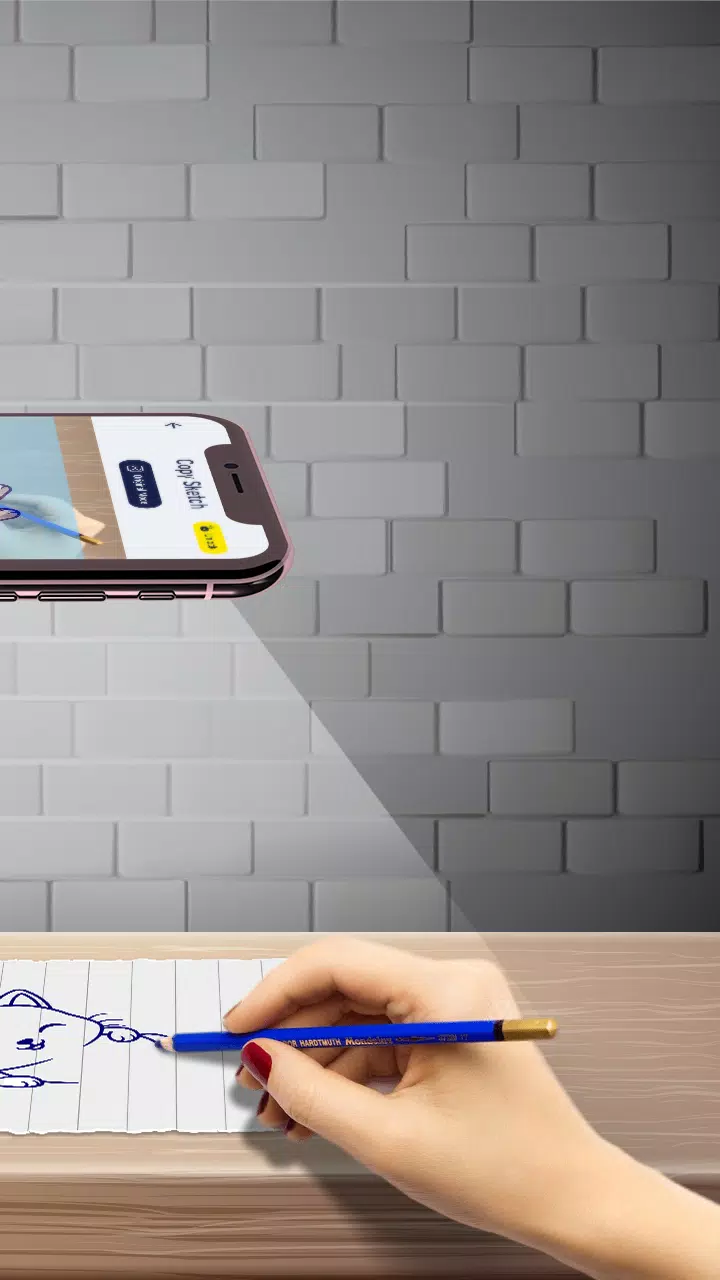
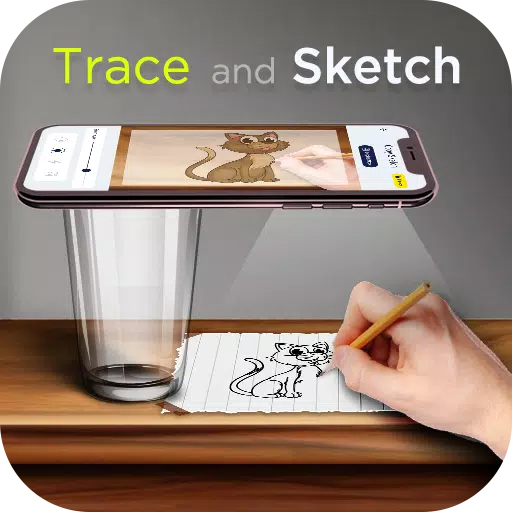
Just pick an image from the app's gallery or your own photos, apply a sketch filter to make it traceable. With your camera open, the image will appear on your screen. Position your phone about a foot above, look at the screen, and start drawing on paper.
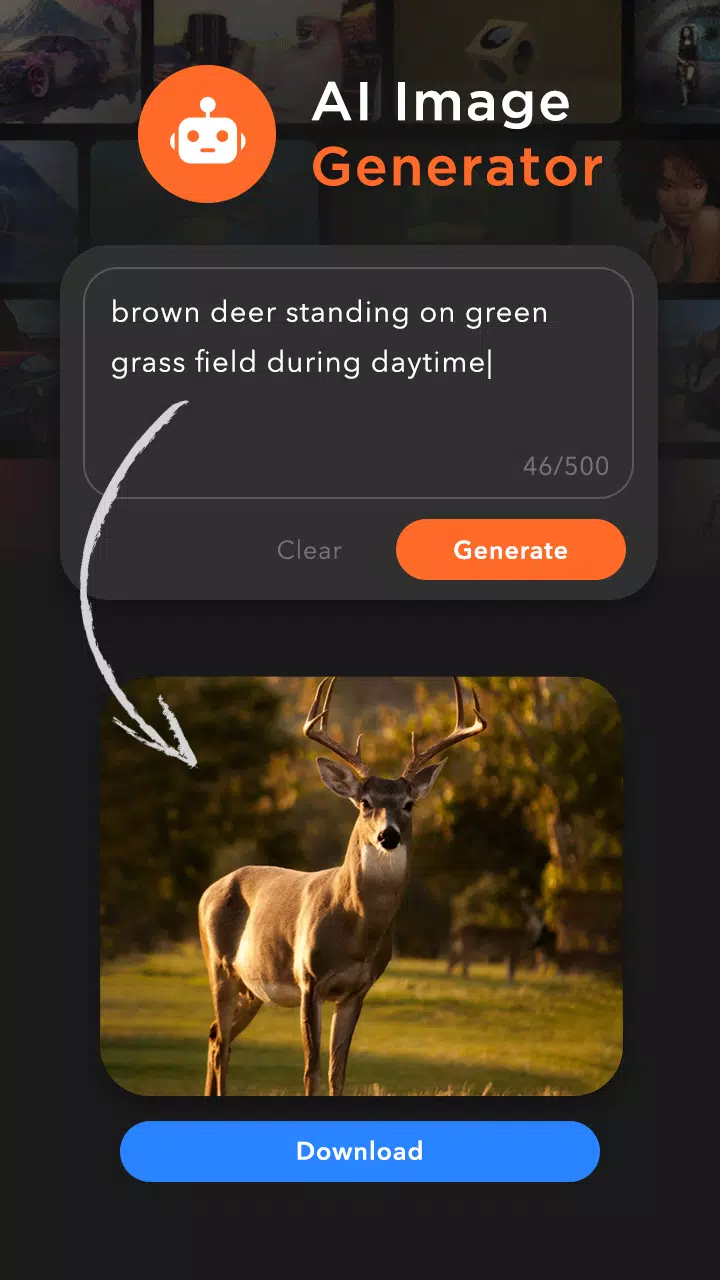
You can also discover unique images with the AI image creator. Describe the image you want, and the AI generator will provide the perfect picture. Then, turn any downloaded image into a sketch and you're ready to trace.
Our app provides categorized images and over 200 built-in sketches, including:
Cartoon - Flowers - Vehicles - Food - Animals - Objects - Outline Images - Others
Features of the Trace to Sketch App:
• AI Image Generator
- Simply enter a text description and download an AI-generated image. Download it and start tracing immediately.
• Copy Sketch:
- Select an image from our built-in collection or your phone's storage and trace it using your camera. Mount your phone on a tripod about a foot above the paper, look at your phone, and draw on the paper below.
• Trace Sketch
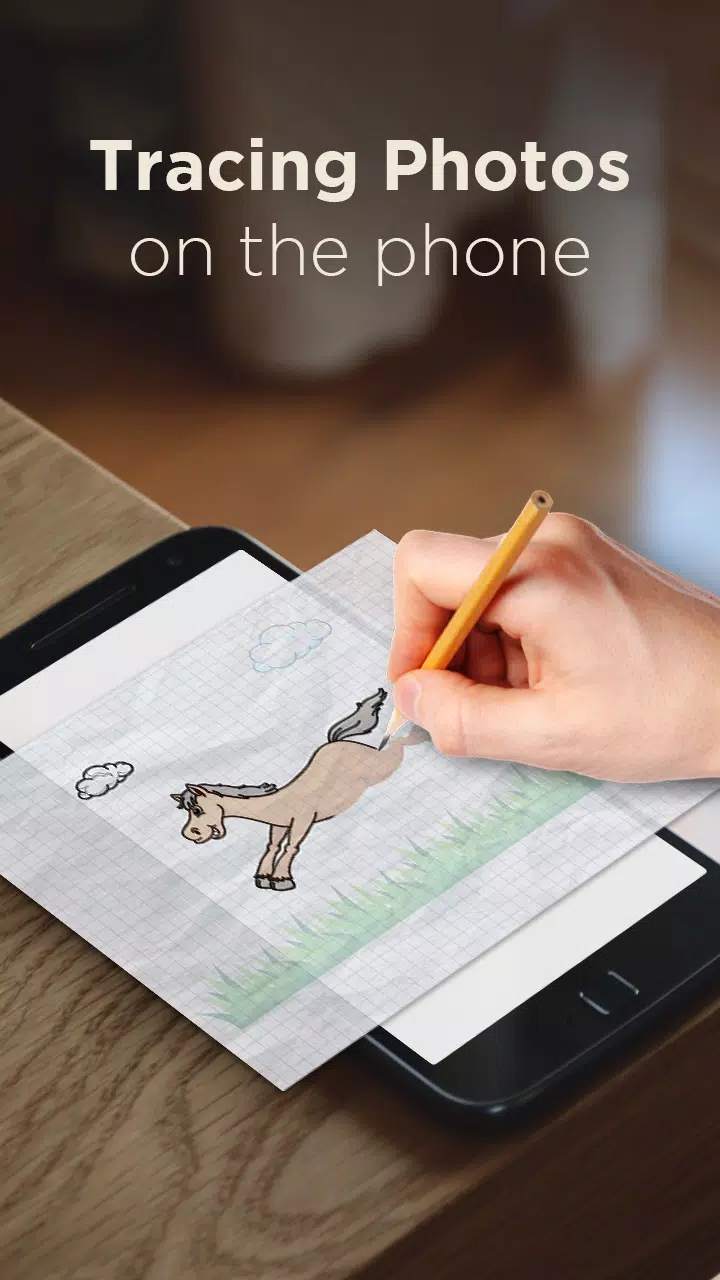
- Draw on paper by looking at your phone's screen with a transparent image overlay.
• Image To Sketch
- Convert any color photo into a sketch using different artistic modes.
• Drawing Pad
- Quickly sketch your creative ideas directly in a digital sketchbook.
• Tracing Features
- Choose any sample image from the app and draw it in your sketchbook.
- Select any photo from your gallery, convert it into a traceable outline, and sketch it on blank paper.
- Adjust image transparency or create line art for your projects.
- Use your phone's camera to guide your drawing.
- Built-in flashlight for better visibility.
- Complete your sketch and paint it.
- Share your finished artwork with friends.
• My Creations
- View all your sketchbook drawings and AI-downloaded images in one place.
- Create sketches and easily share them.
Download the "AR Drawing: Paint & Sketch" app today and start creating your own masterpieces! Sketch, paint, and unleash your creativity!
What's New in the Latest Version 3.6
Last updated on Nov 7, 2024
Minor bug fixes and improvements.