Anwendungsbeschreibung
Here's a clear and concise summary of the Hyundai Digital Key feature based on your provided information, optimized for user understanding and ease of use:
🔑 Hyundai Digital Key – Your Smartphone, Your Car
With the Hyundai Digital Key, your compatible Android smartphone becomes your smart key. Seamlessly lock, unlock, start, and manage access to your Hyundai vehicle — all from your phone.
✅ Key Features
1. Lock, Unlock & Start (NFC Required)
- Simply tap your phone on the door handle to lock or unlock.
- To start driving: Place your phone on the wireless charging pad (NFC-enabled).
Note: NFC is required for this function.
2. Remote Control via Bluetooth
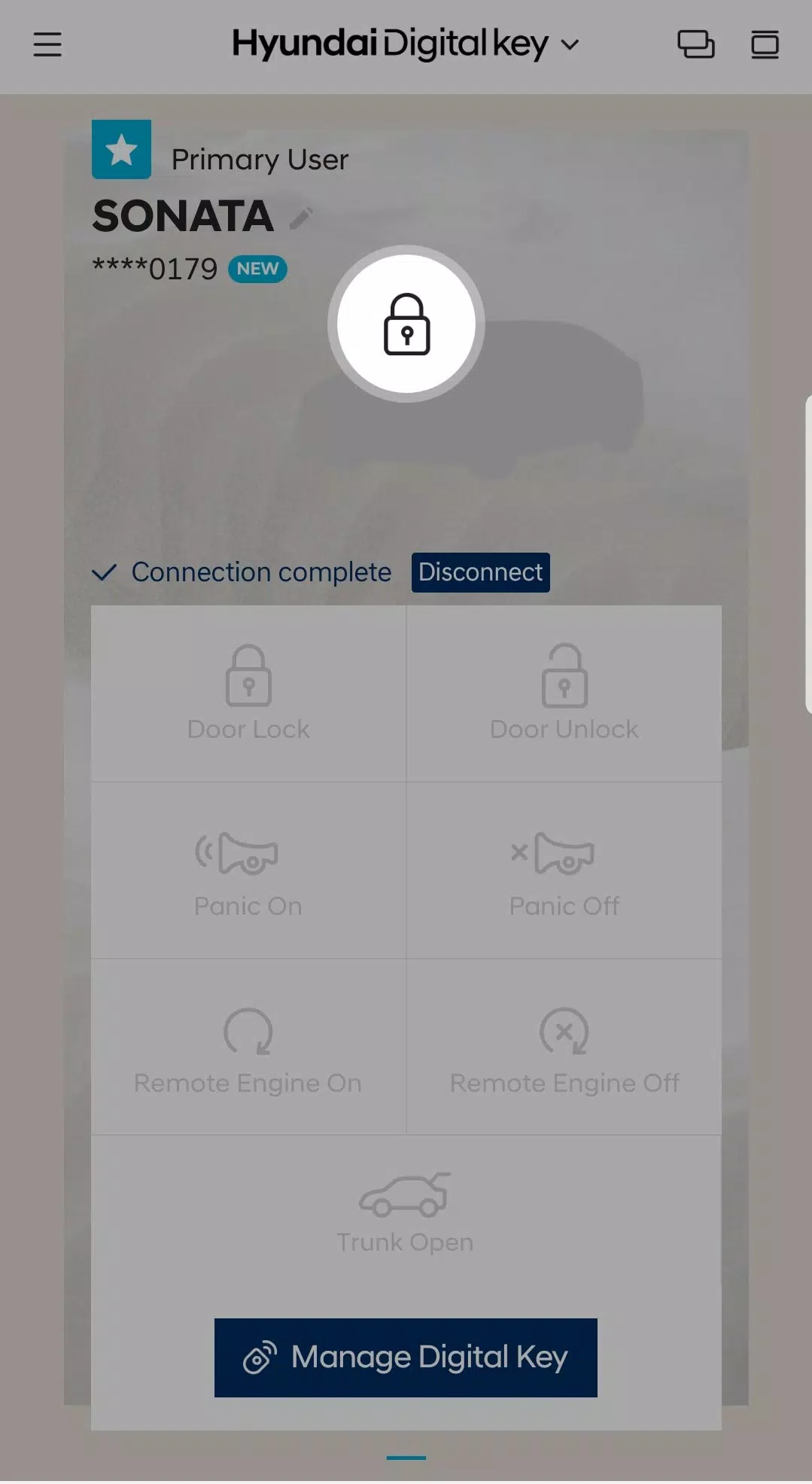
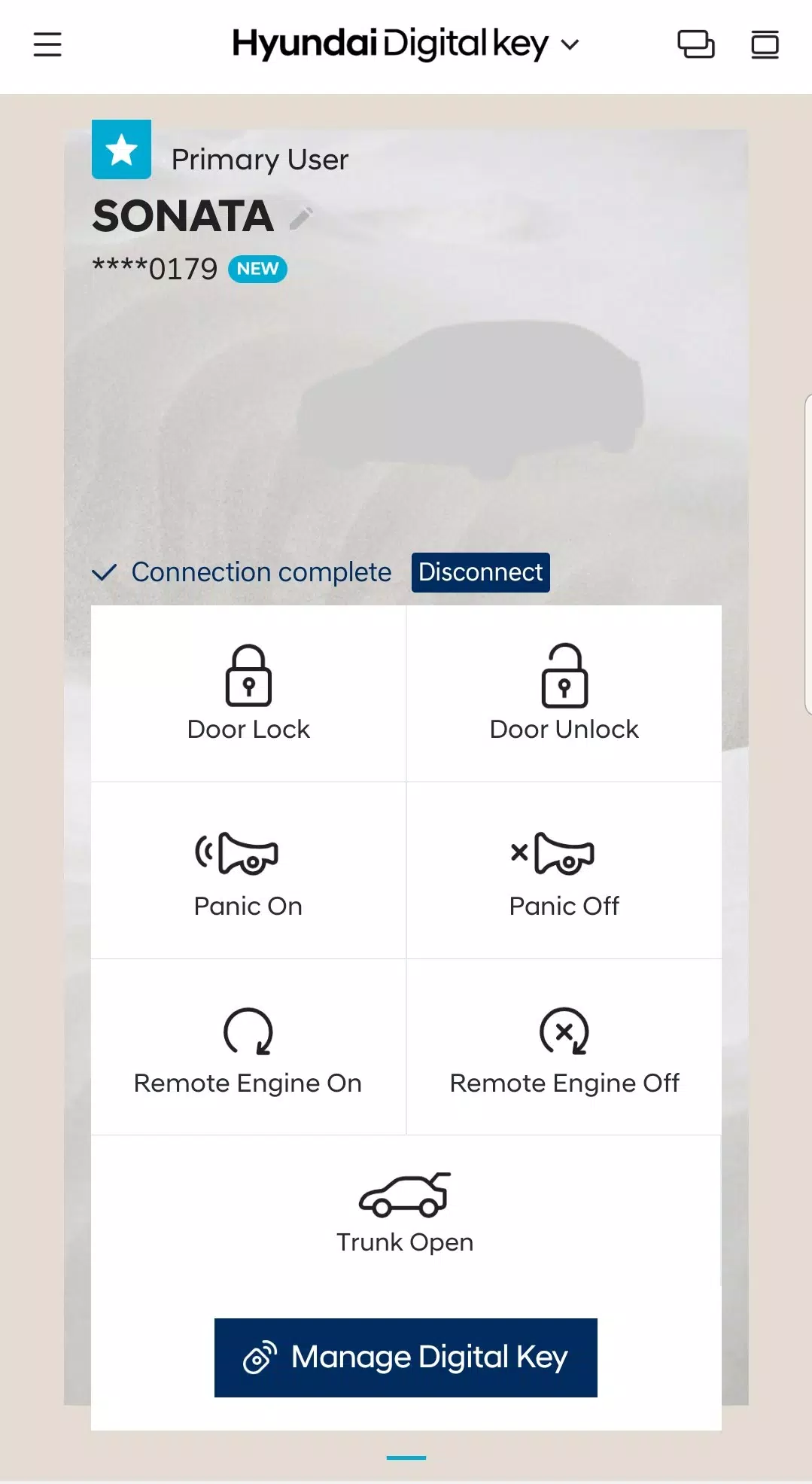
Use the Hyundai Digital Key app to control your vehicle from up to 30 feet away:
- Remotely lock/unlock doors
- Start or stop the engine
- Open the trunk
- Activate panic mode
- Check vehicle status (e.g., door/trunk status, battery level)
3. Share & Manage Digital Keys
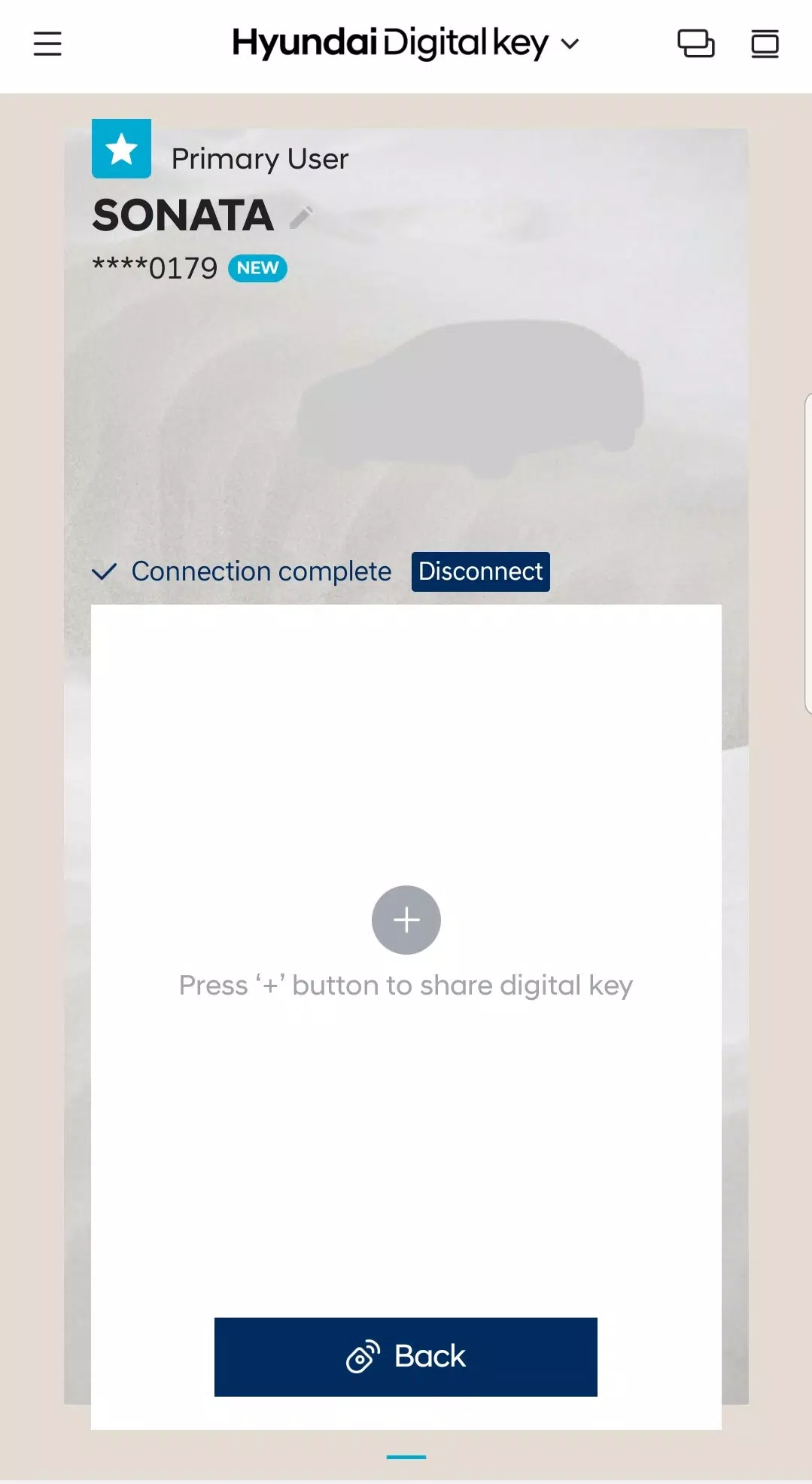
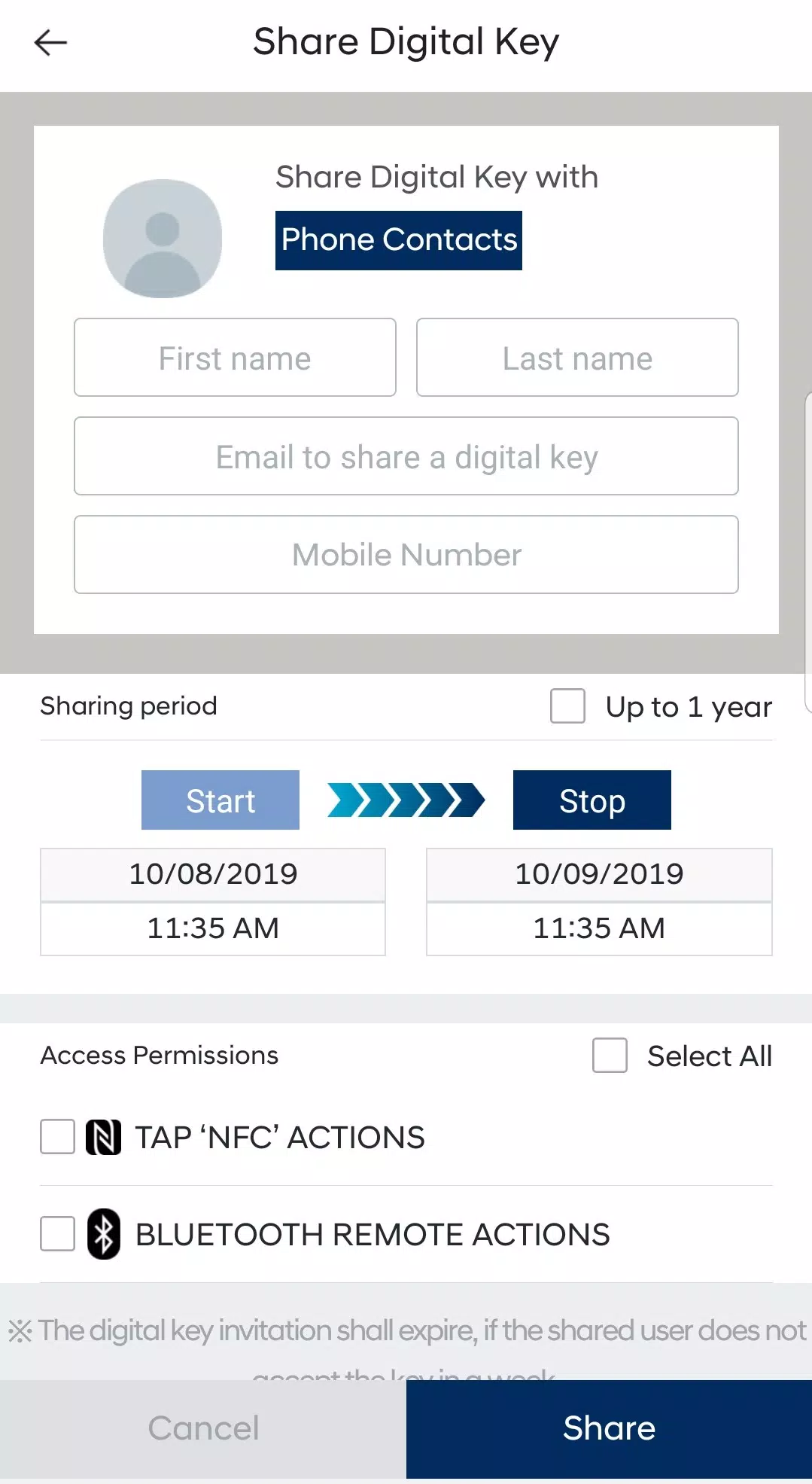
- Easily create and send digital keys to family and friends.
- Set custom access permissions and time limits.
- Pause or revoke shared keys anytime — either in the app or on MyHyundai.com.
- Recipients receive an invitation and can accept to gain access.
📱 What You Need
- A Hyundai vehicle with Digital Key compatibility
- An Android smartphone (NFC & Bluetooth 5.0+ recommended)
- The latest version of the Hyundai Digital Key app
- A stable internet connection (for setup and sharing)
🛠️ Version 1.0.28.1 – Updated July 27, 2024
- Minor bug fixes
- Improved performance and stability
- Recommended to update for the best experience
⚠️ Tip: Ensure your phone is updated and your vehicle is properly enrolled in the app to use all features.
Need Help?
- Visit MyHyundai.com
- Open the Hyundai Digital Key app → "Support" section
- Contact Hyundai Customer Service
Drive smarter. Share easier. Go digital.
🚗 Your key is now in your pocket.
Hyundai Digital Key Screenshots