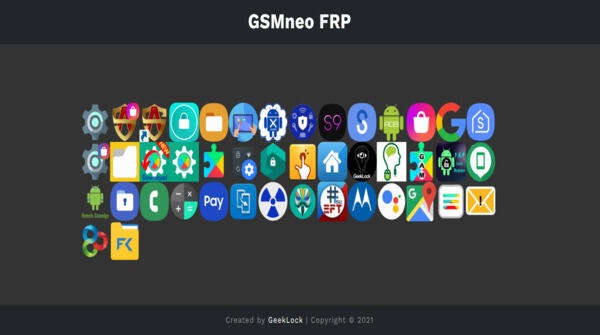
Explore the world of GSMNeo FRP APK, a key tool for regaining access to your mobile device when locked out by Factory Reset Protection (FRP). This solution from GeekLock offers an efficient path to bypass Google's FRP lock, designed for Android users who need to unlock their device without the original Google account details. This guide helps you understand how GSMNeo FRP distinguishes itself in the crowded field of security tools.
How to use GSMNeo FRP APK
- Power on your Android device and connect to a Wi-Fi network. This prepares your device for the next steps.
- Install the GSMNeo FRP APK on your phone using a browser like Chrome. This deploys the tool onto your device.
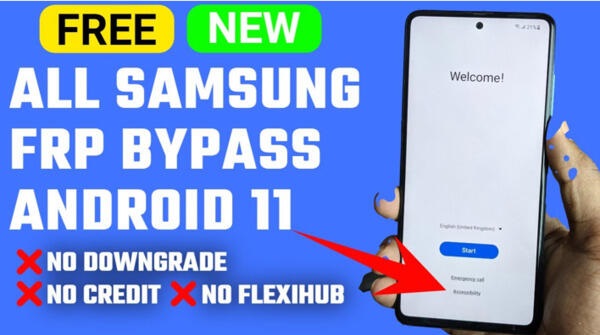
- Download the required GSMNeo file app. This provides the necessary software to begin the bypass process.
- Follow the on-screen instructions to complete the bypass and unlock your device.
Features of GSMNeo FRP APK
- Bypass FRP Lock: This core feature reliably bypasses Google's Factory Reset Protection, allowing you to regain access without the original Google account—a vital solution for legitimate owners.
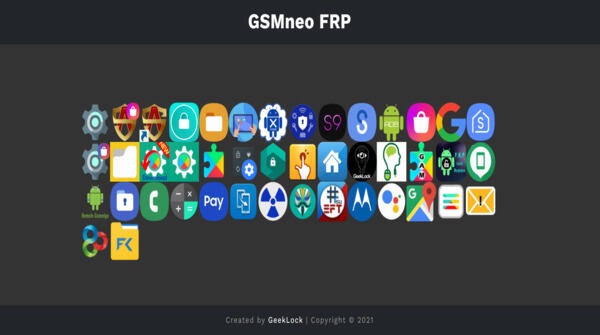
- User-Friendly Interface: Designed for simplicity, the app guides users of all skill levels through a clear, uncomplicated process, removing the technical barrier often associated with such tools.
- Swift Results: The tool is optimized for speed, typically bypassing the FRP lock within minutes, which is ideal for urgent situations.
Advertisement
Together, these features make GSMNeo FRP an efficient and accessible solution for overcoming Android device security locks, balancing sophistication with user-friendly design.
Best Tips for GSMNeo FRP APK
- Backup Data: Always back up your important data before starting the FRP bypass process to prevent any potential loss.
- Stay Informed: Keep the app updated and follow any new instructions or community advice to ensure the best results.
- Legal Considerations: Only use this tool on devices you own or have explicit permission to unlock, respecting legal and ethical boundaries.
Advertisement
GSMNeo FRP APK Alternatives
- TechnoCare: A reliable alternative for bypassing FRP locks, compatible with many Android devices and known for its straightforward operation.
- FRP Bypass APK: A simple, direct app focusing on quick FRP lock removal, great for users who want an uncomplicated tool.
- UnlockJunky: A service-based option where professionals remotely bypass the FRP lock for you, suitable if you prefer expert assistance.
Conclusion
GSMNeo FRP APK is a practical tool for overcoming FRP locks, balancing effective security bypass with a simple, user-focused design. For Android users needing to regain access to their devices, GSMNeo FRP APK offers a functional and efficient solution.