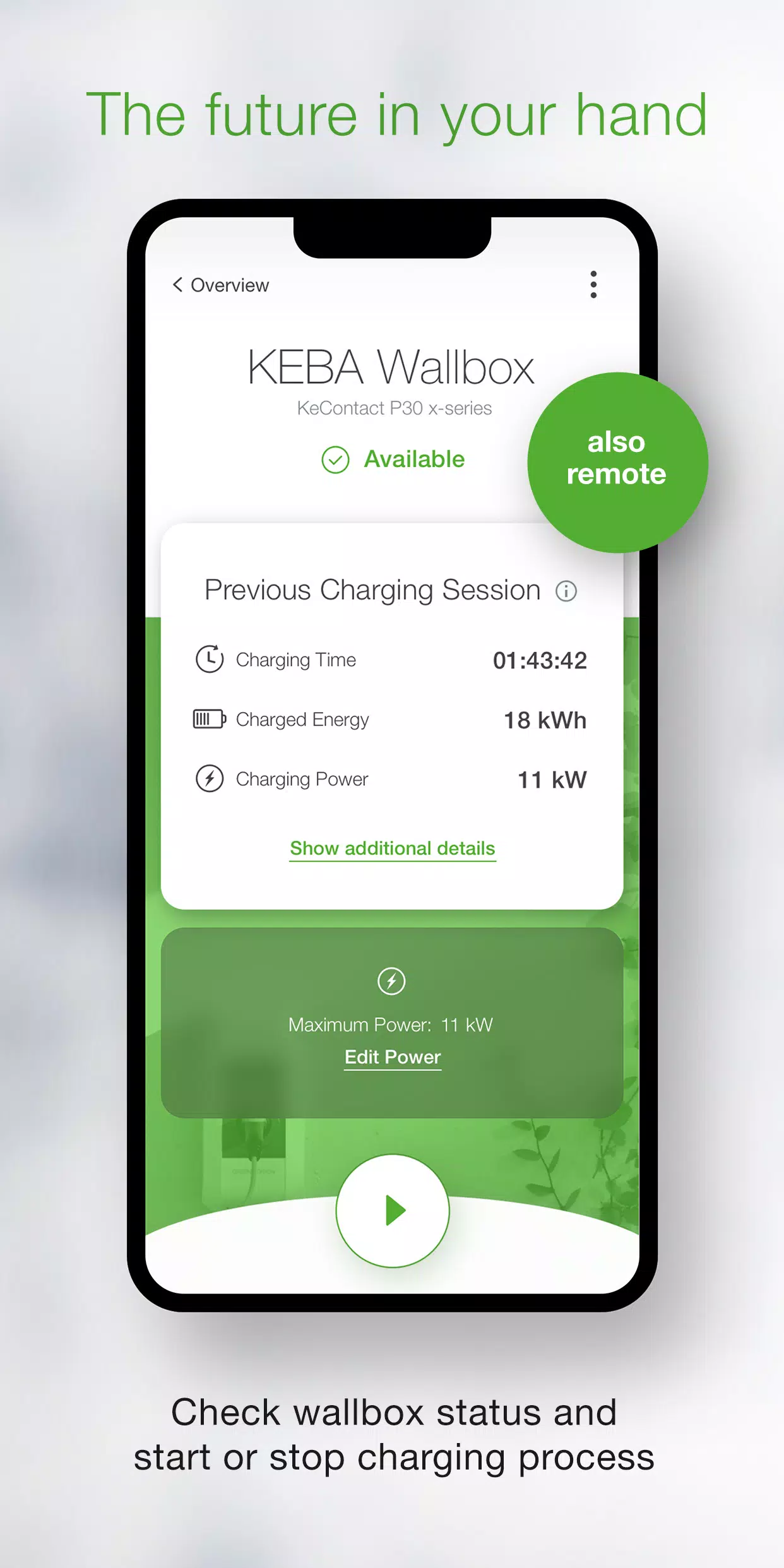
Take full command of your KEBA wallbox using the KEBA eMobility App.
The KEBA eMobility App serves as the digital solution for KeContact P30 & P40 users (including P40, P30 x-series, company car wallboxes, PV EDITION, and P30 c-series). It enables seamless communication, management, and configuration of your charging station, putting complete control at your fingertips.
Key features of the KEBA eMobility App:
- Remotely interact with your wallbox from any location (local network required for KeContact P30 c-series).
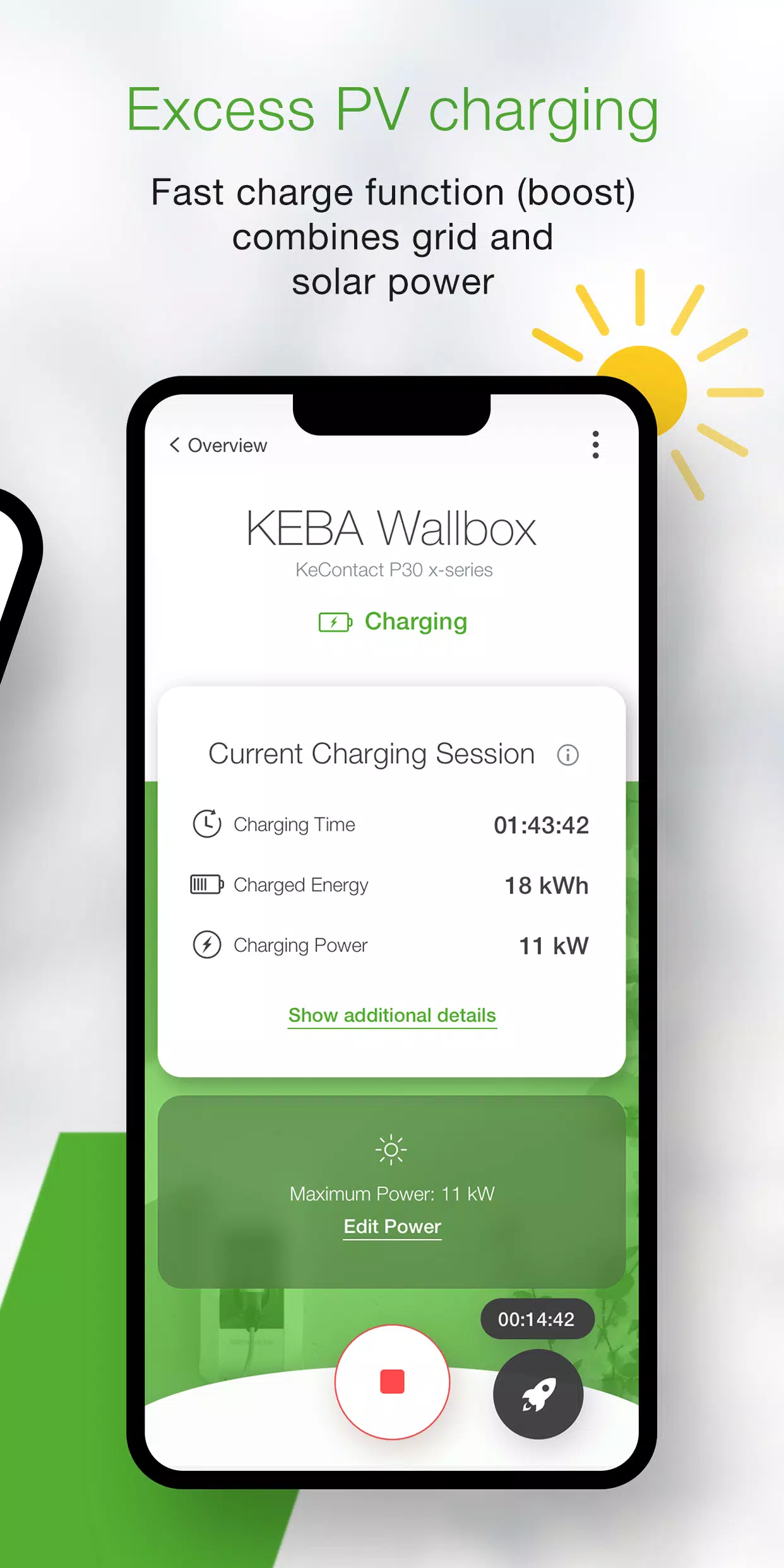
- Monitor real-time wallbox status: charging, standby, offline, or error alerts.
- Initiate or terminate charging sessions effortlessly with a single tap.
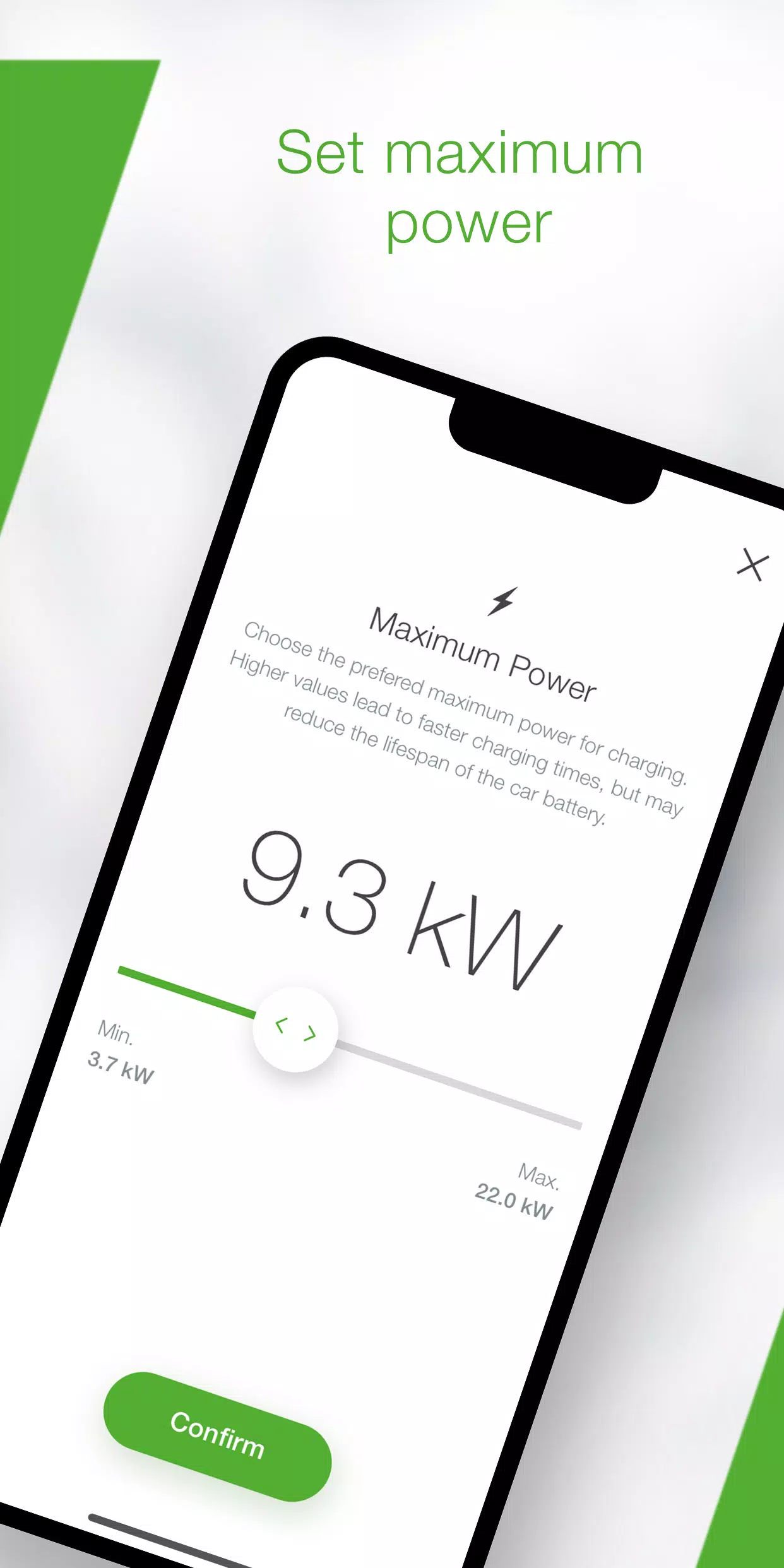
- Optimize charging efficiency by adjusting maximum power output, directly influencing charging duration.
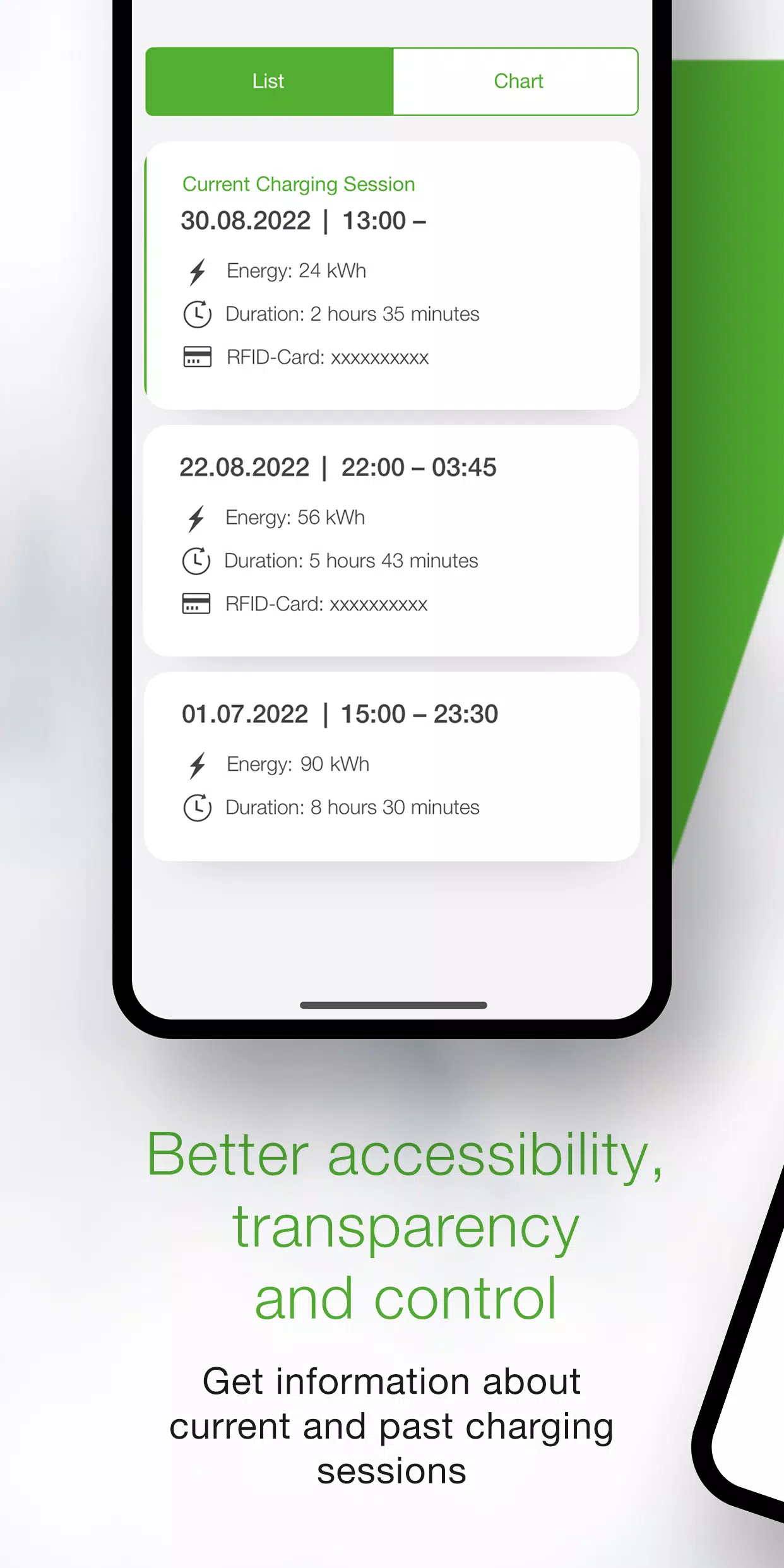
- Access comprehensive charging analytics including time, energy consumption, power levels, and amperage – both live and historical data.
- Review detailed energy consumption reports in the statistics dashboard.
- Utilize the integrated setup wizard to verify compatibility and establish initial connection.
- Installer mode provides guided configuration for first-time P40 Wallbox setup.
- Schedule automated charging cycles with predefined timing and power limits via power profiles (configurable through the KEBA eMobility Portal for P40, P30 x-series, company car wallboxes, and PV EDITION).
- Maintain optimal performance by enabling automatic software updates (excludes standalone KeContact P30 c-series models).
- x-series users benefit from familiar web-interface configurations within the App.
Compatible KEBA wallboxes:
- KeContact P40, P40 Pro, P30 x-series, company car wallbox, PV EDITION
- KeContact P30 c-series (existing firmware works without upgrade)
Note: Charge Point Operator-managed stations may require web-interface credentials for App functionality.
Functionality varies between series – compare capabilities at www.keba.com/emobility-app.
Already use the KEBA eMobility Portal? Register once to access features across both platforms: emobility-portal.keba.com
Important notes for installers:
- Manual DIP switch adjustment remains necessary for P30 wallboxes.
- App mirrors existing P30 web-interface configuration options.
- Full UDP communication activation requires DIP switch setup on KeContact P30 c-series.
- KeContact P40 offers dual setup options: via App or directly on device.
What's New in the Latest Version 3.10.0
Last updated on Nov 12, 2024
P40: Wallbox software version 1.1.0 now available
P40: Perform factory resets directly through the app
P40: Resolved offline usage display issues
P40: Corrected OCPP communication settings
P40: Fixed password authentication errors
P40: Improved Bluetooth connectivity for paired devices
Enhanced wallbox enrollment stability and user experience