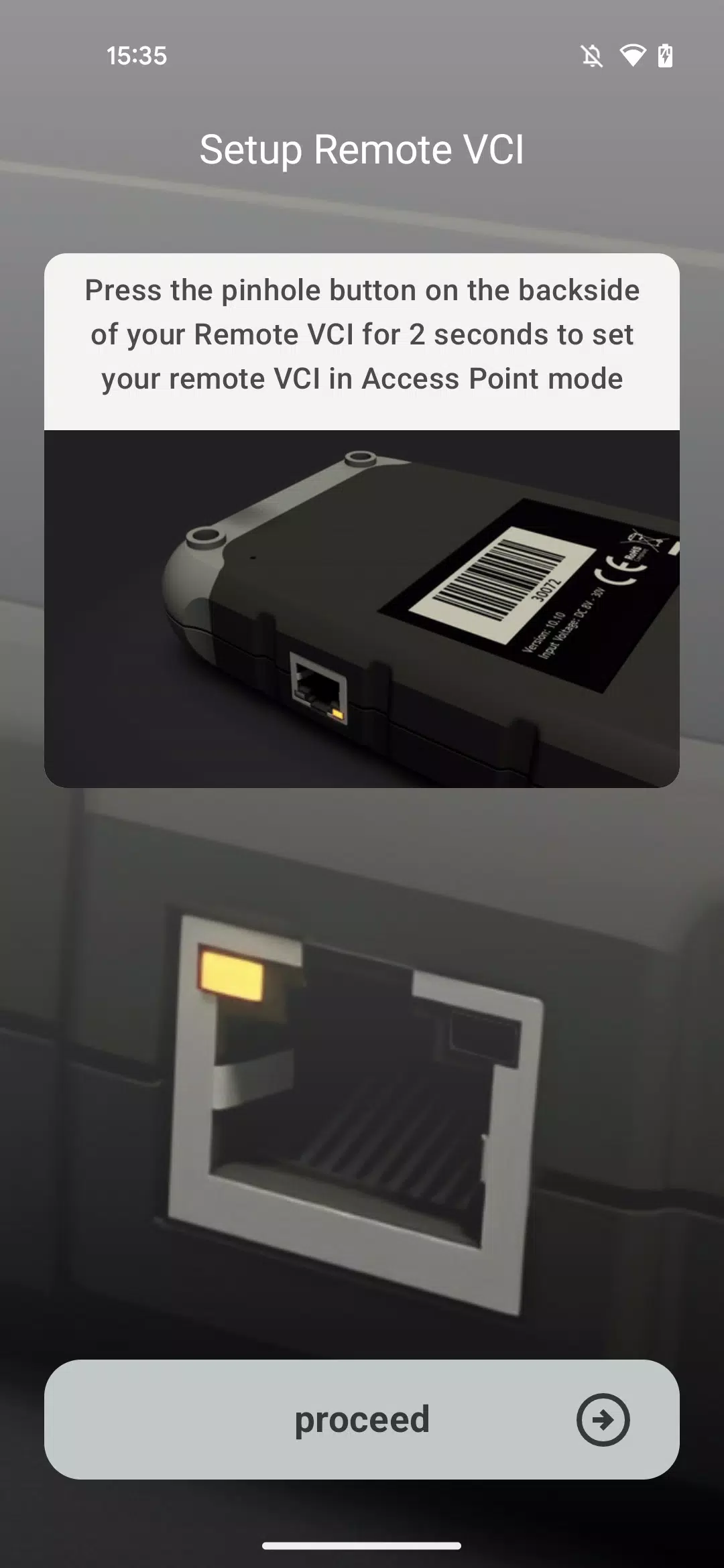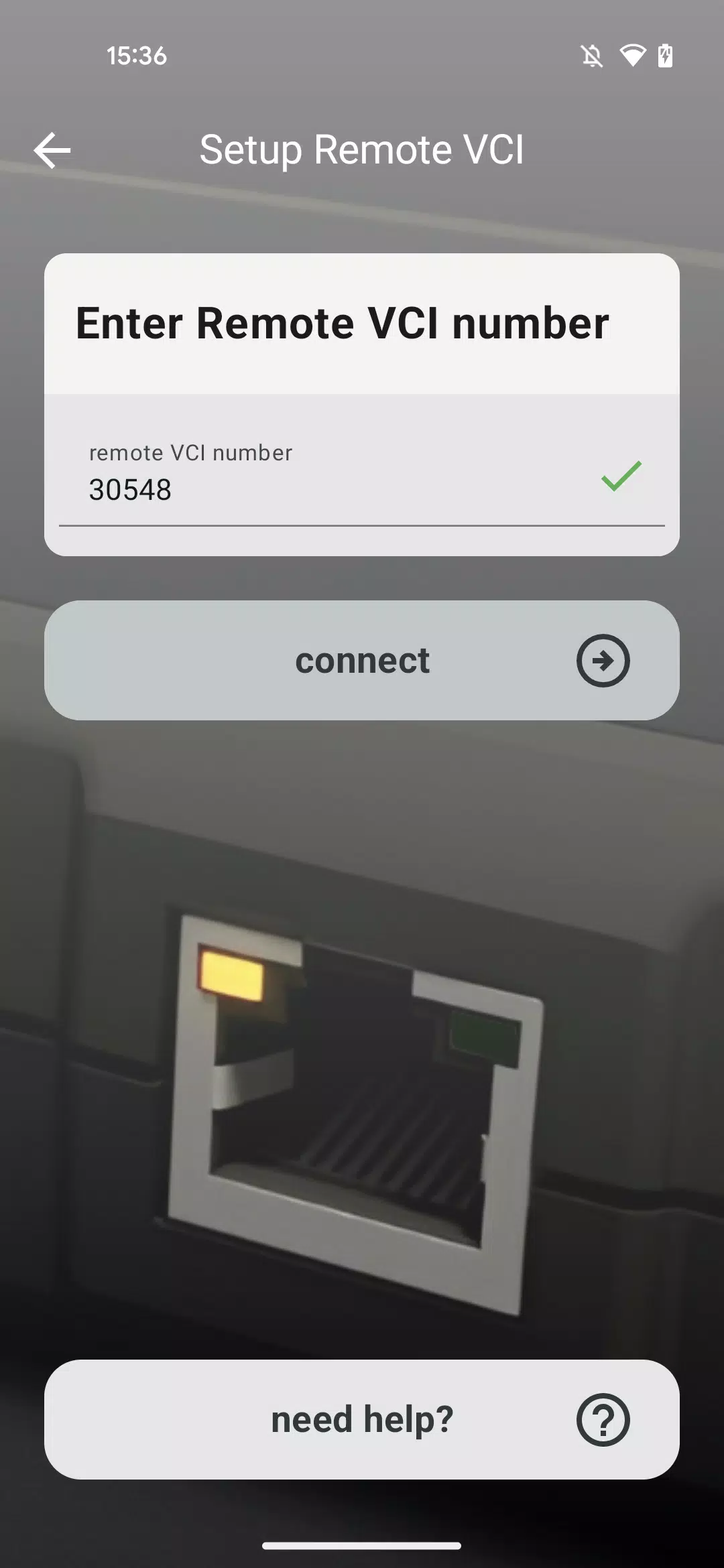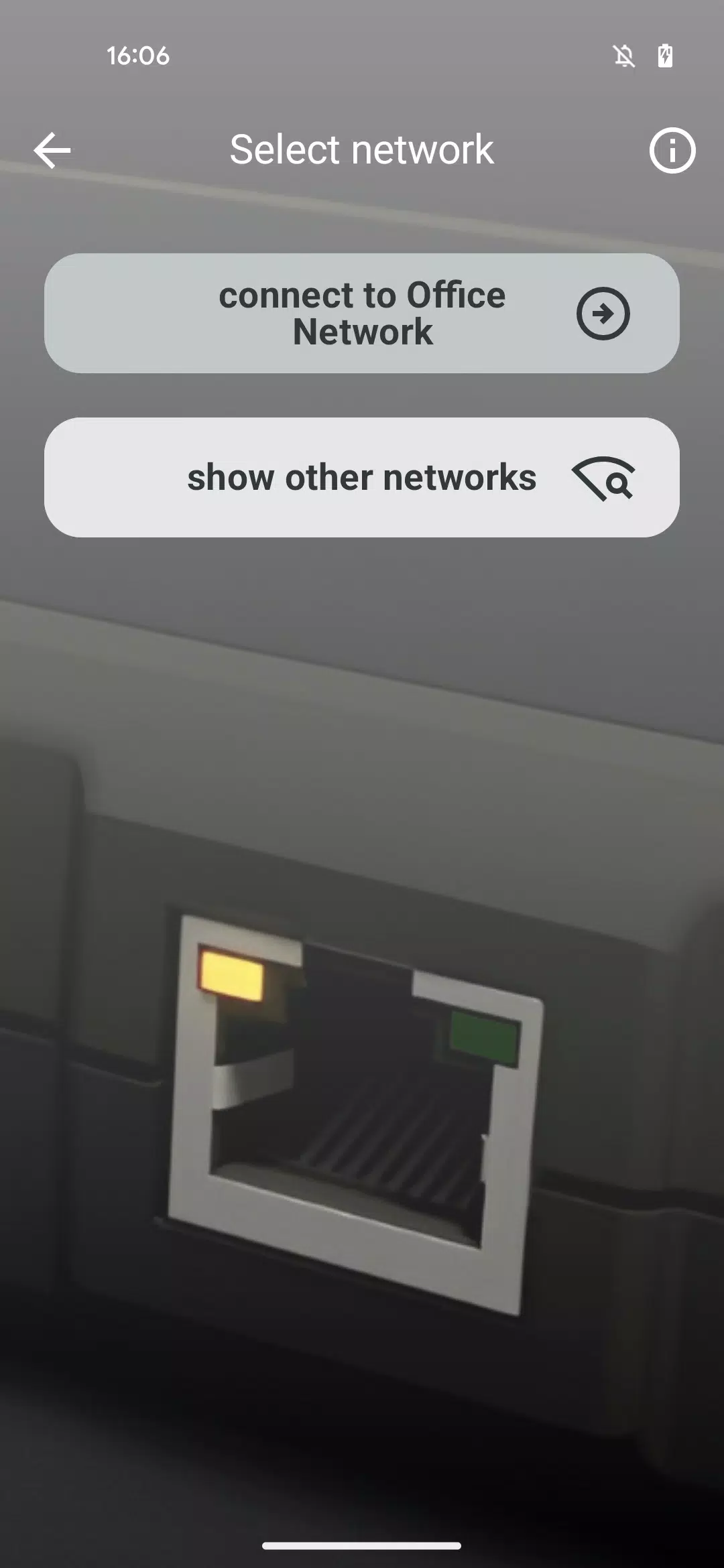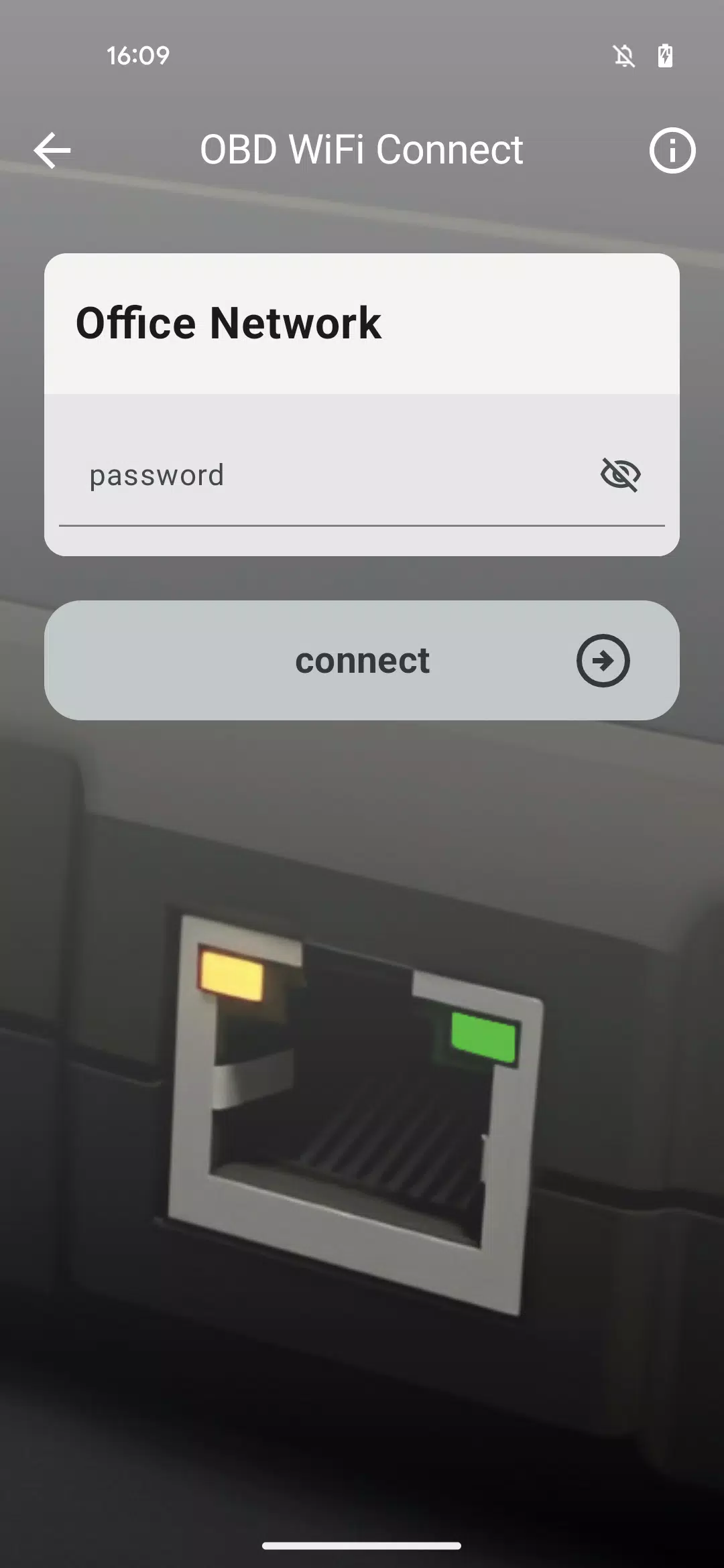
Simplify connecting your Remote VCI to your workshop's Wi-Fi network with this dedicated application.
Our specially designed application guides you through establishing a Wi-Fi connection between your workshop network and Remote VCI device.
The intuitive interface walks you through each step - from selecting the appropriate Wi-Fi network to securely entering your network credentials, enabling automatic connection for your Remote VCI.
Prepare your Wi-Fi network's login credentials before beginning the setup process for seamless configuration.
For troubleshooting assistance, visit the app's Help section which contains solutions for various connection issues you might encounter with your Remote VCI.
For mission-critical operations like full control unit software flashing, we strongly recommend using a wired LAN connection instead of Wi-Fi for maximum stability.
Latest Version 1.1.2 - What's New
Updated November 10, 2024
Introducing our enhanced OBD WiFi Connect application with improved functionality for optimal Remote VCI setup and operation.