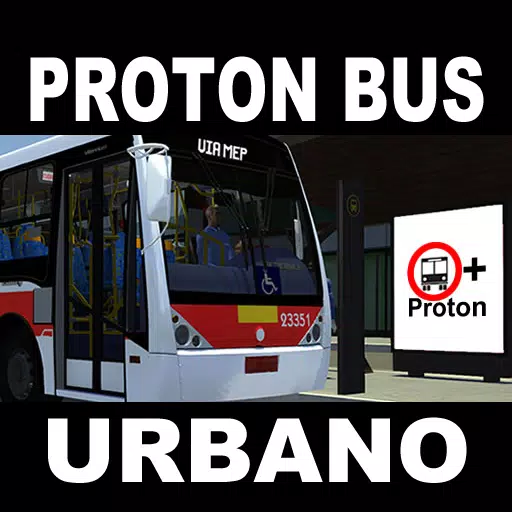
Drive urban buses with mods and explore vast cities in this simulator!
Welcome to Proton Bus Urbano!
This is the classic edition, focused on urban passenger transport within cities. Originally launched in 2017, it's been nearly five years! Our simulator has gained numerous features over that time.
The bus modding system is now more sophisticated, supporting extensive animations for buttons, rain, wipers, windows, and more. The community has already created hundreds of buses, with many more on the way!
We will soon release many new buses as mods, with several in development this year. Including every bus directly would make the game file excessively large, and no one uses every vehicle. The mod system lets you keep only your favorites, saving storage space. All older non-animated buses were omitted from this edition and will be relaunched as mods in the coming months.
In 2020, we introduced a map modding system—a rare feature for mobile games! Creating maps requires a computer, but once made, they run on most mobile devices with sufficient RAM.
The original routes are still included, but with a strong emphasis on custom map creation, they will soon become a thing of the past.
This simulator is FREE, with optional extras for PAID USERS. You can play the free version indefinitely. We don't seek payment just for the sake of it. Please pay only if you TRULY APPRECIATE the project and understand its development. Paid users enjoy an ad-free experience and gain exclusive features like virtual mirrors, cruise control, 360-degree screenshot capture, and more. Almost all other features and buses remain completely free.
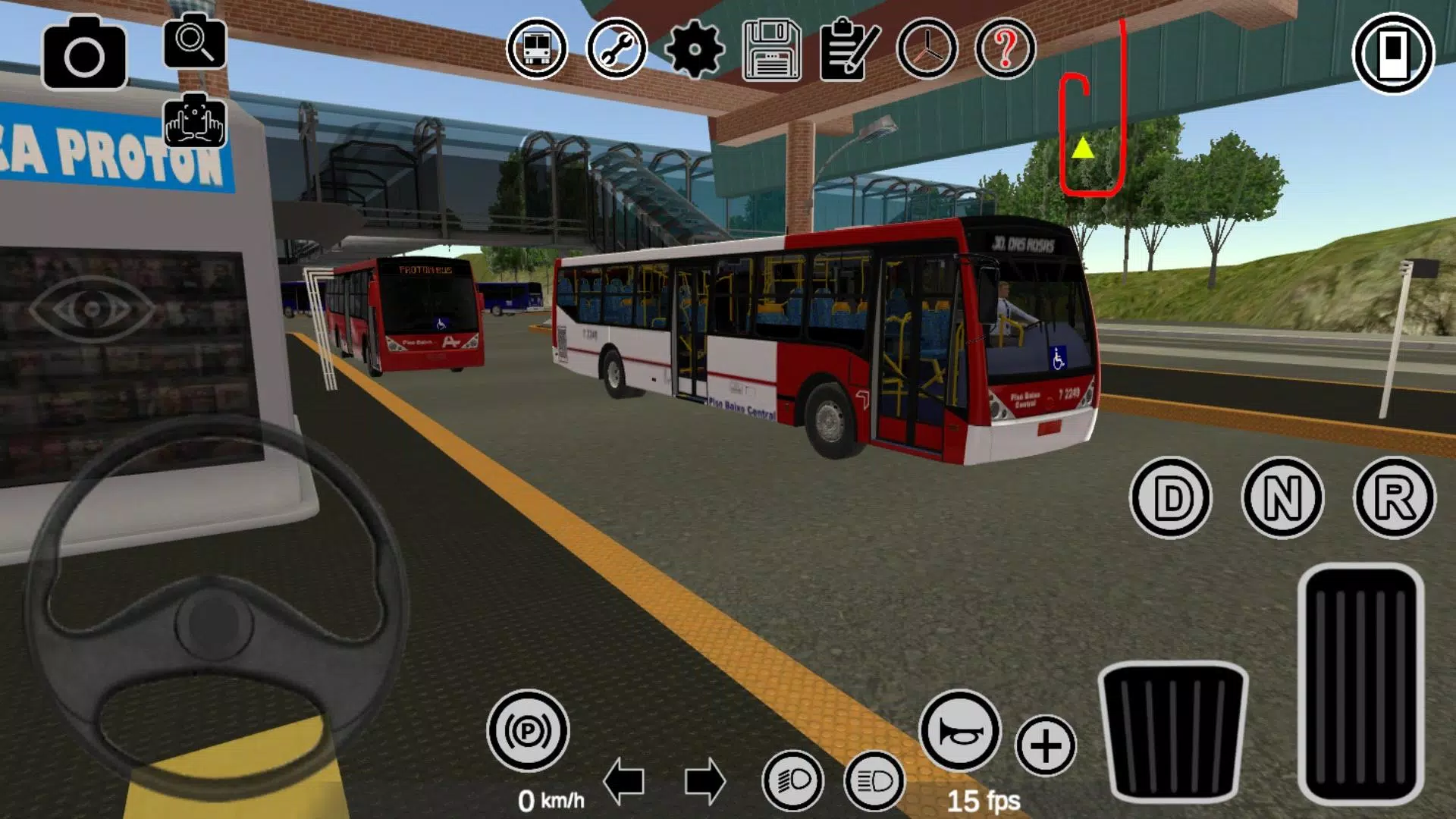
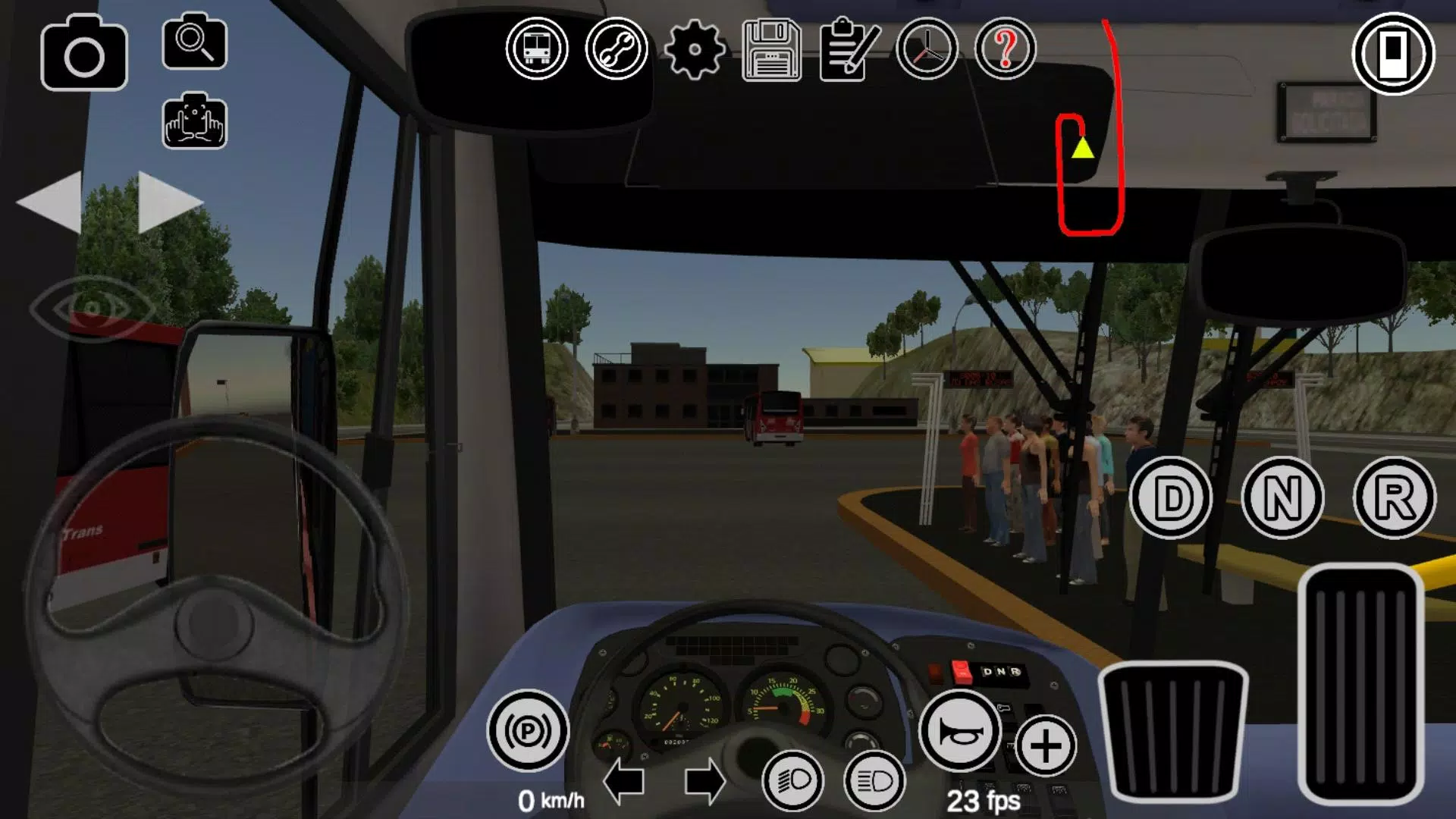
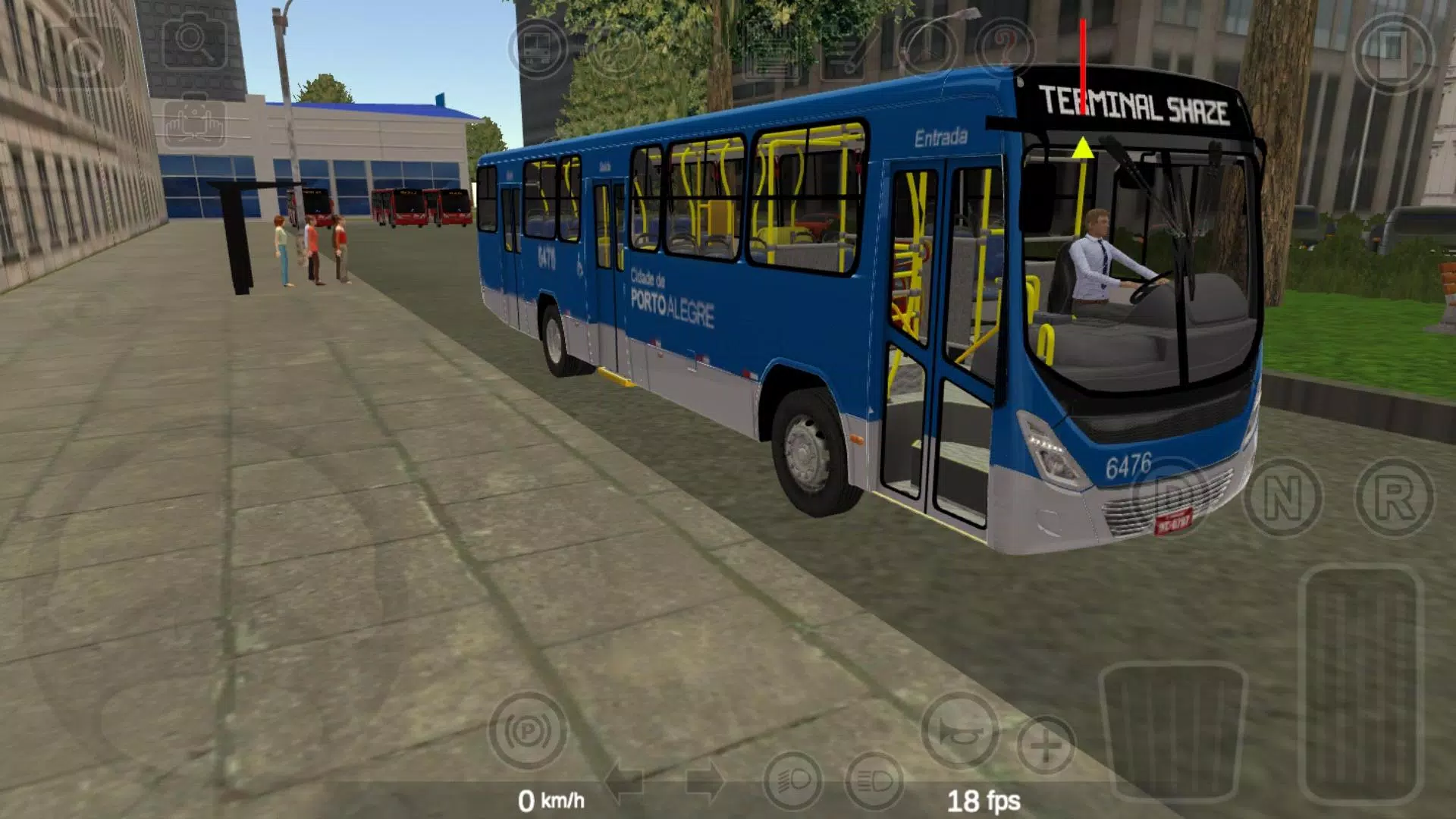
This is more a simulator than a game. We don't focus on points or checkpoints. Simply choose your preferred bus and drive. As a complex simulator, it offers many controls and settings. We recommend watching a video tutorial online before raising issues, as most common problems have simple solutions. For example, press 'N' before selecting a gear to move the bus, and remember to release the parking brake. Some settings can cause unexpected behavior; please read their descriptions carefully before enabling them. Certain options work better on some devices than others.
Available for PC and Android. PCs typically deliver better graphics quality due to their powerful hardware. Numerous settings can be adjusted to optimize performance. A modern mid-to-high-end device with ample RAM (preferably 4GB or more) is recommended. If performance is poor on your device, try older versions or tweak the settings. There is a known issue with 64-bit Unity applications on Android. If you experience low framerates, you can download the 32-bit APK from our website, which may improve speed.
We will focus more on core updates, especially enhancing modding support. This simulator is fantastic with mods—imagine it without them!
You can download mods by searching for "Proton Bus mods" or using the in-game button. Installation requires a file manager app. Don't worry—the community is here to help.
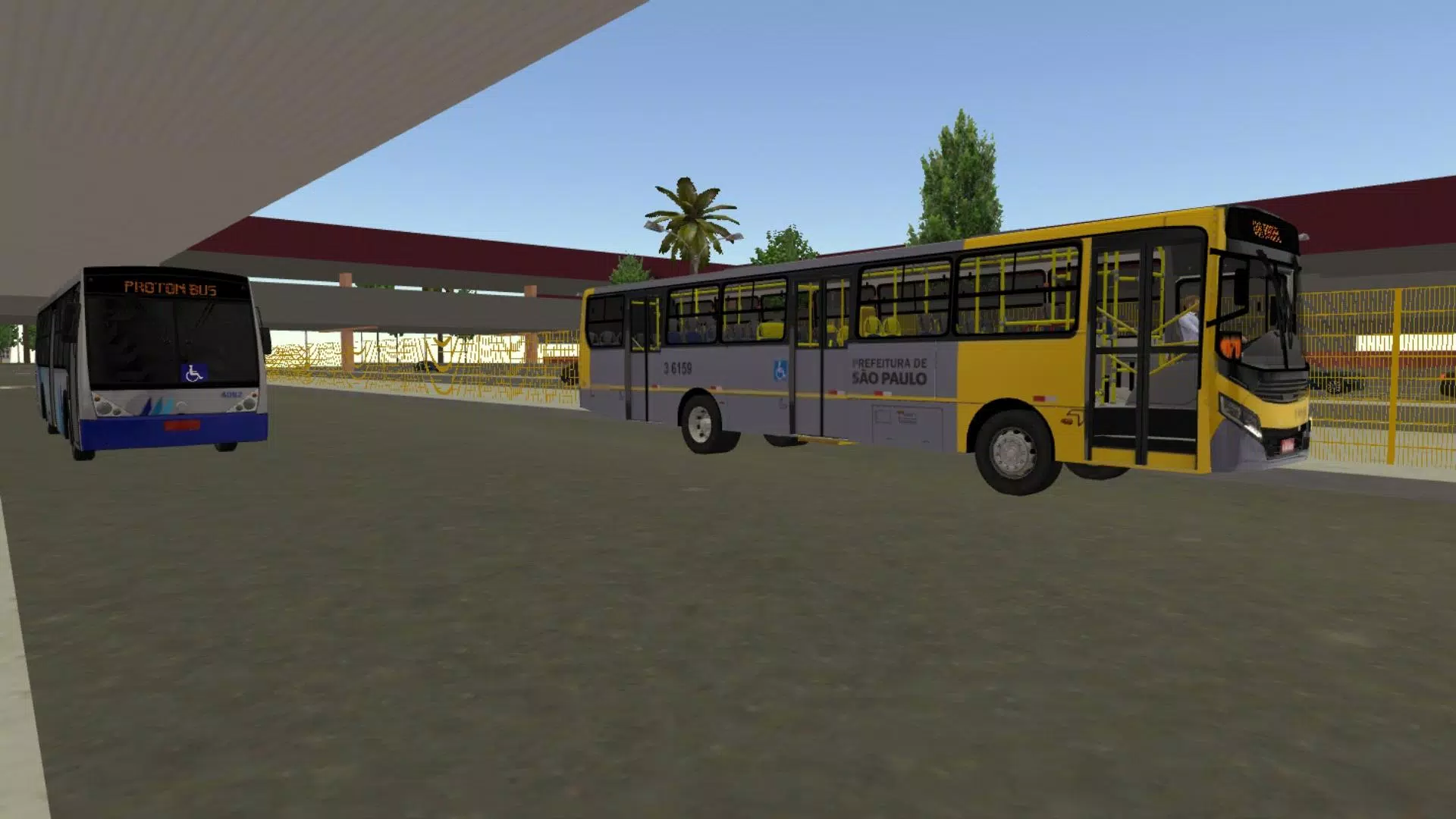
Currently, advanced features are tested on a Samsung Galaxy S9, and basic functions on a J7 Prime. It is not ideal for older phones with under 2GB of RAM, but you can try installing manually via APK/OBB files with no guarantees. Screenshots shown were taken on a Galaxy J7 Prime using the "good settings" button.
What's New in the Latest Version 1300
Last updated on Jul 15, 2023
* New mod installer! Installing mods is now much easier: after downloading the mod file, just click to share or open it with the game! This works for most buses and maps (this version supports up to Phase 3 maps only).
* Shadow improvements (not perfect, but somewhat better).
* Button to disconnect and delete the premium account (as required by the platform).













![A Father’s Sins – Going to Hell [Ch. 7 Public] By Pixieblink](https://images.hzyry.com/uploads/67/1719578270667eae9eb6a75.jpg)