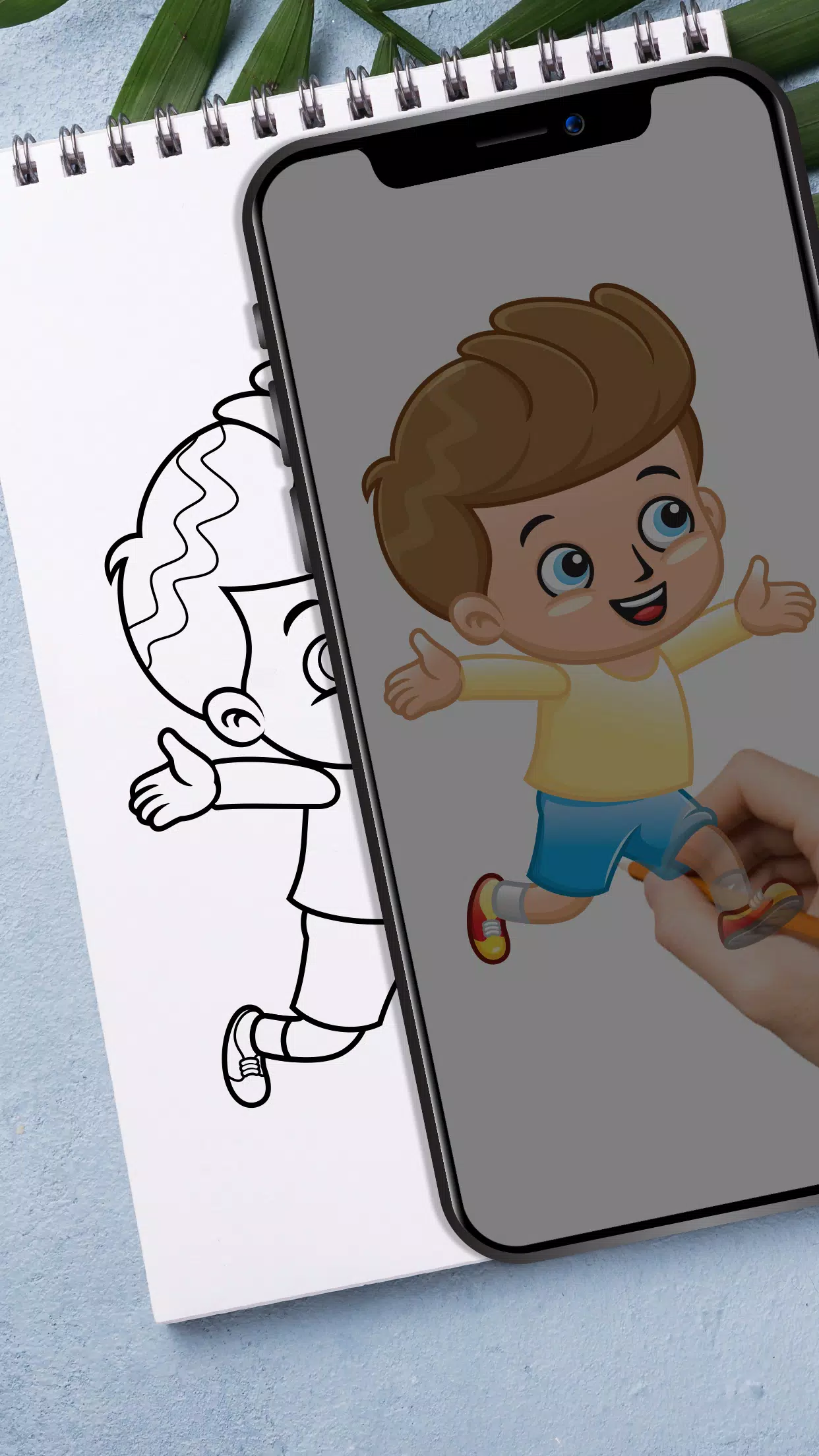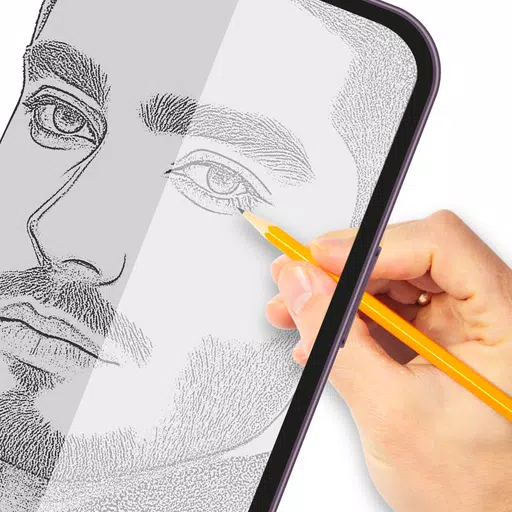
Draw and trace anything you like with this tracing paper application.
Tracing transforms photos or artwork into outlined drawings by placing tracing paper over the image and sketching the visible lines. Use this app to practice and improve your drawing and tracing skills.
How it works:-
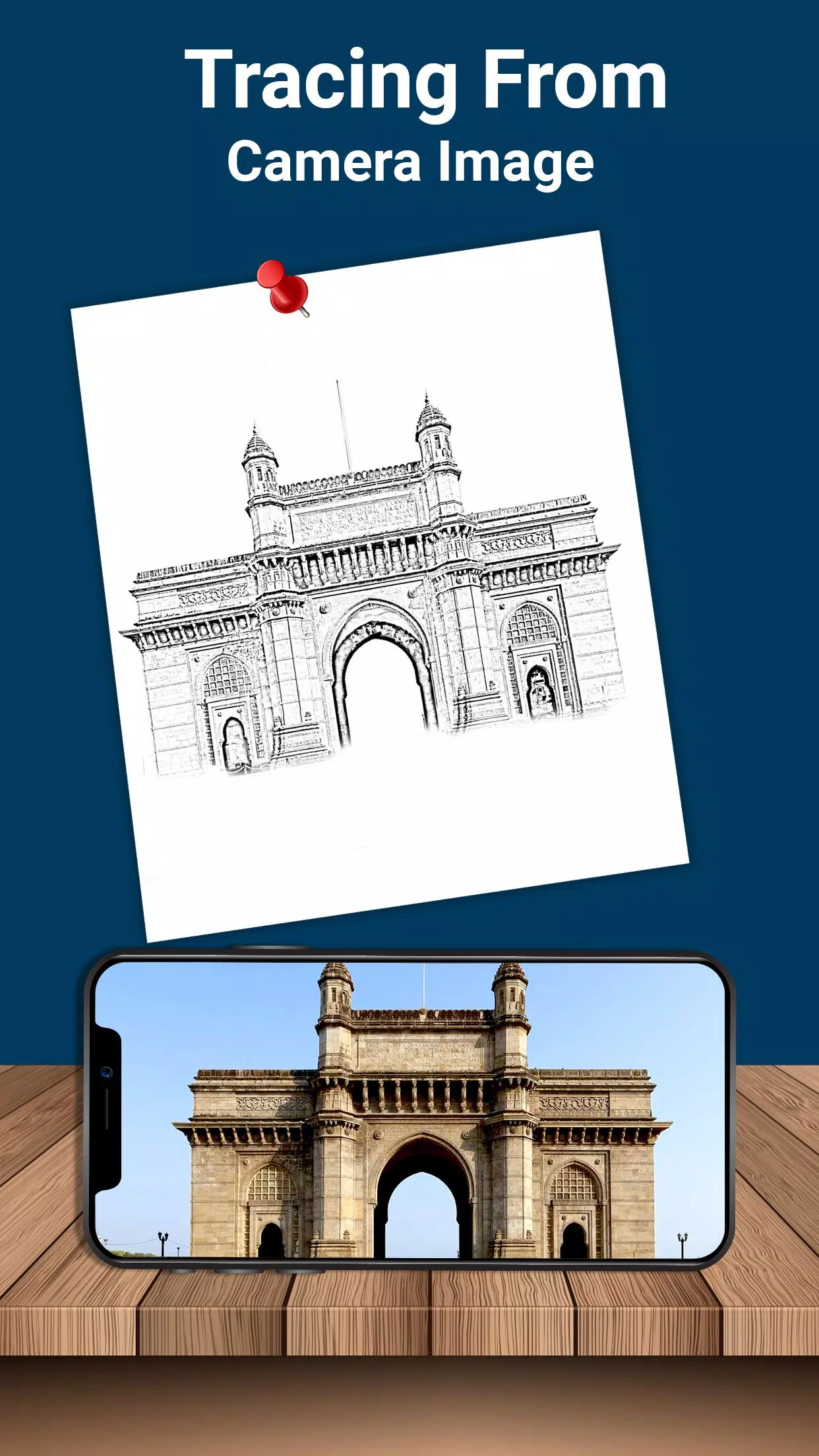
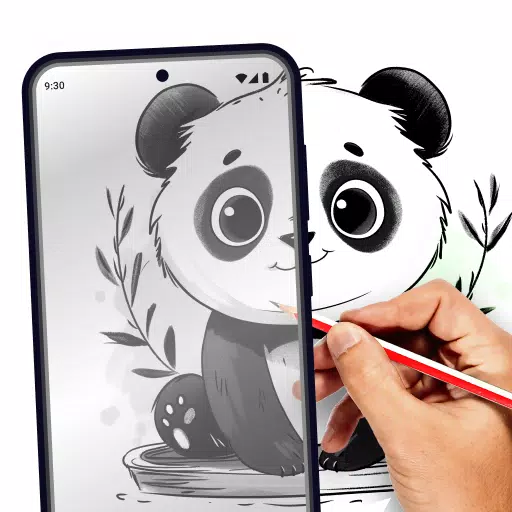
- Choose an image from your gallery or capture one with your camera. Adjust the brightness, change the background, or rotate the image. A transparent version will appear on your screen—place drawing paper over it and start tracing.
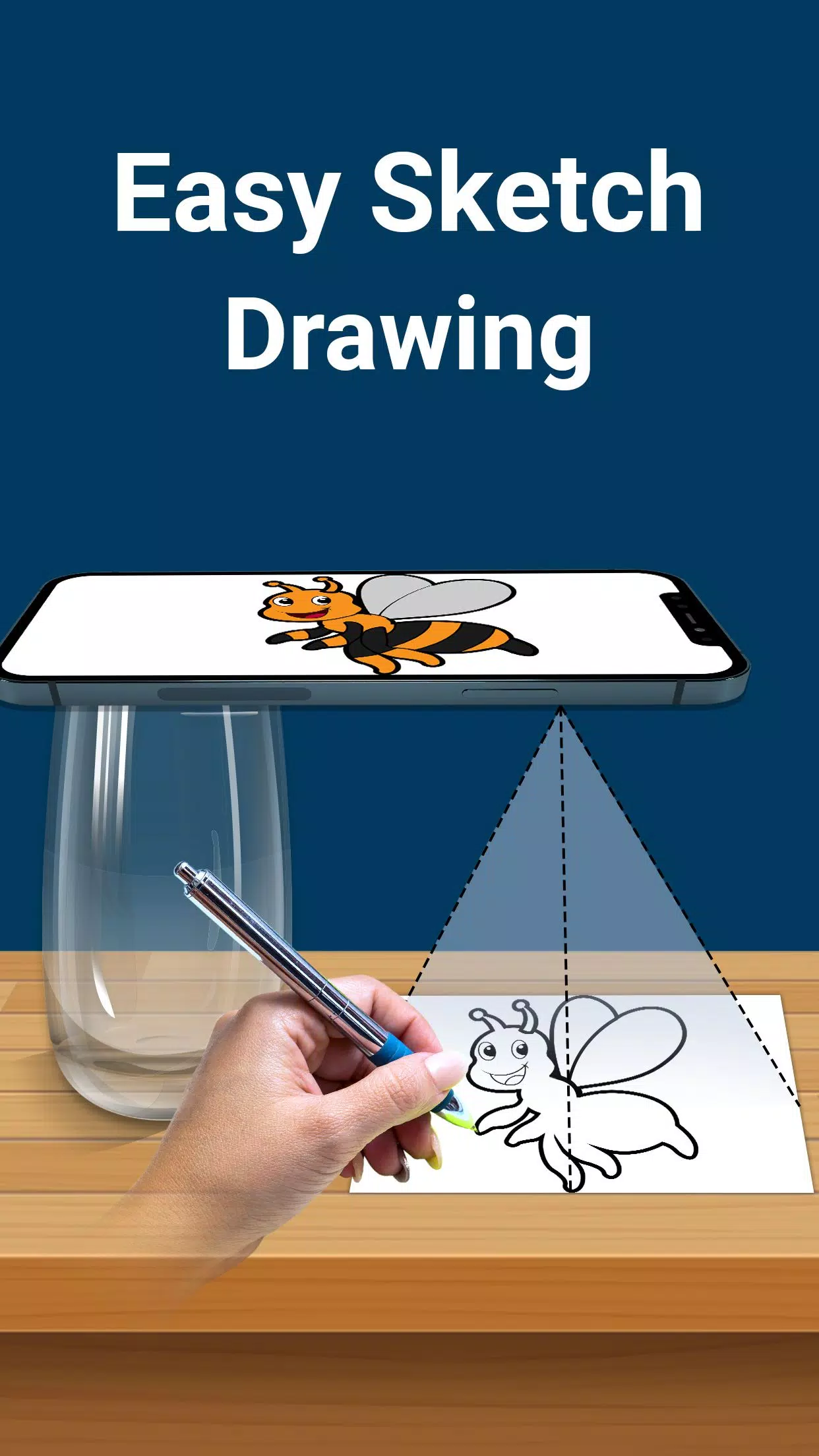
- The camera captures your image as a transparent overlay on the screen, not on paper, so you can trace directly onto your drawing surface. Select any image and turn it into a traceable outline.
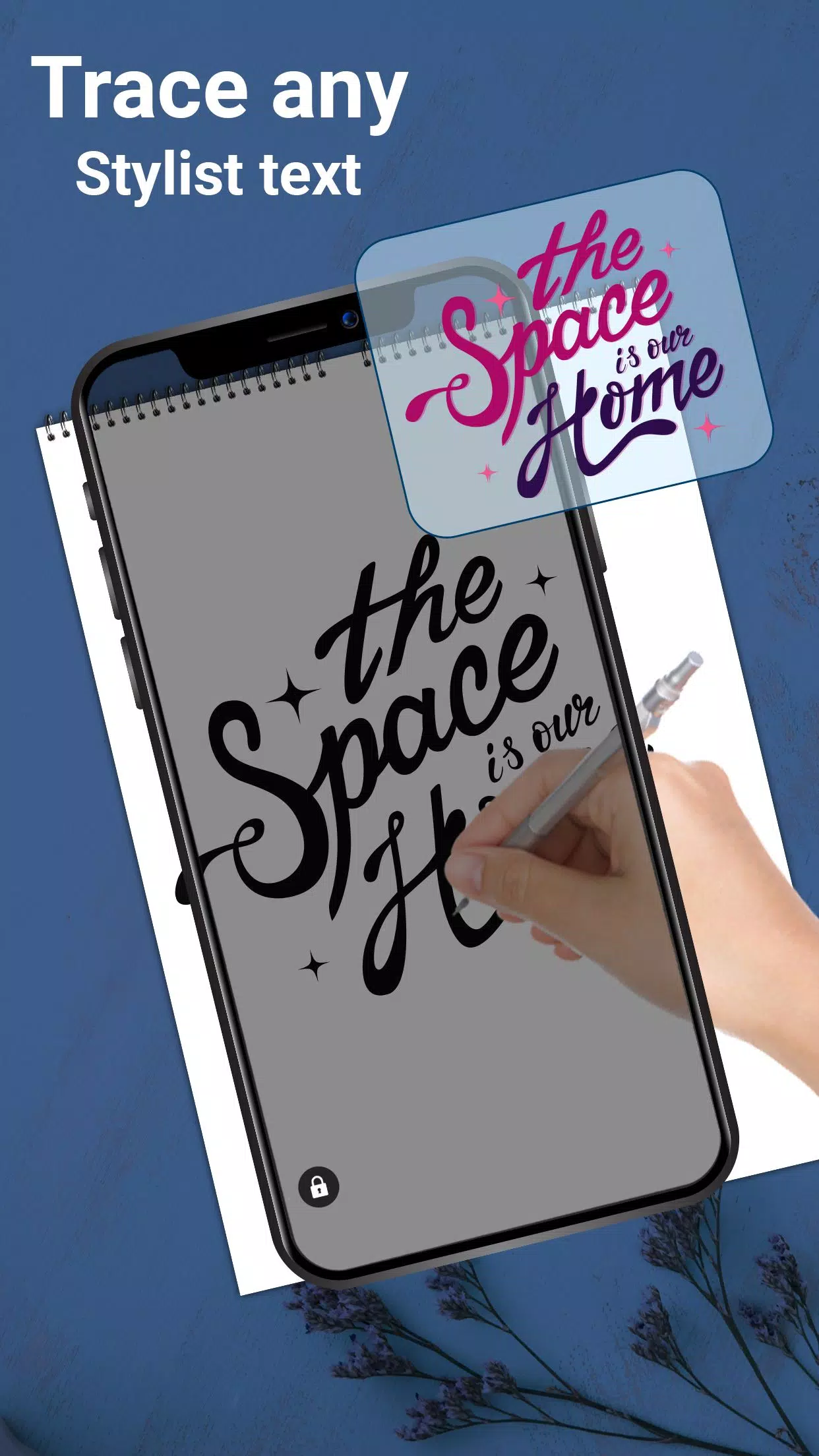
- With elegant built-in fonts, this tracing app lets you create text-based art like logos, signatures, and creative typography.
- This paper tracer is ideal for children, artists, and students, doubling as a simple sketch pad. Use it to produce any kind of drawing easily.
Features:-
- Pick images from your gallery to convert into traceable sketches and draw on blank paper
- Capture images using your camera
- Place paper on your screen and begin tracing
- Increase brightness to the maximum level
- Lock images while sketching for steady outlines
- Rotate images as needed
- Design text art such as logos, signatures, and creative lettering
- Zoom in and out on images easily
- Use a pencil or pen to trace and complete your drawing
Tracing Paper is a drawing app for anyone aiming to develop their artistic skills. It supports stenciling and offers practice for freehand drawing. Follow the lines clearly visible on your screen to sketch on your own paper. Draw freely using reference images.
Adjust photo opacity for better tracing accuracy. Create both simple and complex sketches using this lightbox tracing app.
Lock images for quick drawing sessions. This tracing app assists in drawing and outlining without requiring tracing elements.
Download the Trace Draw app now and build your sketching and drawing abilities.