AI Photo & Art Generator. Transform Your Words into Stunning AI-Generated Art, Drawings & Paintings
WizArt - AI Art Generator: Unleash Your Creativity with Artificial Intelligence!
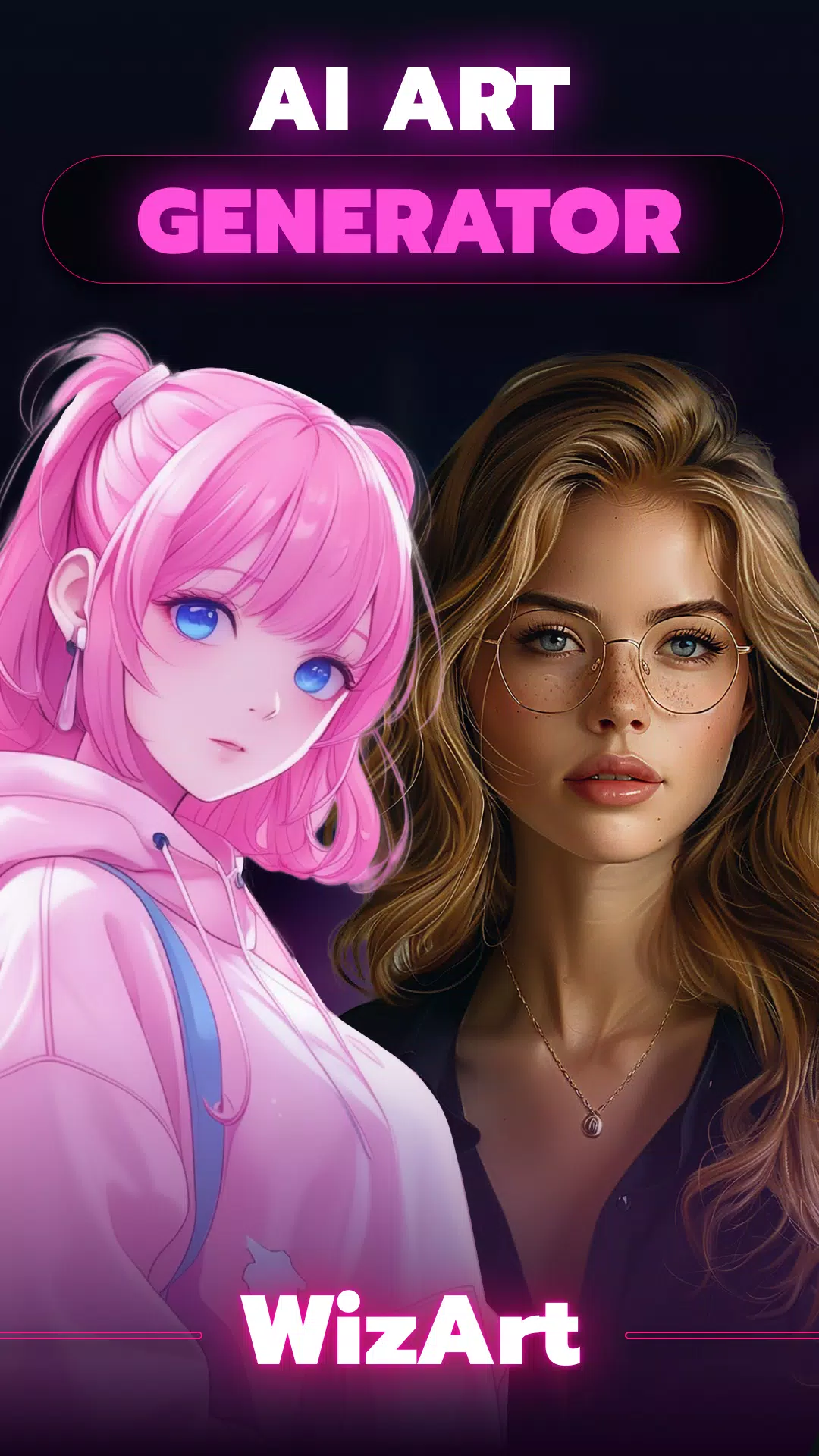
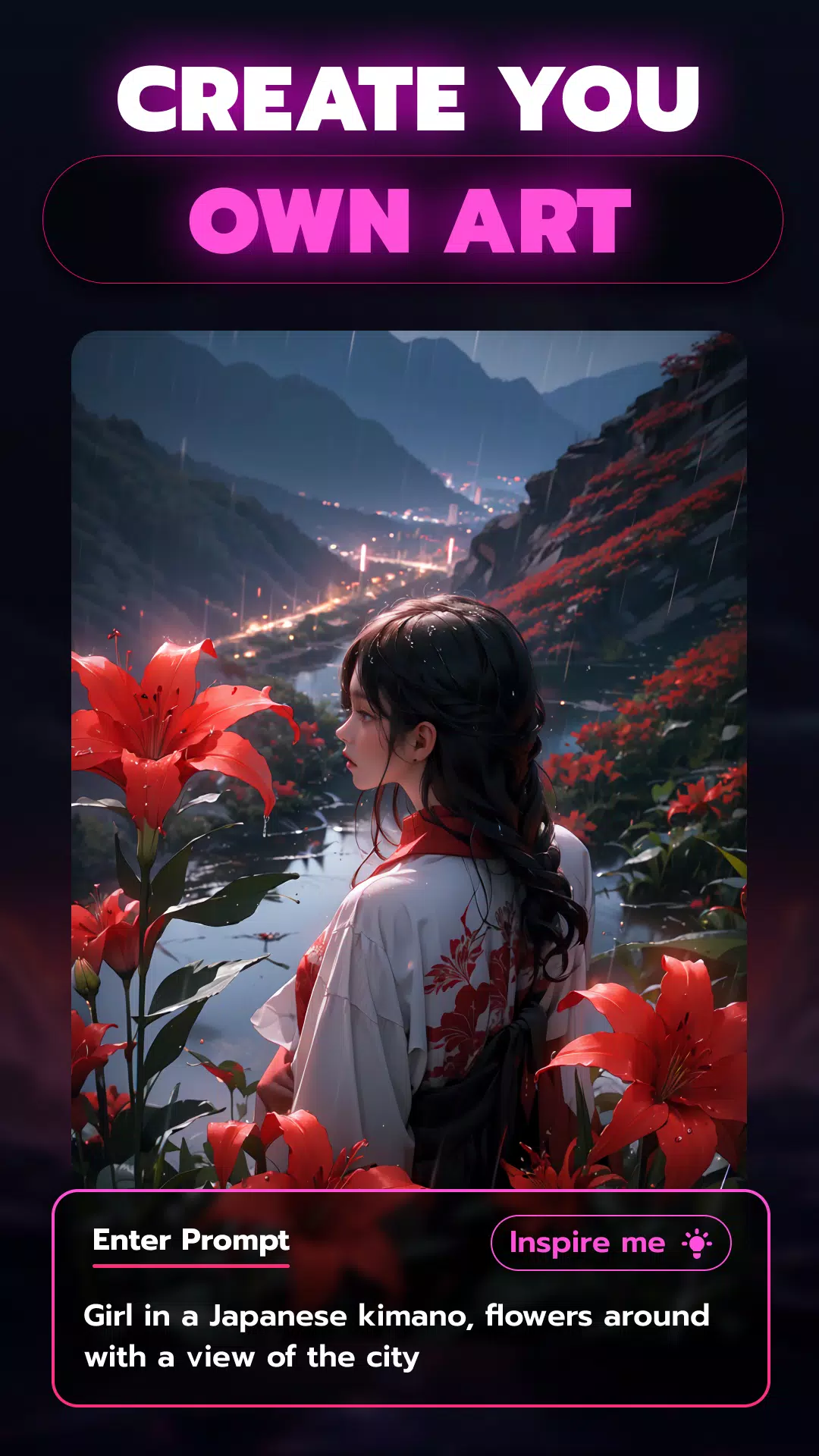
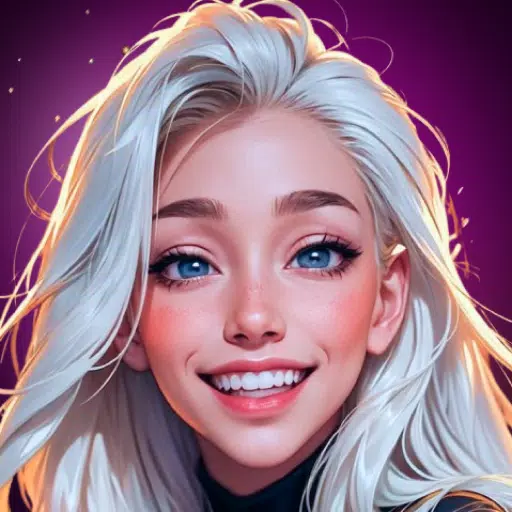
Experience the next generation of digital art creation with WizArt - AI Art Generator! Create breathtaking drawings, unique paintings, and captivating digital artwork using AI technology inspired by leading tools like Midjourney and DALL-E. Just type your prompt, select a style, and watch as WizArt brings your imagination to life in seconds.
✨ Key Features ✨
► Transform Words into Visual Art
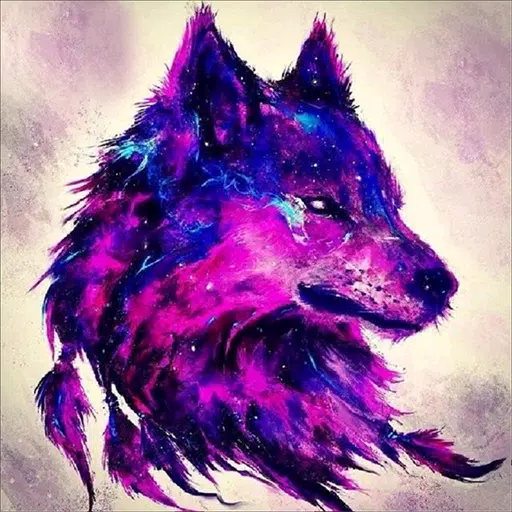
Picture a peaceful sunset landscape or vibrant abstract patterns expressing your mood. Describe any concept, and WizArt will convert your words into stunning visual creations. Our AI, trained on millions of web images, delivers unique, high-quality artwork every time. It's like having MidJourney or DALL-E right at your fingertips!
► AI-Powered Photo Filters
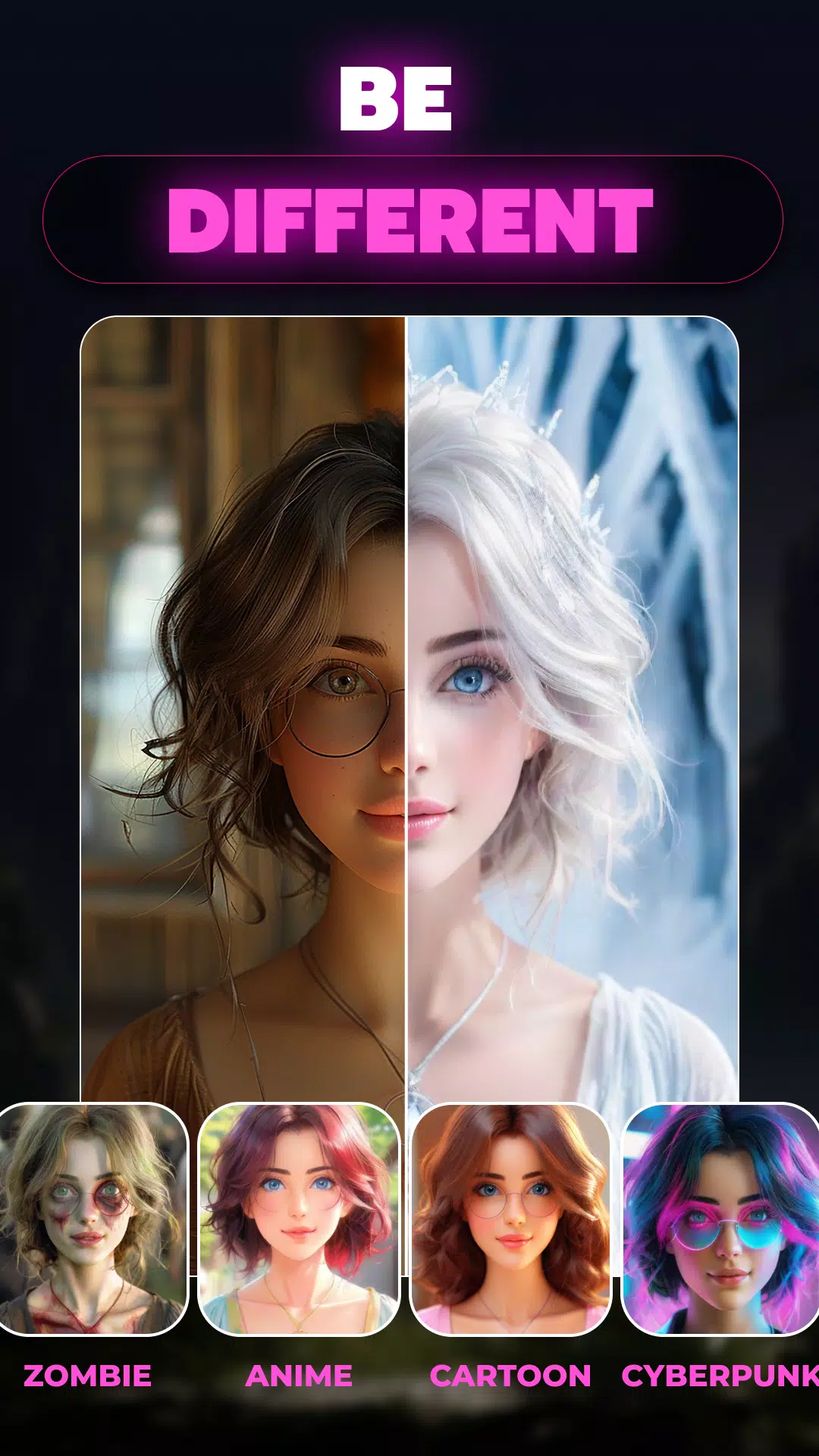
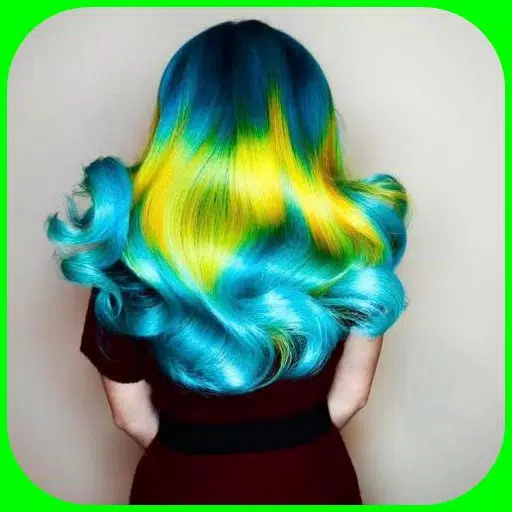
Enhance your photos with our magical AI filters! Apply stunning styles including neon, pop art, anime, and more. Whether you're editing selfies, portraits, or scenery, give your images an entertaining, cartoon-style transformation instantly.
► AI Headshot Transformation
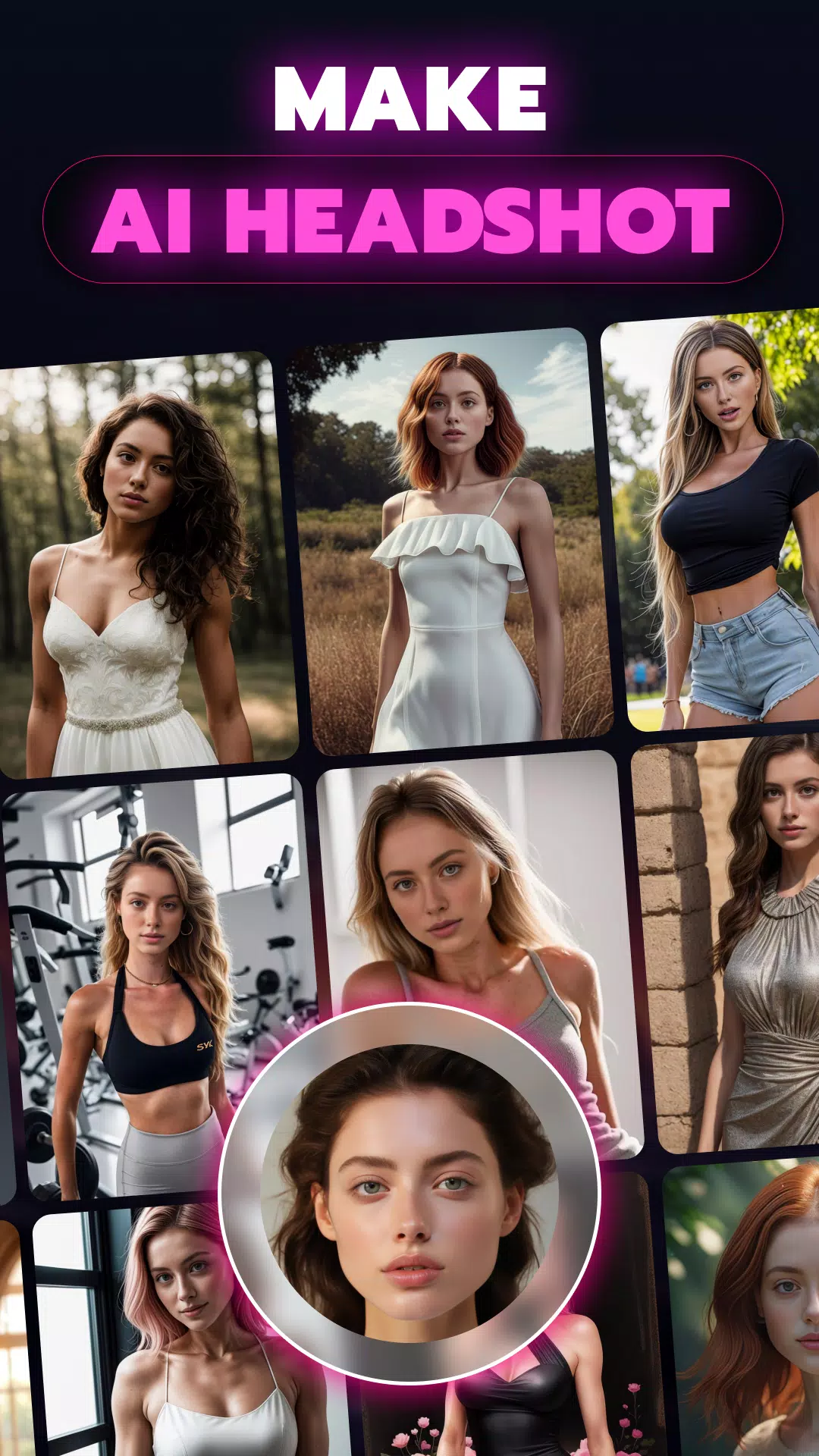
Redefine your portrait photography with WizArt's advanced AI headshot generator. Select from professional, casual, or artistic styles, and let our AI convert your photos into exceptional, high-quality headshots. Ideal for professional profiles, business portraits, or social media.
► Convert Photos into Artistic Creations
Begin with any photo and watch WizArt reinvent it using artistic styles like anime, pixel art, and beyond. Upload your image and see how our AI recreates it, drawing inspiration from Midjourney, DALL-E, and Stable Diffusion.
► AI Tattoo Designer
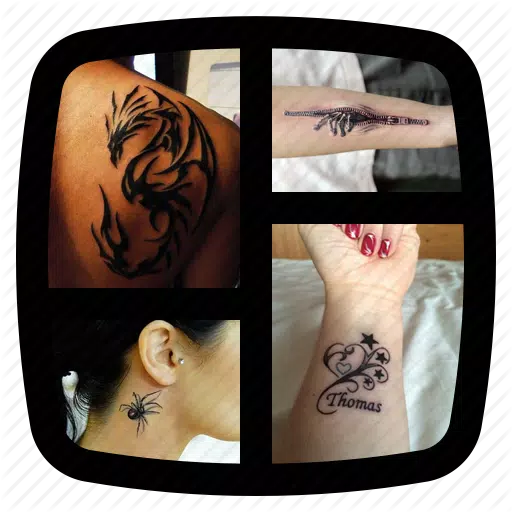
Design distinctive tattoos with ease using WizArt. Input your ideas, and our AI will generate incredible custom tattoo designs in seconds. Perfect for finding inspiration or creating a truly personal tattoo design.
► 100+ AI Art Styles Available
Discover over 100 unique art styles with WizArt. Whether you love anime, minimalism, surrealism, or other aesthetics, WizArt enables you to create art that matches your personal taste. Expand your creative possibilities and explore new artistic directions.
► Hyper-Realistic AI Photo Generation
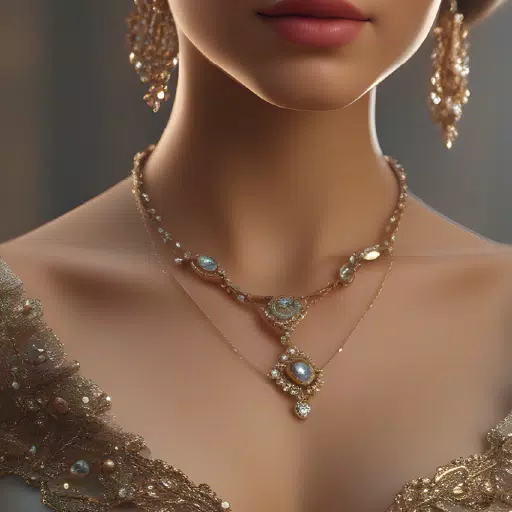
Create photorealistic images using only text descriptions with WizArt's latest model, inspired by Stable Diffusion and Midjourney. Generate high-resolution, ultra-realistic photos that appear professionally captured.
► Variation Mode for AI Art
Explore different versions of your AI-generated artwork. WizArt's Variation Mode lets you experiment with multiple interpretations of your creations, helping you discover the perfect result.
► Redesign Your Space with AI Art
Looking for the ideal artwork to enhance your interior? Share your vision with WizArt, and our AI will produce custom drawings and paintings that complement your decoration and personal style.
► Create Custom Wallpapers
Design unique wallpapers for your devices using AI technology. Simply describe your concept, and WizArt will generate the perfect wallpaper to personalize your screen.
► Share Your AI Creations
Love your AI-generated artwork? Share it directly to social media platforms from WizArt. Display your creativity and participate in trending #AIPainting communities with ease.
Creating AI-generated art is now more accessible than ever. WizArt - AI Art Generator merges artificial intelligence with your creative vision to produce amazing images from text and photos. Powered by technology inspired by industry leaders like Midjourney, DALL-E, and Stable Diffusion, WizArt is your perfect partner for artistic exploration.
What's New in the Latest Version 1.54
Last updated on Sep 16, 2024
Crash fixes
User interface improvements