
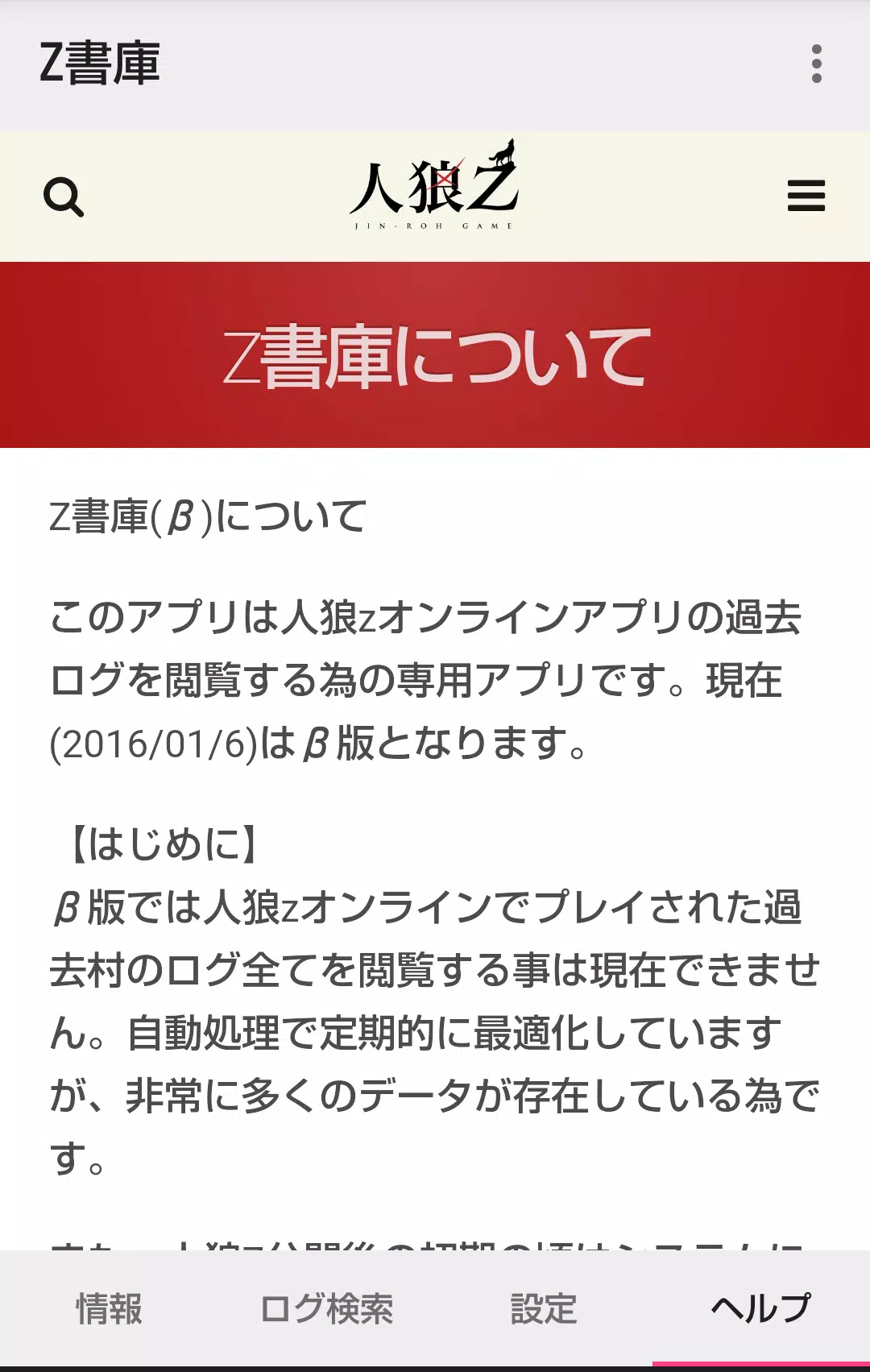
This app is a dedicated application for viewing past logs of the Werewolf Z Online.
[Introduction]
This app is a dedicated application for viewing past logs of the Werewolf Z Online.
[Home Screen]
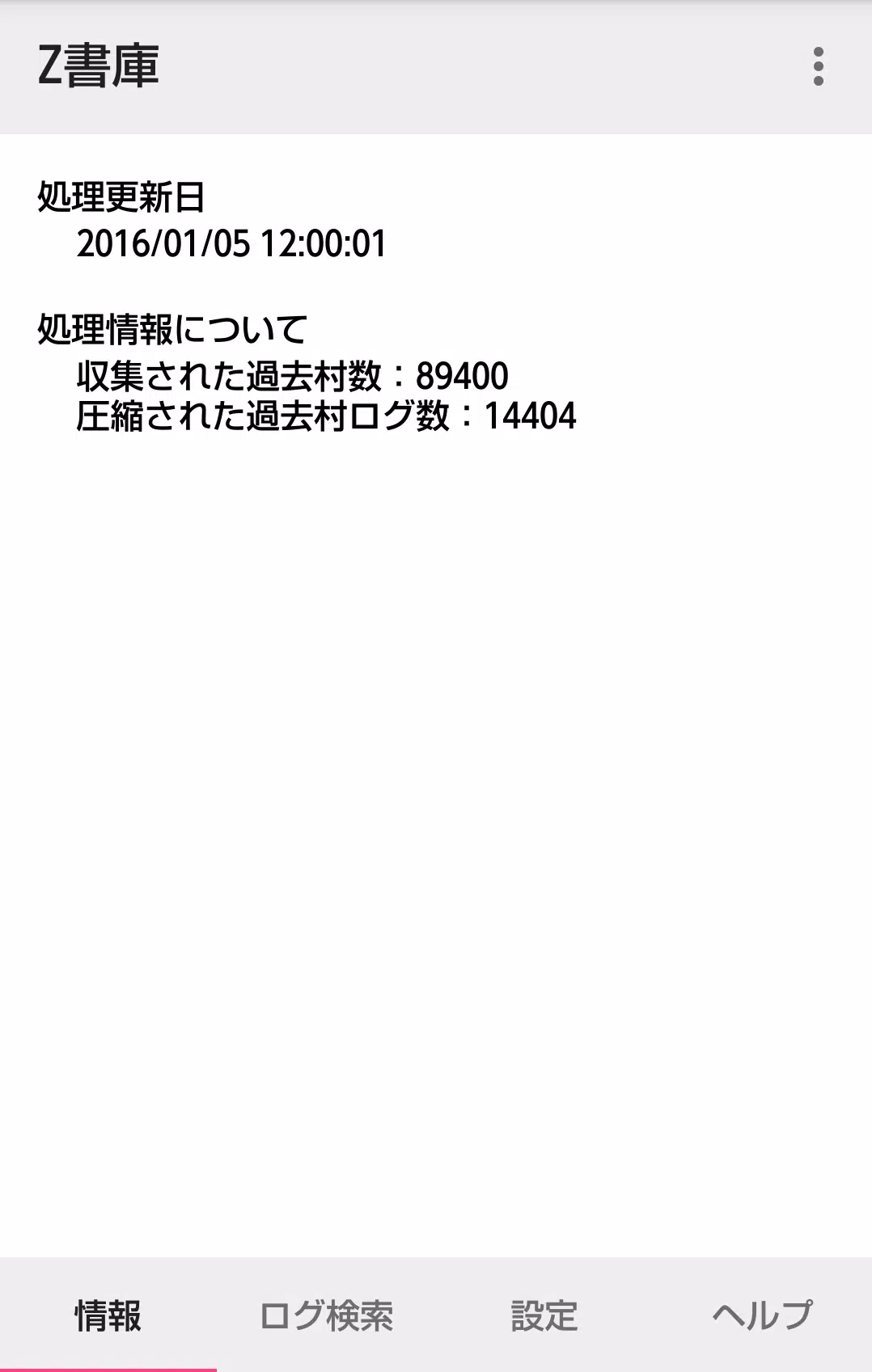
Information tab
Displays information about the currently processed villages. We plan to expand this section to display additional details in future updates.
Log search tab
The log search function offers three types of searches:
- Village name search
- Search for villages you have participated in previously
- Search for villages you created
For options 2 and 3, the functions are activated by launching the Z Archive application from the menu within Werewolf Z Online.
Regarding option 1, while it allows searching via partial matches of village names, it does not support multiple keyword searches.
Settings tab
You can clear the cached log data saved within the application.
[Past Village Detail Screen]
A browsing code must be entered on the detail screen to view logs. However, this is not required if you use the search functions for options 2 and 3 mentioned above, or if viewing a village you created or participated in via the name search.
[Detailed Log Screen]
Logs are displayed chronologically from the GM's game start log down to the oldest entry. By default, Werewolf chat logs and Graveyard chat logs are hidden.
You can toggle the visibility of Werewolf chats and Graveyard chats via the settings menu. Please note that on villages with a high volume of logs, this switching function may cause performance lag.
What's New in Version 1.4.0
Last updated: March 7, 2023
- Minor bug fixes
- Display of shared character statements















![A Father’s Sins – Going to Hell [Ch. 7 Public] By Pixieblink](https://images.hzyry.com/uploads/67/1719578270667eae9eb6a75.jpg)