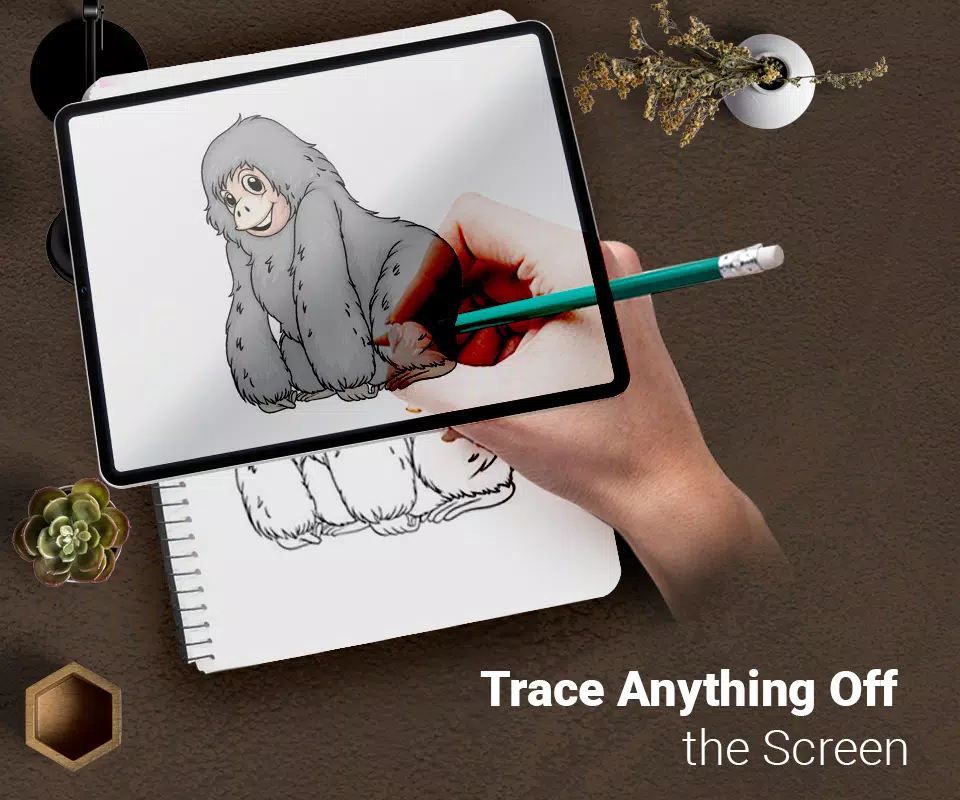
Trace any image directly onto paper using your phone's camera as a simple guide.
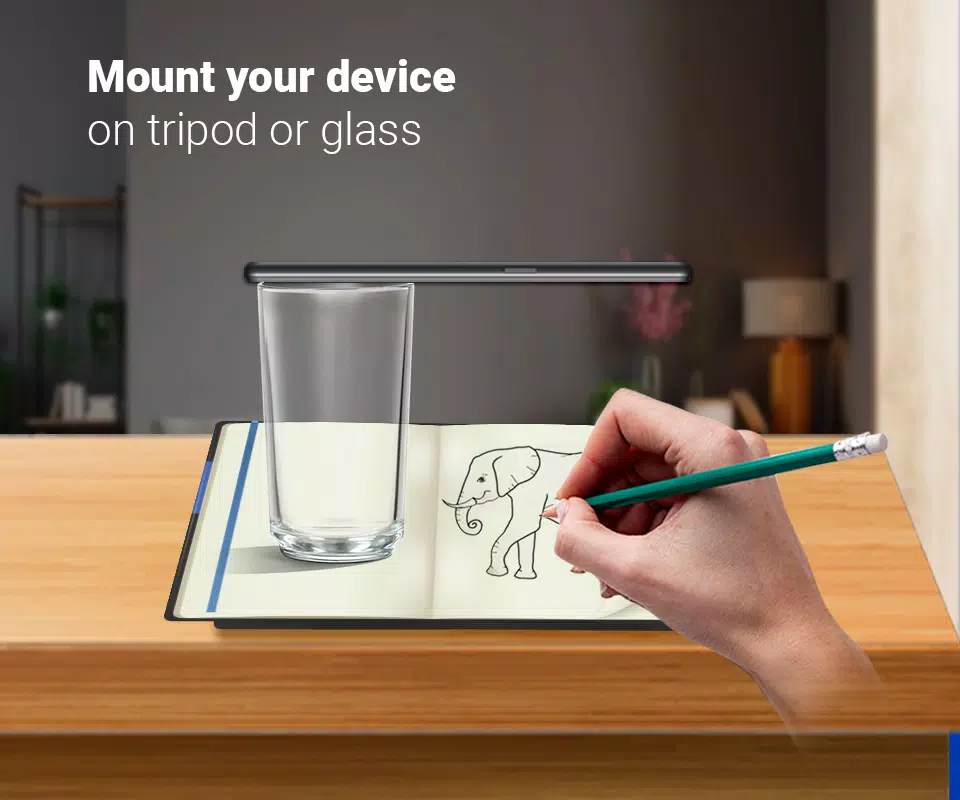
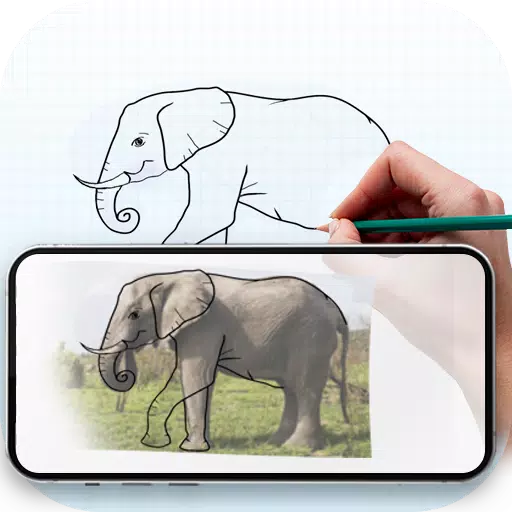
This tool helps you learn and practice drawing by simplifying the tracing process. Select an image from the app or your gallery, apply a filter to prepare it for tracing, and view it through your camera. Position your phone about a foot above the paper, look at the screen, and start drawing.
Main Features:
Trace any image by viewing it on your phone's screen; the image won't physically appear on the paper, but you can replicate it precisely.
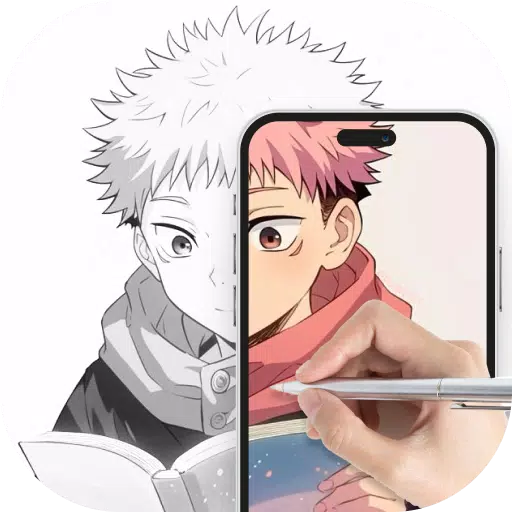
Draw on paper while looking at your phone, which displays a live camera view with a transparent image overlay.
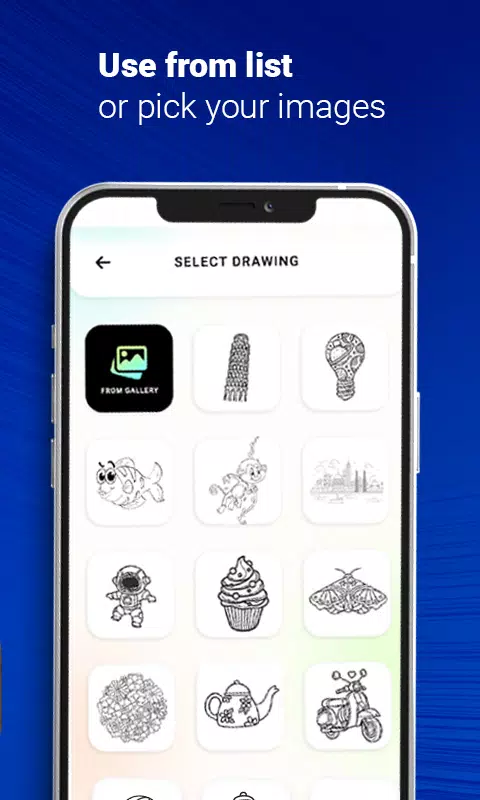
Select a sample image from the app and practice drawing it in your sketchbook.
Choose any photo from your gallery, convert it into a traceable outline, and sketch it on a blank page.
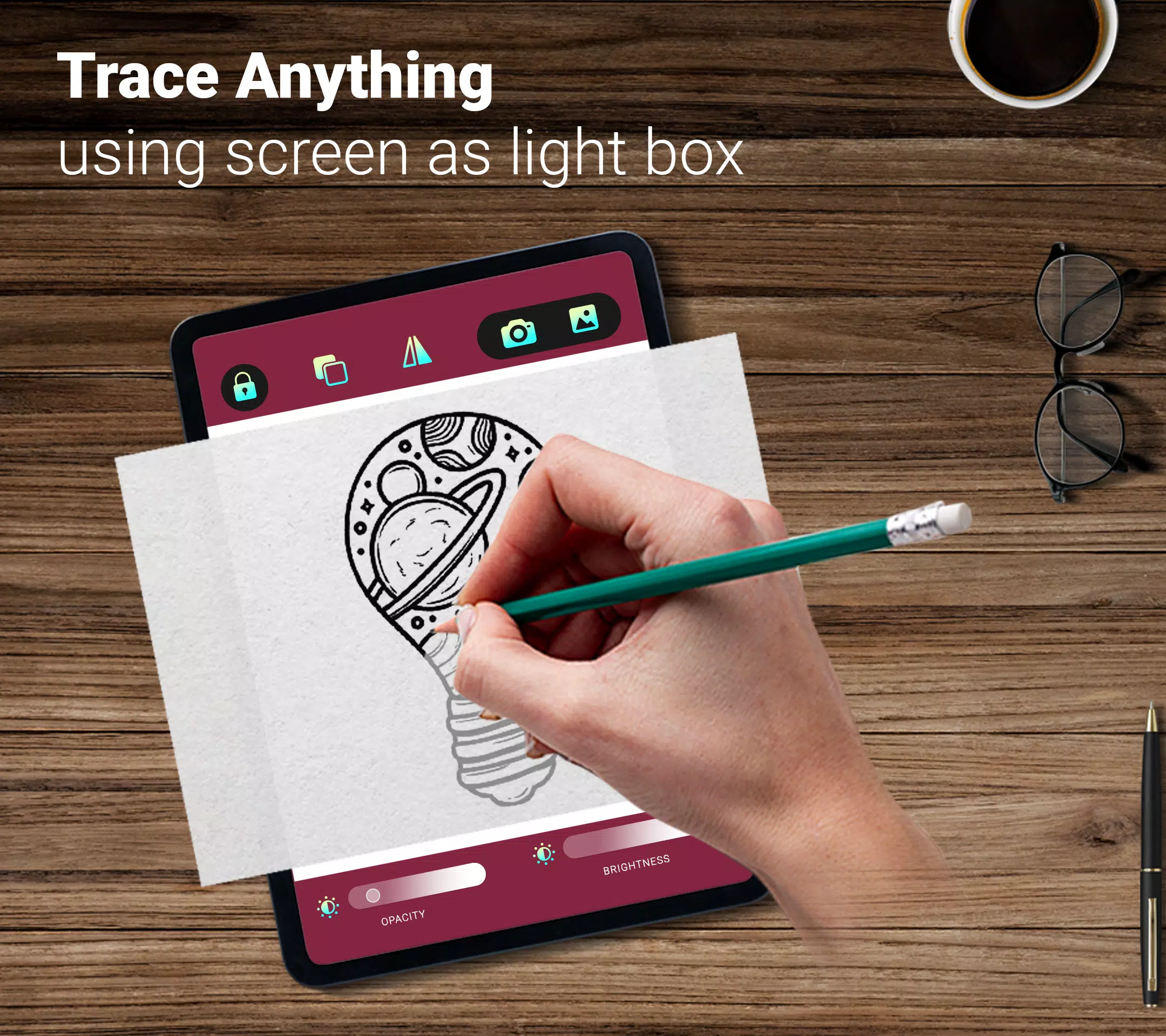
Adjust images to be transparent or convert them into line art to support your creative process.