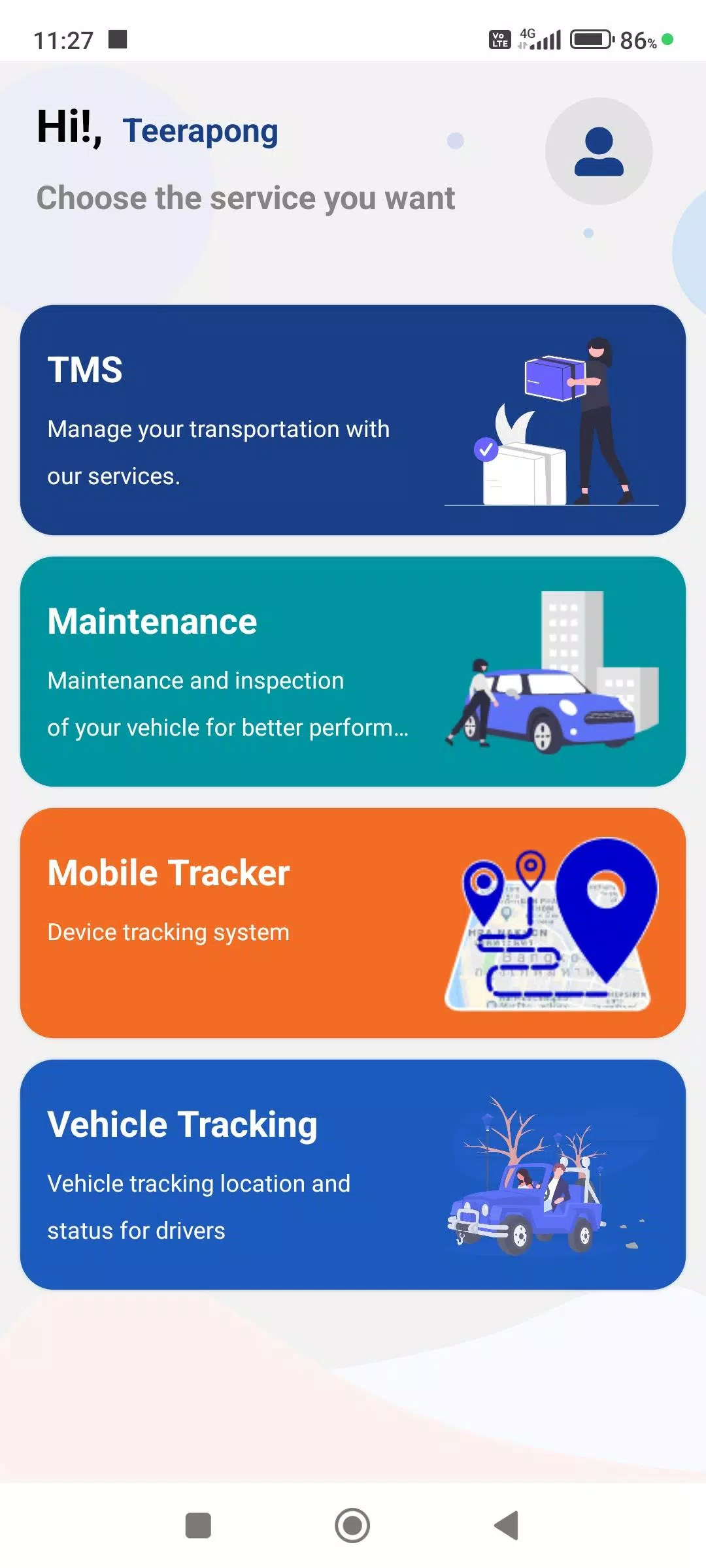
A mobile application that displays real-time status updates for GPS Tracking devices.
A driver-facing application that enables the submission of diverse work-related information through the company's Web Console, ensuring greater accuracy and completeness of operational data. Key capabilities include:
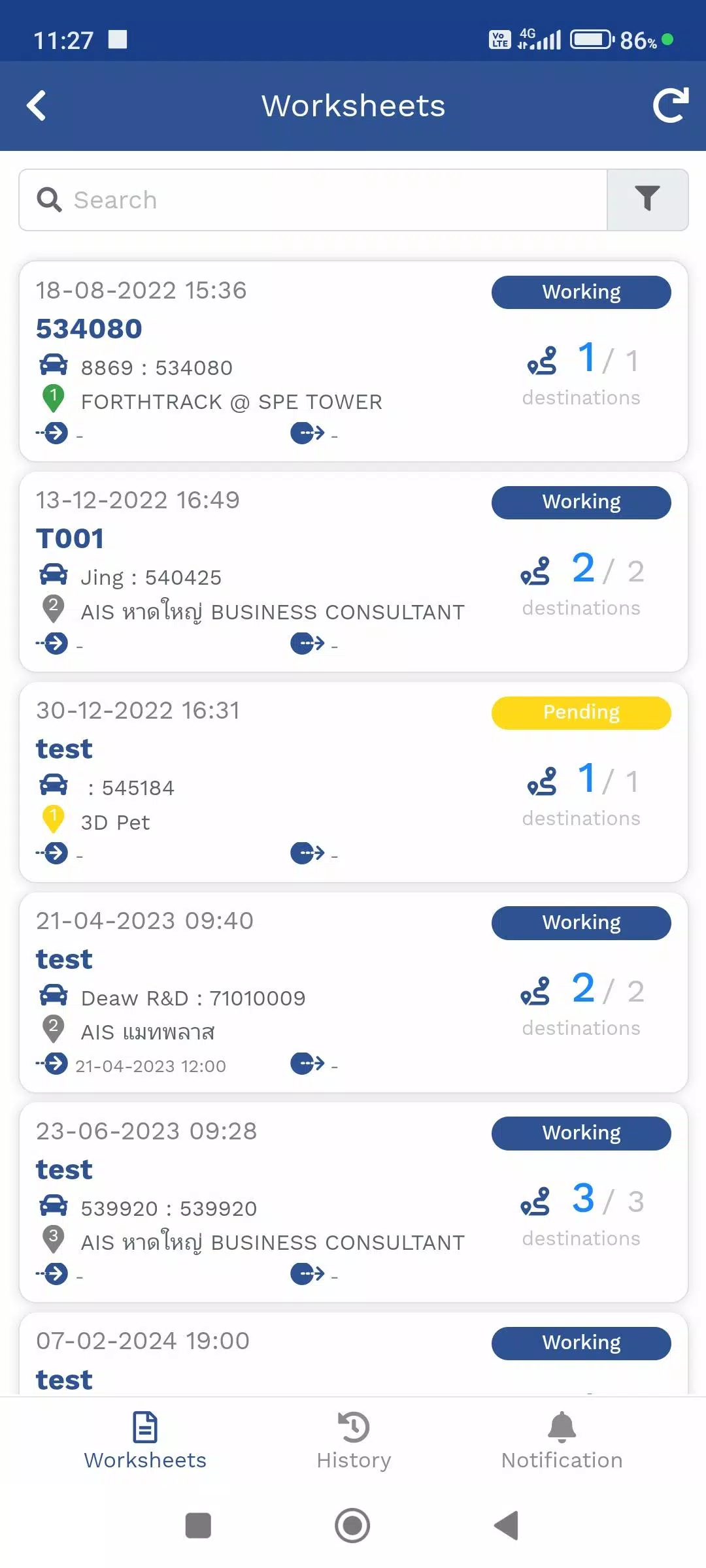
1. Travel Itinerary Management (TMS)
This menu handles assigned product delivery routes for employees. It displays real-time vehicle locations via GPS devices or the Mobile Tracker module, shows destination points for deliveries, and provides ongoing delivery status updates.
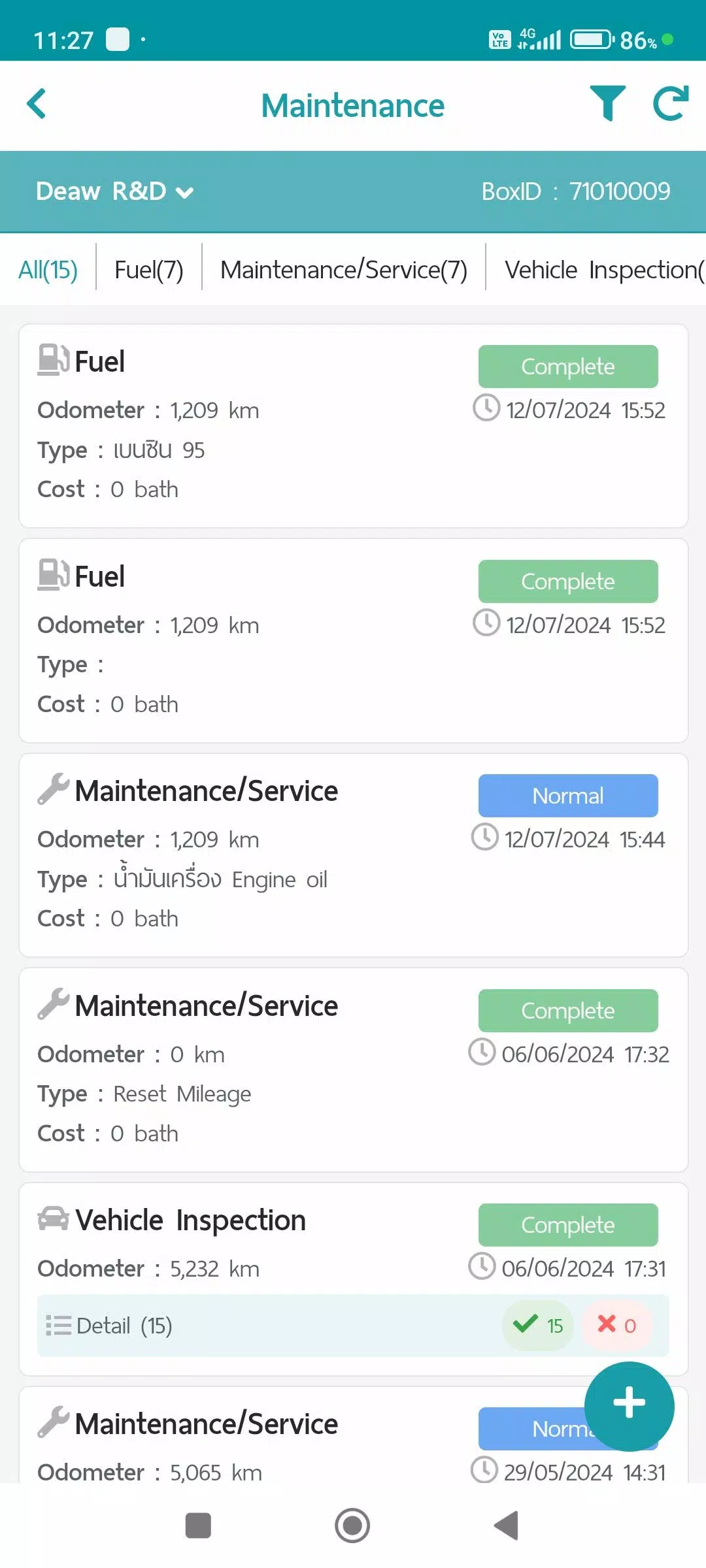
2. Maintenance Management (Maintenance)
This module records comprehensive vehicle maintenance data. It stores service records and generates maintenance reports through the Web Console, organized into the following categories:
- Fuel consumption tracking
- Scheduled maintenance services
- Vehicle condition inspections
- Repair work documentation
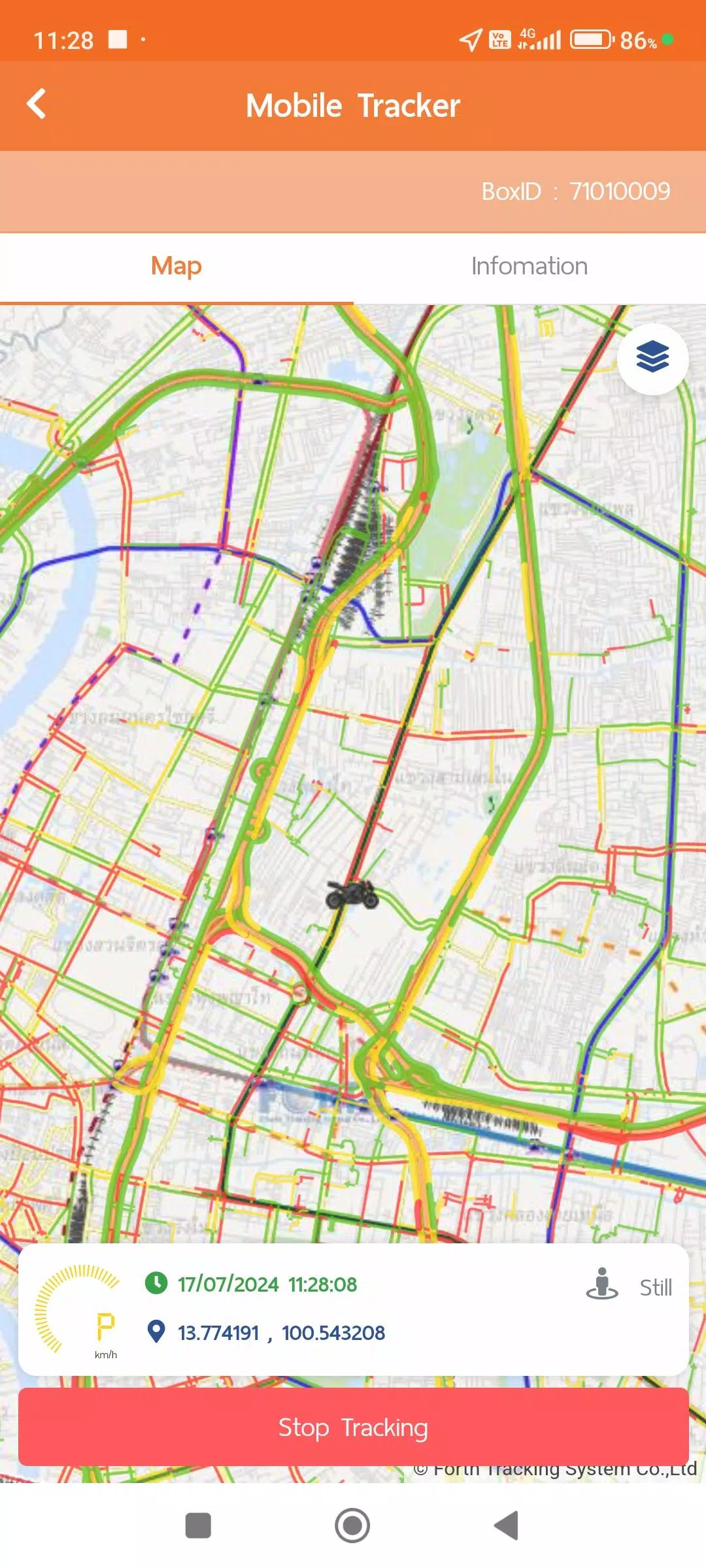
3. Mobile Tracker Module
This feature enables driver location monitoring directly from mobile devices. Instead of requiring dedicated GPS hardware, this application collects and transmits GPS location data to the system while tracking remains active. Users can disable location sharing when needed. The Mobile Tracker integrates with other system modules including Travel Itinerary Management (TMS) and Vehicle Tracking. Data summaries and customized reports are accessible via the Web Console. The Mobile Tracker requires additional device permissions for optimal functionality:
- Continuous location access: Enables background GPS data collection without requiring the app to be open, ensuring seamless operation.
- Physical activity recognition permissions: Utilizes device motion data to optimize GPS tracking efficiency and conserve battery life through intelligent mode switching:
1. Stationary mode: Collects location data at 1-minute intervals (extends to 5-minute intervals in Power Save mode)
2. Walking mode: Activates 1-minute GPS updates when pedestrian movement is detected
3. Vehicle mode: Provides second-by-second GPS positioning for precise distance and speed calculations, with data transmission at 1-minute intervals
**Power Save mode automatically activates after 5 minutes of stationary detection and deactivates immediately when walking or vehicle movement is recognized.
4. Vehicle Tracking Menu
This interface displays real-time location information from both GPS hardware and Mobile Tracker sources, along with various operational status indicators. Users can access historical data in multiple formats including:
- Connected device specifications
- Custom notification preferences
- Daily travel summary reports
- GPS movement history at customizable time intervals
- Supplementary data from optional equipment installations (MDVR, TPMS systems when available)
Additional data collection and usage policies are accessible through the user account section:
- Terms of Service agreement
- Privacy Protection Policy
- Cookie Usage Policy
What's New in the Latest Version 1.7.6
Last updated on Nov 9, 2024
1. System performance improvements and functional enhancements