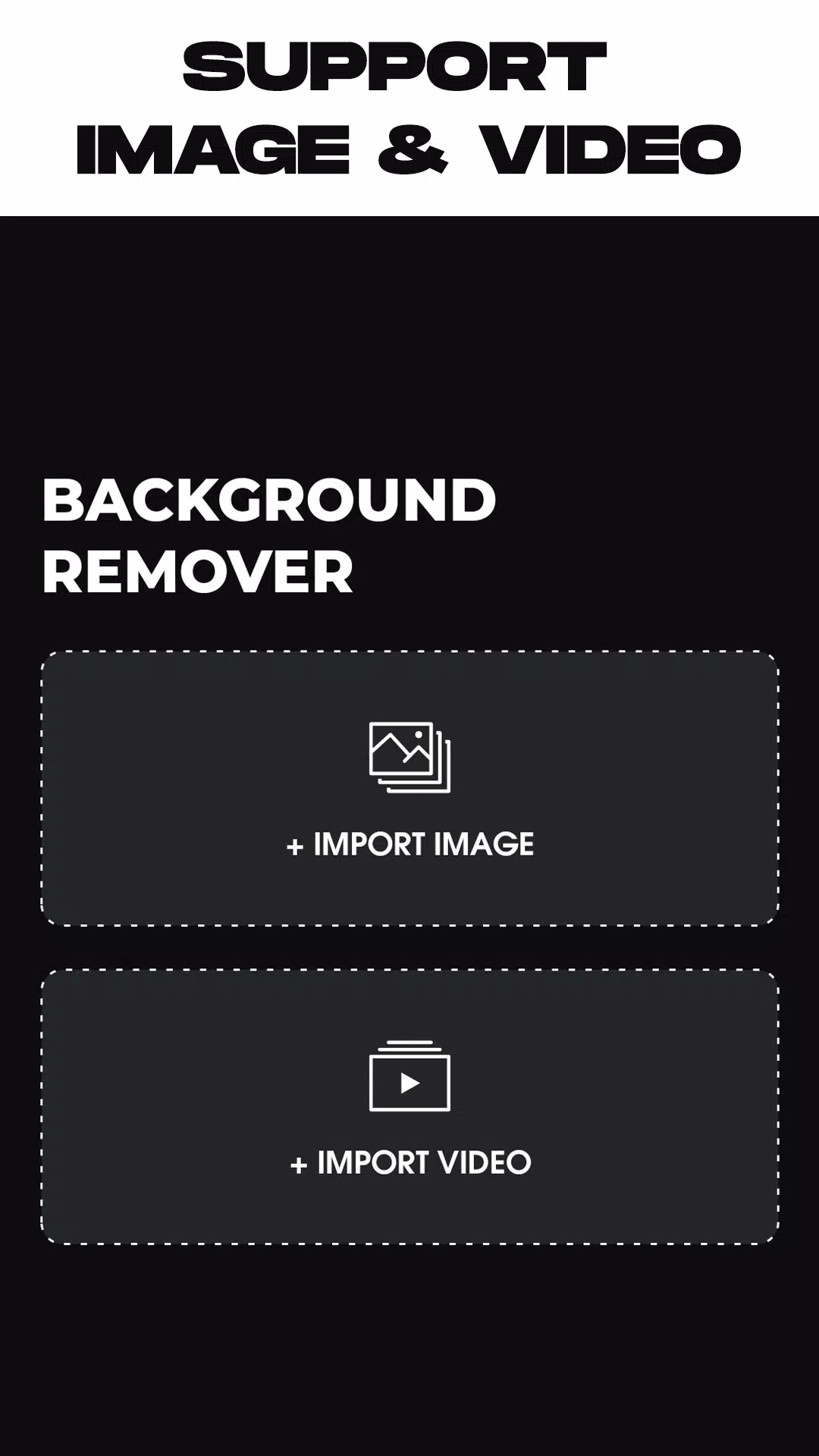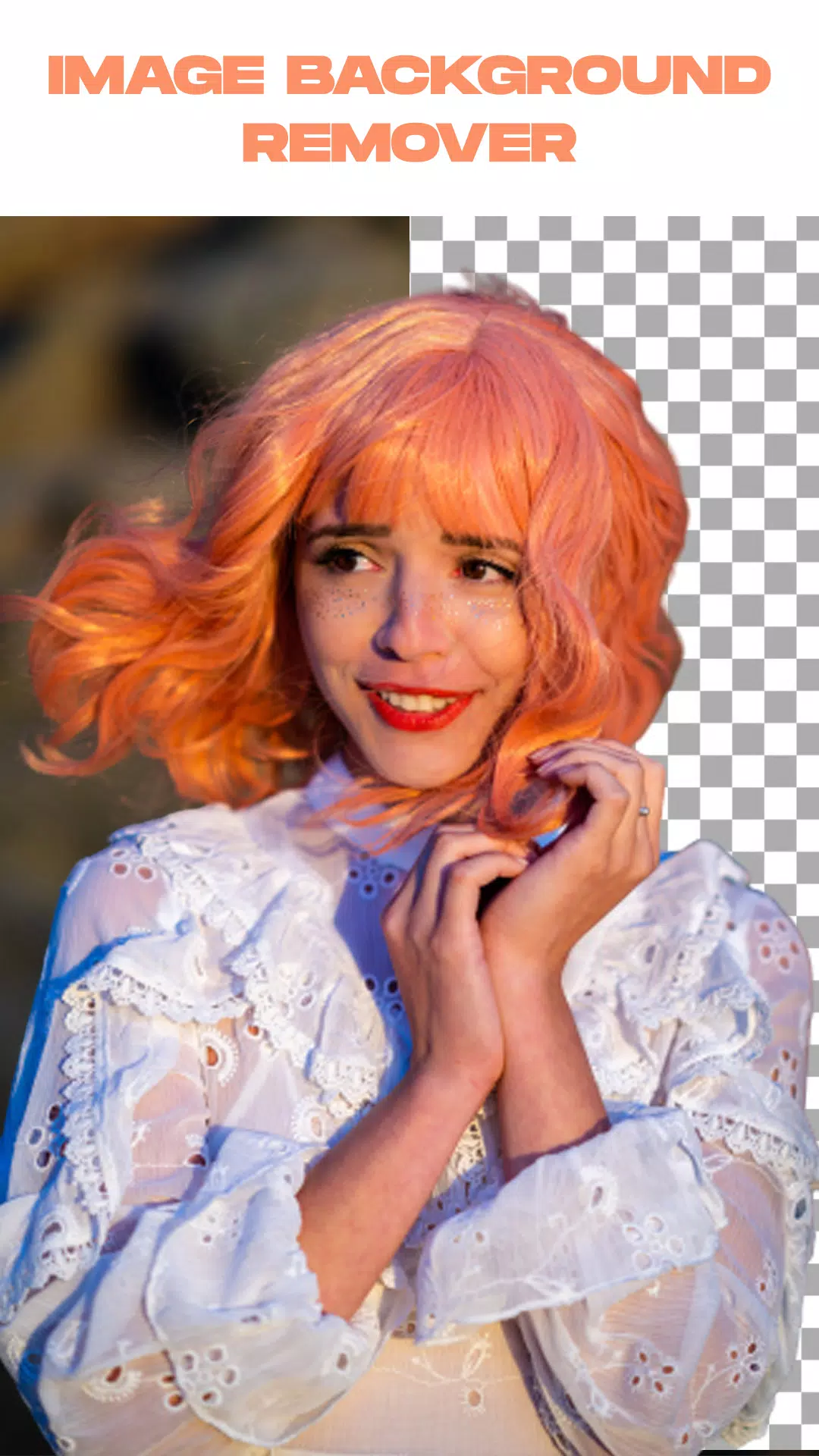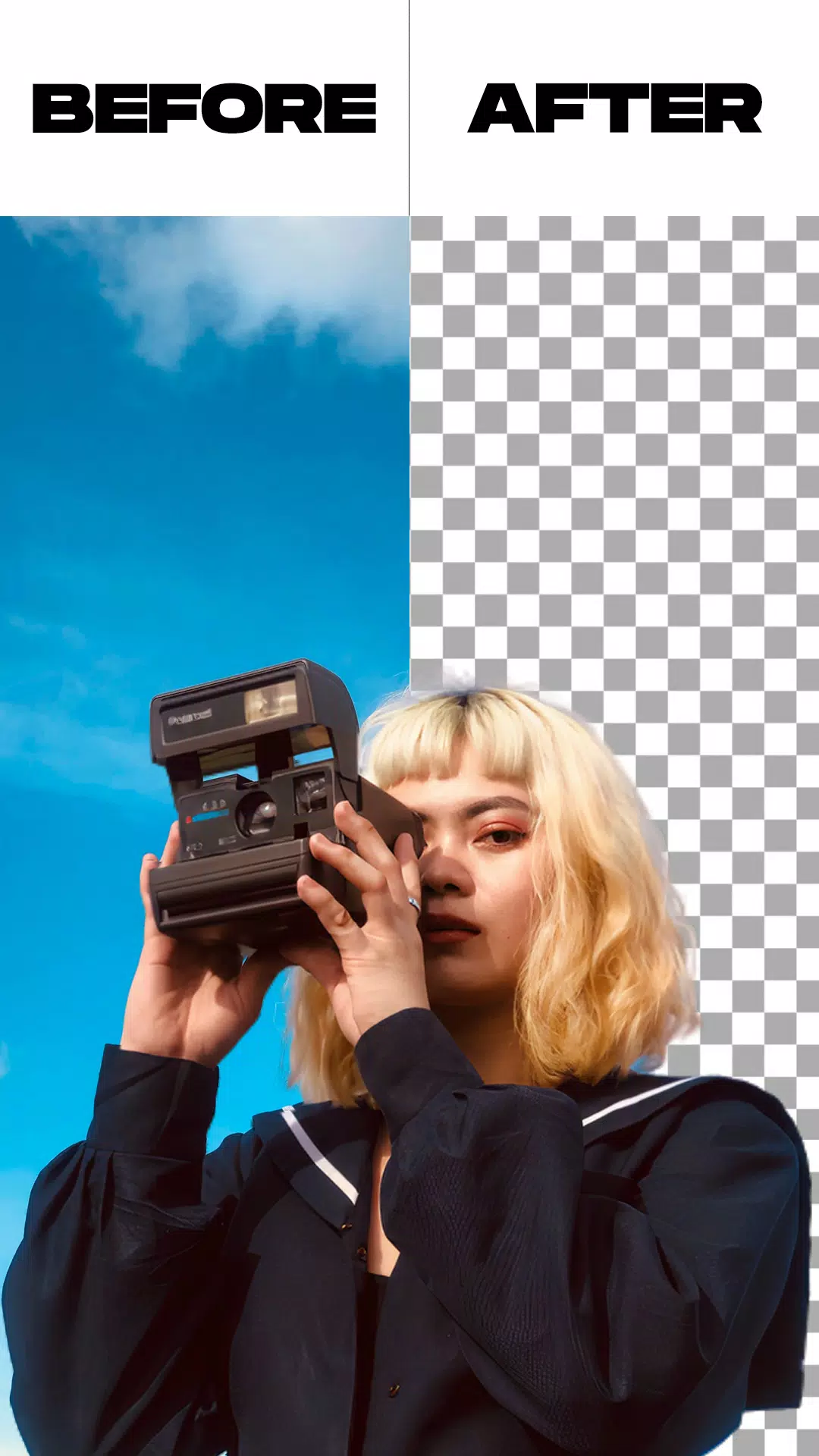
Effortlessly remove backgrounds from videos and photos, or change your video background with ease.
The Remove Video Background app is an essential tool for anyone needing to delete or replace backgrounds in videos and photos. It empowers you to seamlessly remove backgrounds from videos captured with your camera or selected from your gallery. The app offers two primary functions, along with additional capabilities like image background removal and the option to swap green screen backgrounds for any image you prefer.
This free video background changer is packed with features, including the ability to set a solid color as your new video background. With thousands of colors and numerous gradients to choose from, you can easily find and apply your favorite hue to transform your video's backdrop.
Beyond colors and gradients, this app allows you to replace your video background with any image from your gallery or even another video. Achieve a completely new look for your video with just a single tap.
The green screen effect supports both front (selfie) and rear cameras, with a simple one-tap switch between them. This gives you the flexibility to change the background for videos taken with either camera.
The green screen effect is a popular favorite among creators who enjoy making more sophisticated and entertaining videos. But what exactly is a green screen? It's a feature that provides a variety of background options to use in videos shared on social media.
This feature mimics the classic green background used in superhero films, for instance, which serves as a scene for actors. While the tool is widely successful online, have you learned how to harness its power for your own content?
Features:
Remove the background from an image using either an automatic or a manual removal tool.
Trim your video clip before initiating the background removal process.
Remove the background from a live camera video or from a video in your gallery.
You can change the green screen background, replacing it with a background of your choice.
How to use:
Launch the Remove Video Background app.
Select from the two main options: one for removing backgrounds from photos, the other for videos.
Once you select your media file, the app will automatically begin processing to remove the background. Simply wait for the process to complete.
After the background is removed, you can change the background of your video or photo. Choose from the app's built-in backgrounds or select one from your own gallery; the choice is yours.
When you are satisfied with the result, tap the export button. The app will then save your final video or photo directly to your gallery.
What's New in the Latest Version 1.5.4
Last updated on May 26, 2024
Minor bug fixes.