Keep your Bring Digital Key up to date by using the Bring & T update application to install the latest software version.
Ensure your Bring Digital Key runs smoothly by updating to the newest software version via the Bring & T update app.
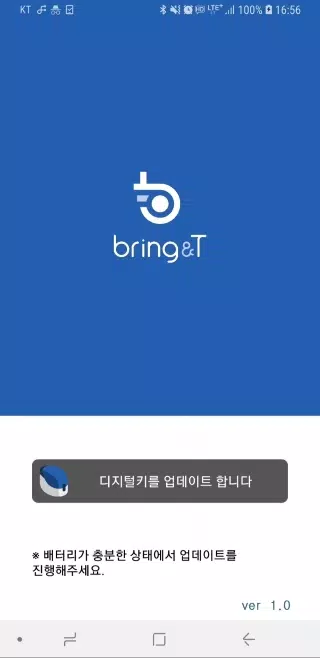
1. Launch the BringAnti update application on your device.
2. Tap "Update digital key" located at the bottom of the display.
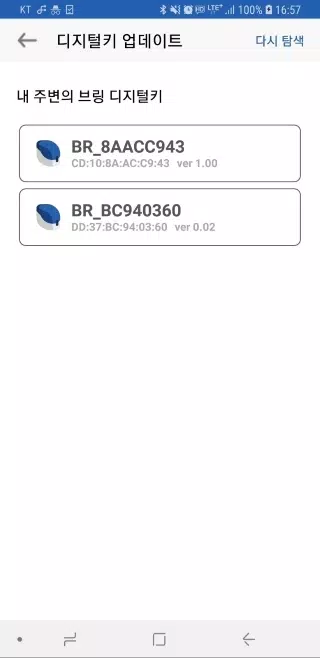
3. Choose your digital key labeled "BR_xxxxxxxx" from the available options.
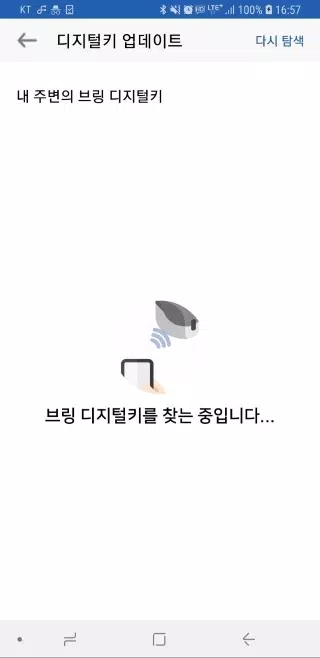
If the key isn't visible, select the [Search again] option to refresh the list.
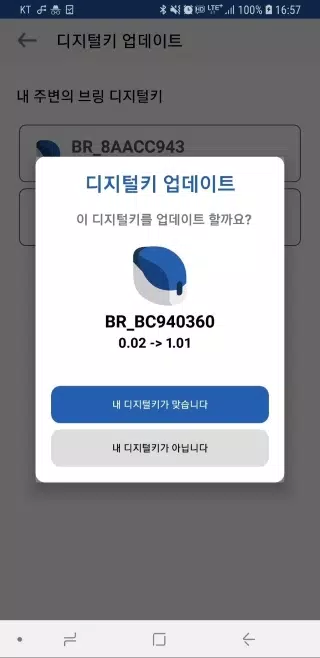
4. Upon selection, you'll see both the current and available update versions for your digital key.
5. Confirm by pressing "Your device is correct" - the key's indicator will flash purple for 10 seconds.
Quickly press the digital key's button (hold for 0.5 seconds) during this time.
6. The indicator will transition from purple to blue, indicating successful software installation.
7. Once completed, select "Close" to exit the application.
8. Maintain close proximity between your digital key and device during the wireless update process.
9. Updates typically require 2-3 minutes and cannot be interrupted - ensure adequate battery life beforehand.
10. Should the update fail or encounter errors, restart the application and try again.
11. Software updates are only available for registered digital keys.
Unregistered devices do not qualify for software upgrades.