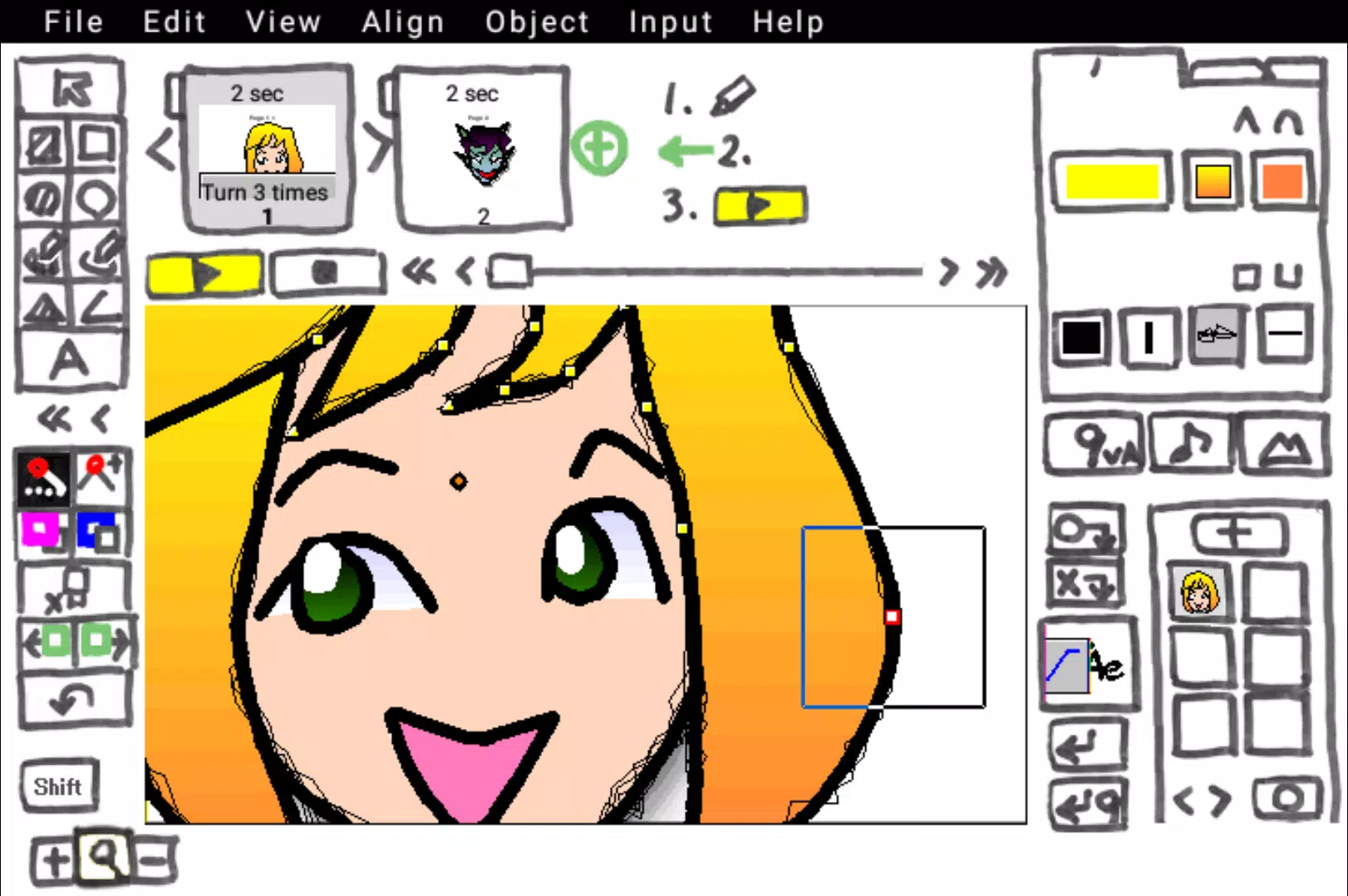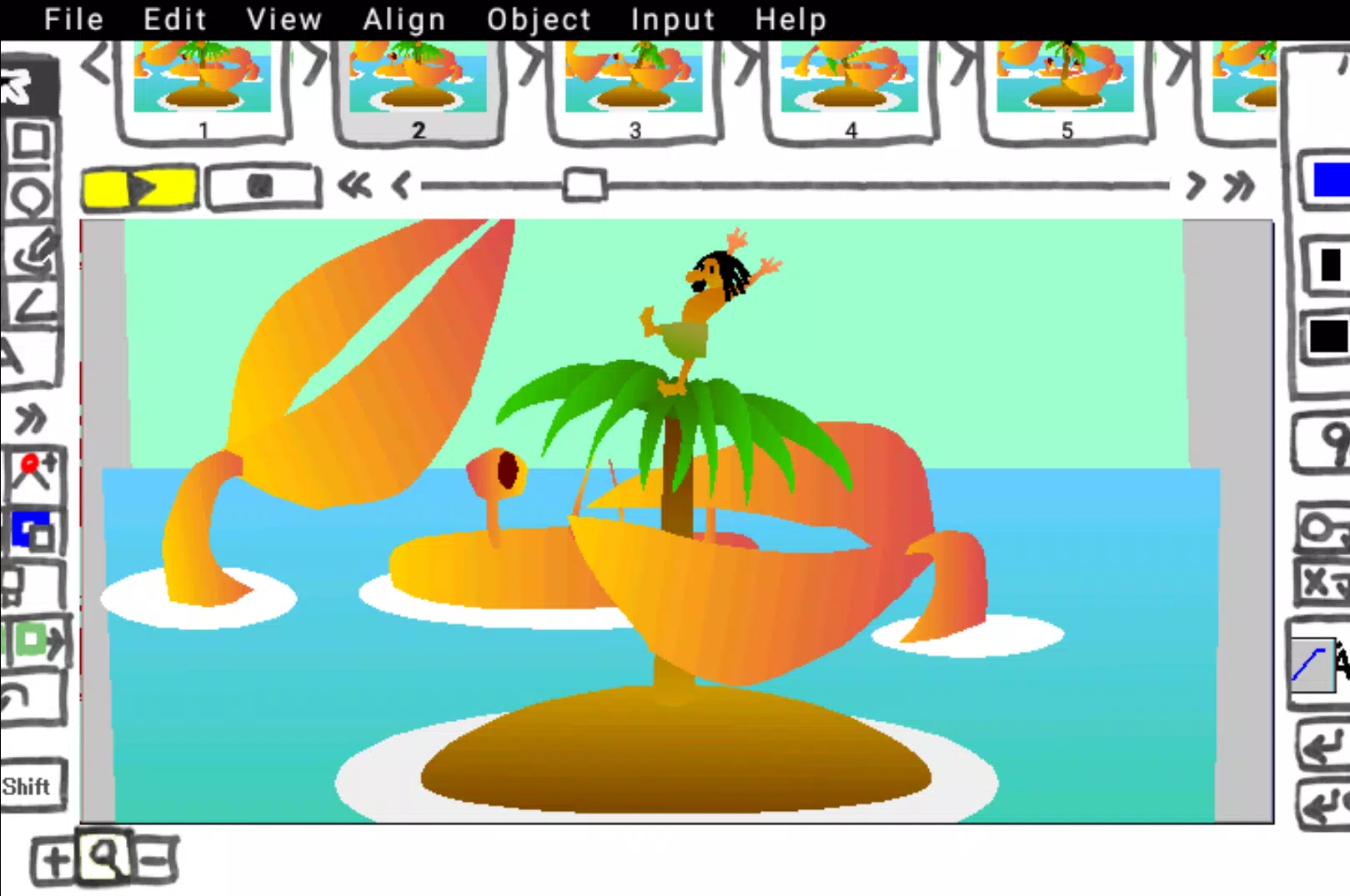
Create smooth 2D keyframe animations or video clips using your vector illustrations.
- 9VAe offers powerful tools for creating seamless 2D vector morphing animations.
- Produce "One Picture Animation (Whiteboard animation)" with just a single drawing.
- Import SVG / WMF graphics and export your keyframe animation in SVG / GIF / MP4 formats.
- Enhance your animation by adding text, photos, and various animated objects.
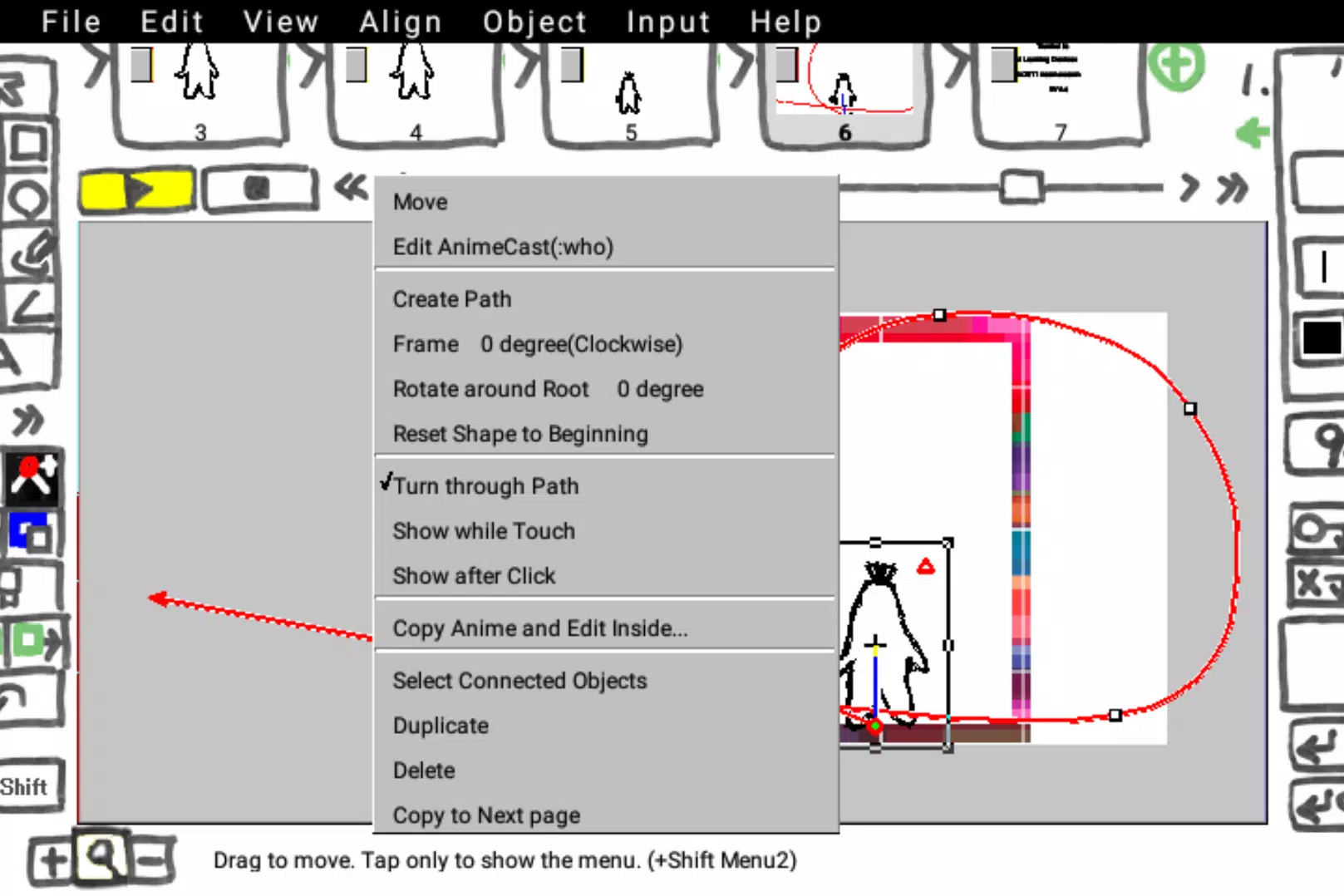
- 9VAe includes features like Hand-drawn Writing, Blur, Shadow, Transparent Gradation, Multiple Layers, Path Animation, and Time Curves.
- The output folder is "Download > 9VAe". Place your Sound (WAV), Photo, Animation, and Illustration (SVG / WMF) files here for easy importing.
- Official Blog
https://9vaelab.blogspot.com/
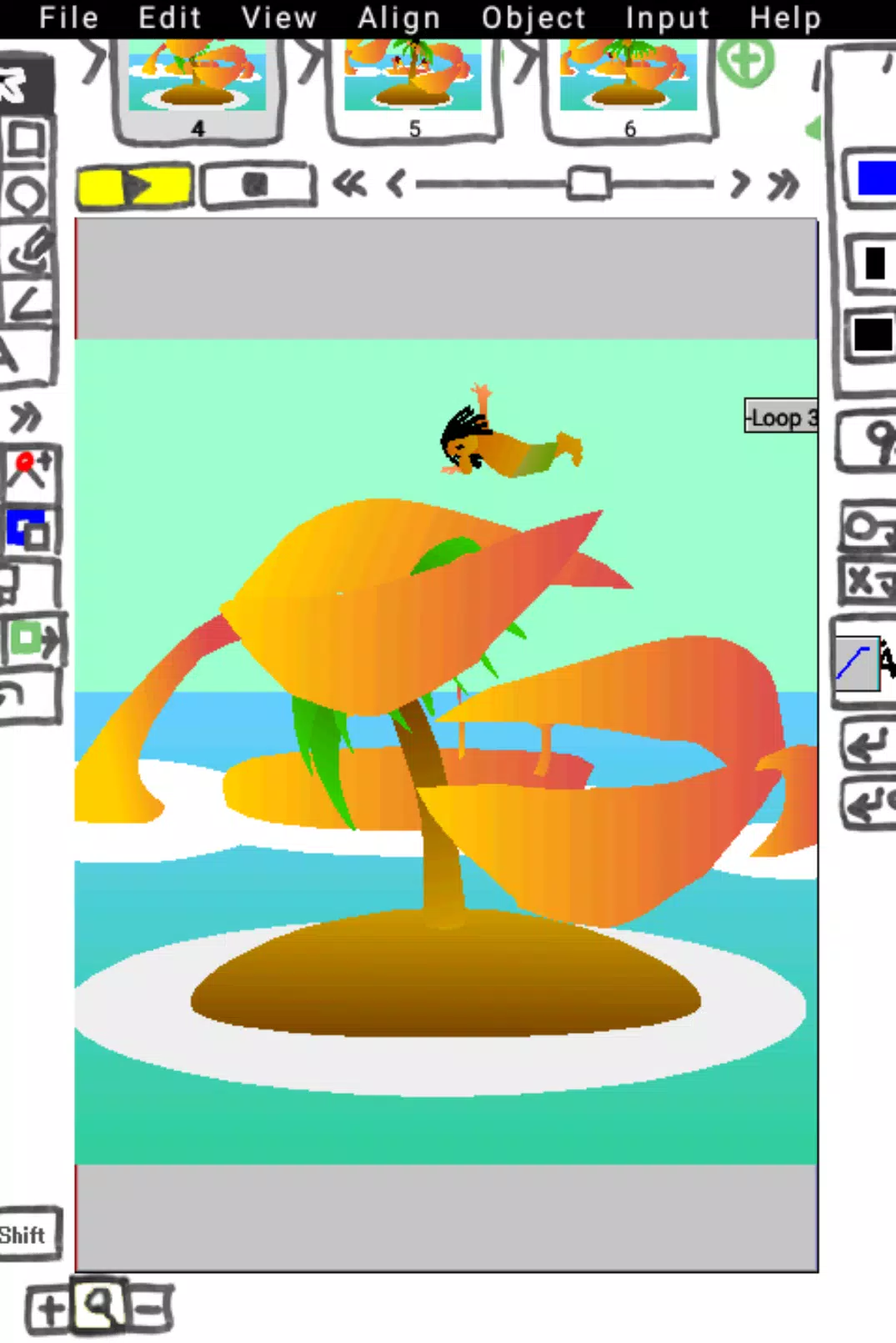
** Tap the screen to switch between portrait and landscape orientation.
** Enlarge the drawing area by touching the left [
** To include images or sounds, you must first place them in the 9VAe folder or download folder. See below for details.
https://dnjiro.medium.com/how-to-make-a-moving-video-with-photos-9vae-24a0f6772148
What's New in the Latest Version 6.6.0
Last updated on Oct 24, 2024
- Fixed bug (Point alignment)