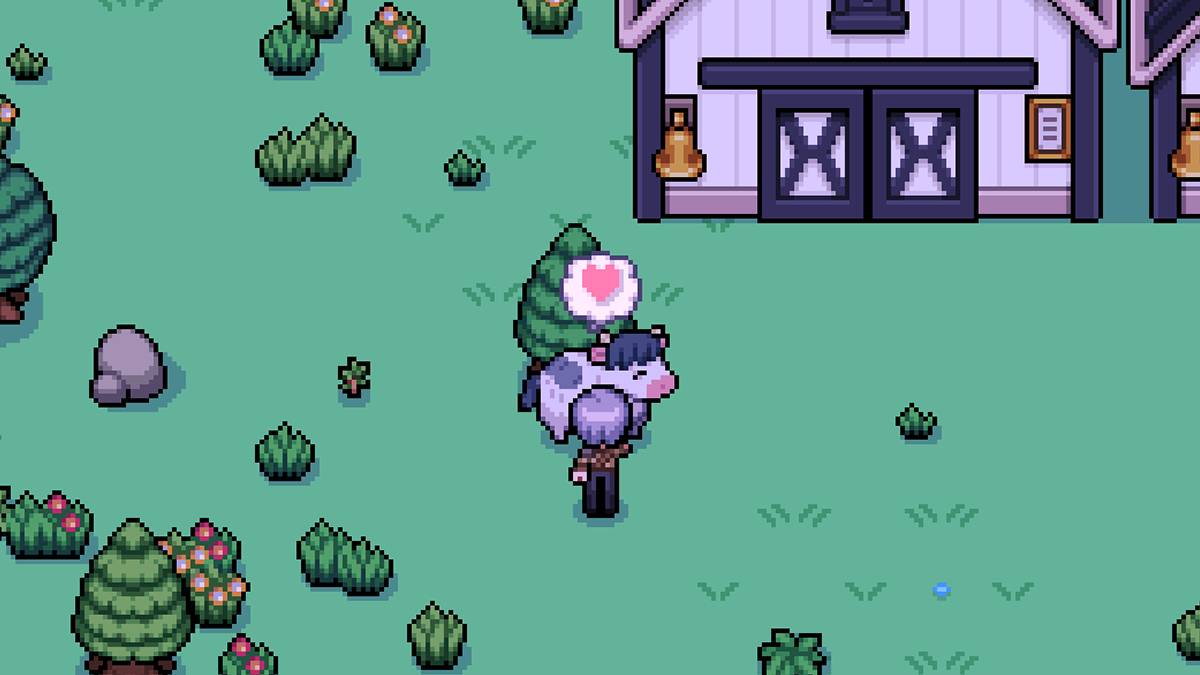
Having livestock in *Fields of Mistria* can be a lucrative venture, but the daily task of petting them can become tedious. Fortunately, there's a solution to this repetitive chore: introducing an auto-petter to your farm. However, the base game does not include such a feature, requiring players to manually pet their livestock each day. The good news? You can enhance your gameplay experience with mods.
Fields of Mistria Auto-Petter Guide
To bypass the daily petting routine in *Fields of Mistria*, you can turn to mods. Specifically, the Animal Friends mod by annanomoly on Nexus Mods is highly recommended. This mod not only introduces an auto-petter but also automates feeding your animals. To get started, you'll need to use the Mods of Mistria Installer, which is essential for activating the mod. Skipping this step will render the mod ineffective.
Here's how to install the mod:
- Create a new folder named 'Mods' within your *Fields of Mistria* game files.
- Download the AnimalFriends.zip file and place it in the 'Mods' folder.
- Extract the contents of the zip file.
- Delete or move the original zip file to another folder.
- Run the Mods of Mistria Installer to finalize the mod installation.
The Animal Friends mod comes with a variety of features you can customize. Apart from the auto-petter, you can enable an auto-feeder, a friendship multiplier, and a feature to prevent friendship loss. The friendship multiplier boosts the hearts your animals gain, while preventing friendship loss ensures that these hearts don't diminish over time.
To adjust these settings, locate the AnimalFriends.json file within the unzipped mod folder. This file is a simple text document where you can toggle features by changing "false" to "true." For example, to activate the auto-petter, you would modify the line to read: ["auto-feed": true]. Similarly, to deactivate a feature, switch "true" back to "false."
The friendship multiplier requires a numeric input rather than a toggle. You can set it anywhere between 1 and 100. To expedite bonding with your animals, set it to the maximum value. To revert to normal, simply set it back to 1.
Upon first installation, the mod comes with default settings where the auto-pet and auto-feed functions are not active. However, it automatically multiplies heart points by five and activates the feature to prevent friendship loss.
If you decide to remove the mod, avoid simply deleting the mod folder. Instead, use the Mods of Mistria Installer to uninstall it properly. This method helps prevent any corruption or errors in your save file.
That's all you need to know about adding an auto-petter in *Fields of Mistria*. Always back up your save file before installing any mods, even though they are generally stable.
*Fields of Mistria is available to play on PC.*