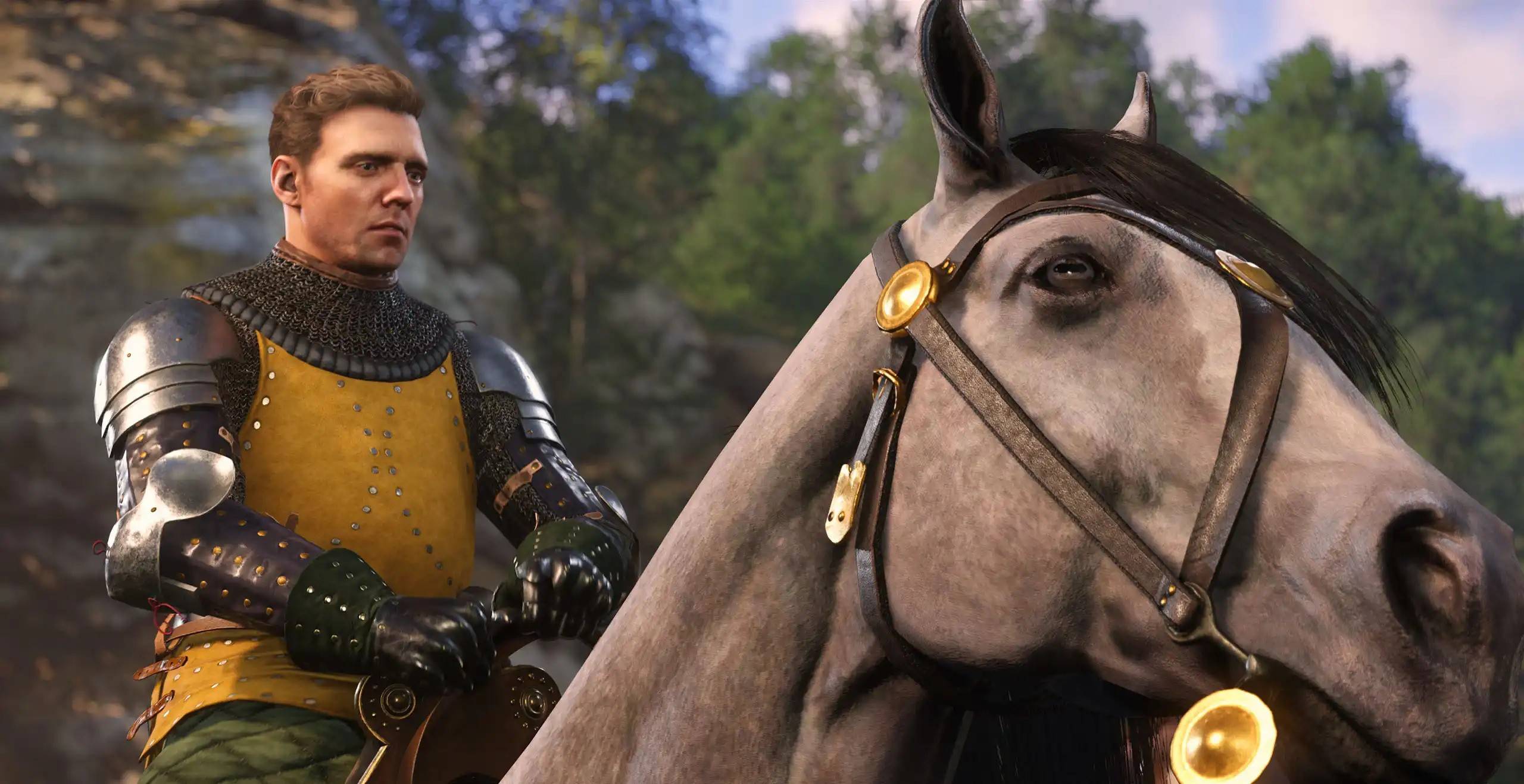
Many players are experiencing stuttering issues in Kingdom Come: Deliverance 2, particularly on PC, even weeks after its release. This guide outlines solutions to resolve this frustrating problem.
Several players have reported success using the NVIDIA GeForce Hotfix Driver Version 572.24 for Windows 10 and 11, released shortly after the game's launch. This hotfix addresses stuttering and some crashes reported by users.
However, some players using Bluetooth controllers continued to experience stuttering. Switching to a wired USB connection resolved the problem for many.
Troubleshooting In-Game Settings:
If the above solutions don't work, adjusting in-game settings is the next step. Kingdom Come: Deliverance 2 provides extensive advanced graphics options. While undesirable, lowering settings (High to Medium, Medium to Low) might be necessary to eliminate stuttering. Experiment with different combinations to find an optimal balance between visual quality and performance.
For those who successfully resolved stuttering using other methods, optimizing settings for improved visuals and FPS is recommended. Consult optimization guides for Kingdom Come: Deliverance 2 to fine-tune your experience.
This guide covers troubleshooting stuttering in Kingdom Come: Deliverance 2 on PC. For further assistance, explore available mods.
Kingdom Come: Deliverance 2 is currently available on PlayStation, Xbox, and PC.



![A Father’s Sins – Going to Hell [Ch. 7 Public] By Pixieblink](https://images.hzyry.com/uploads/67/1719578270667eae9eb6a75.jpg)