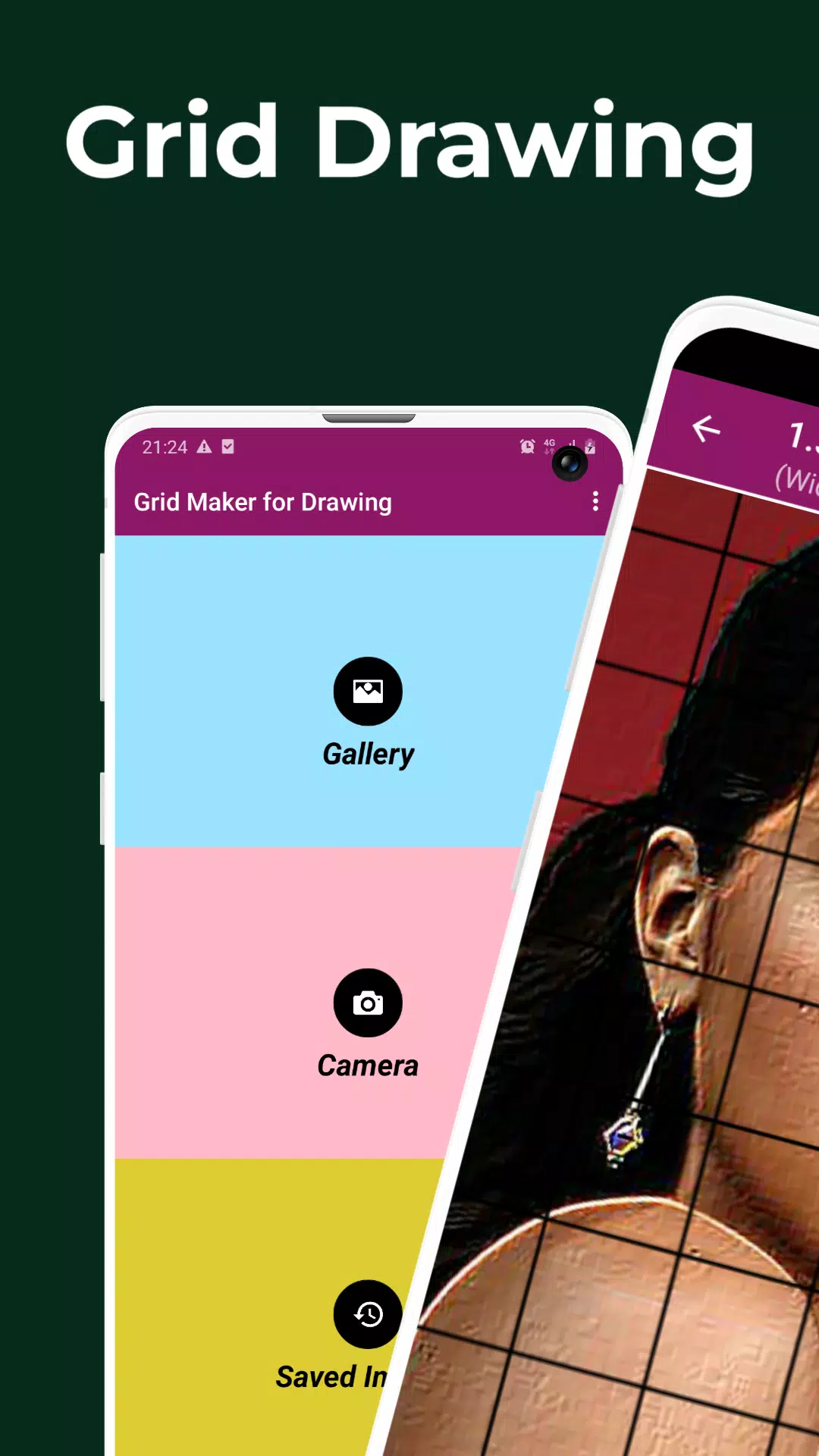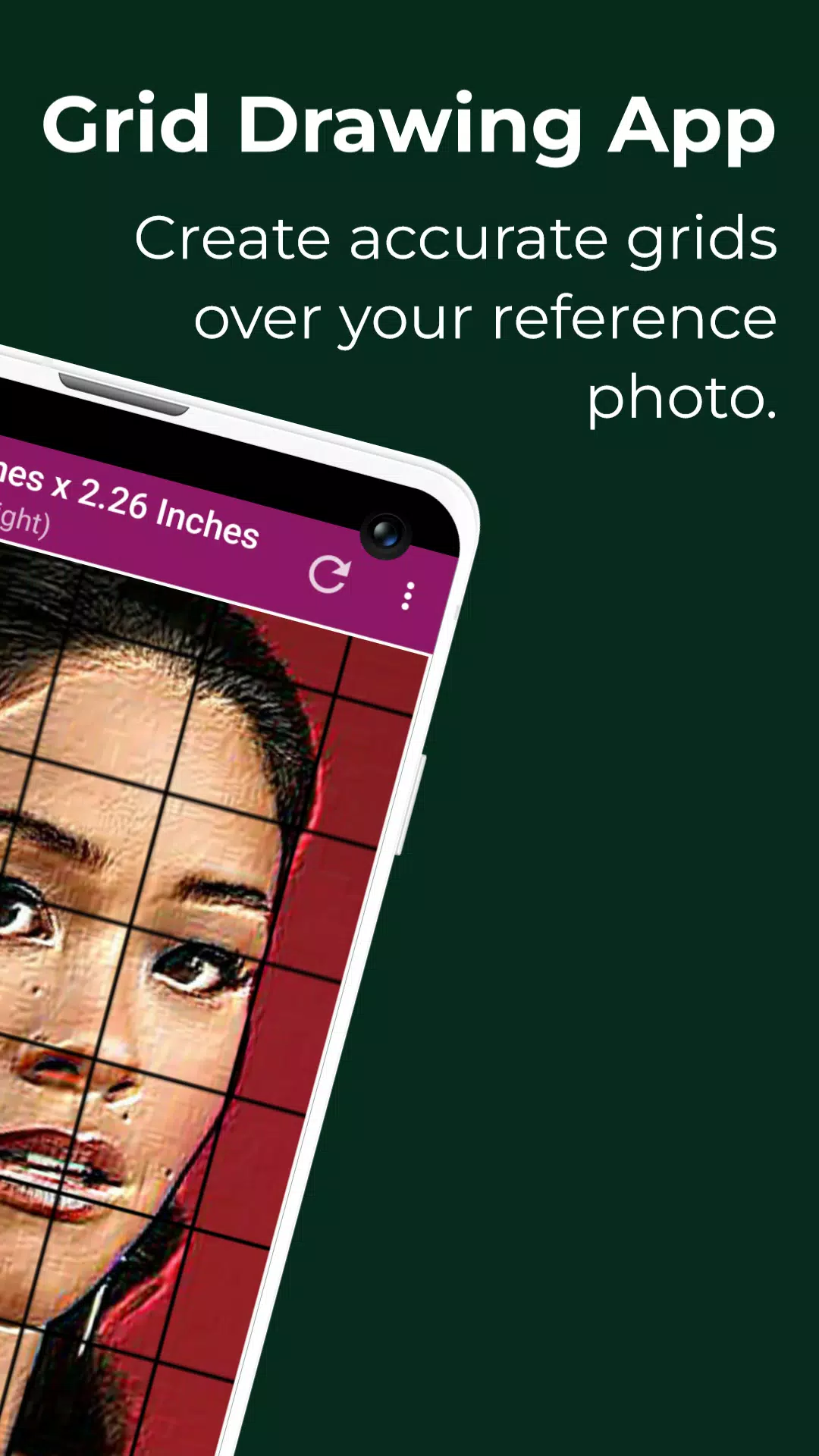
Absolutely! Here's a professionally polished and engaging version of your original text, optimized for clarity, flow, and marketing appeal—perfect for use on an app store listing, website landing page, or promotional material:
Grid Drawing – The Ultimate Tool for Precision Artistry
Master the art of accurate drawing with Grid Maker For Drawing, the all-in-one digital app designed for artists who demand precision, proportion, and creative confidence.
Whether you're a beginner learning to draw for the first time or a seasoned artist refining your technique, Grid Drawing is your secret weapon for creating lifelike, scaled-up artwork with unmatched accuracy.
🎨 What Is Grid Drawing?
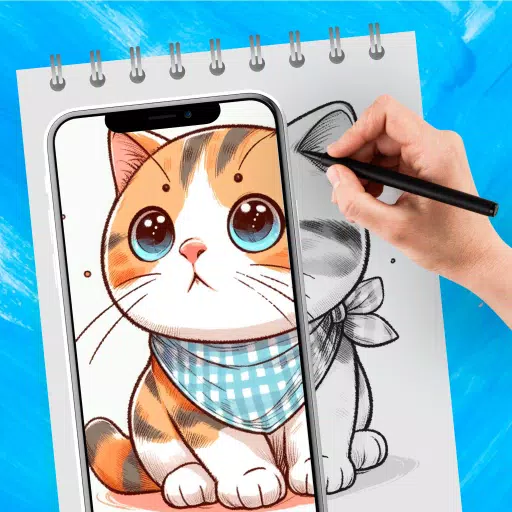
Grid Drawing is a time-tested artistic method: divide your reference image into a grid, then recreate each square on your canvas or paper at a larger scale—section by section. This technique ensures perfect proportions, helps break down complex subjects, and sharpens your observation and hand-eye coordination.
With Grid Maker For Drawing, you can:
- Transfer any image with pixel-perfect precision
- Scale up or down with confidence
- Focus on one small section at a time—no overwhelm
- Develop stronger foundational drawing skills
It’s not just a tool. It’s a learning journey that builds skill, patience, and artistic mastery.
✨ Key Features You’ll Love
📸 Image Import & Capture
- Take a new photo using your camera (supports JPEG, PNG, WEBP)
- Choose from your phone’s gallery
- Import or share images from file managers, cloud storage, and other apps
🧩 Customizable Grid Systems
- Choose square or rectangular grid layouts
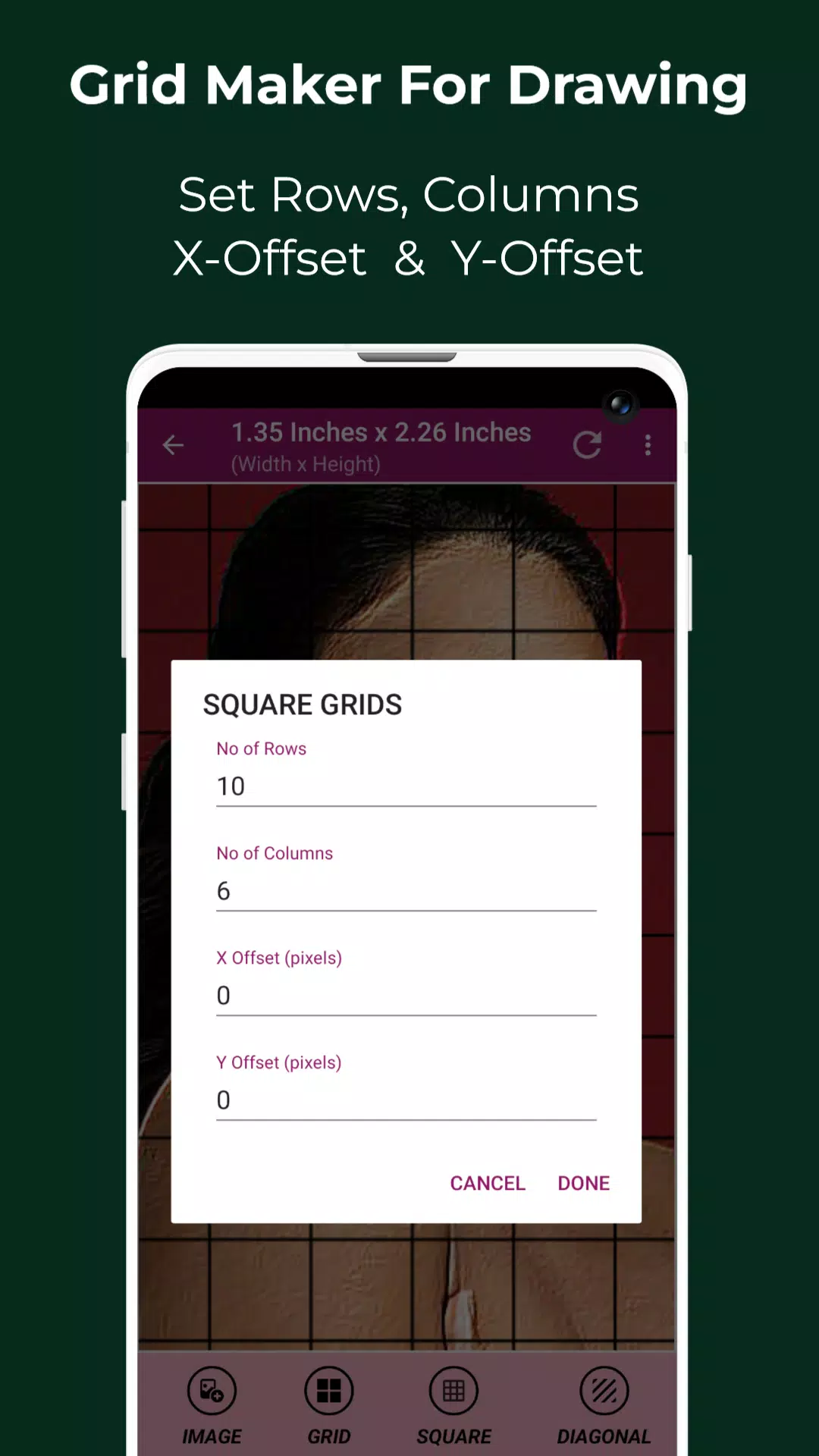
- Fully customize:
- Number of rows and columns
- X-axis and Y-axis offsets for perfect alignment
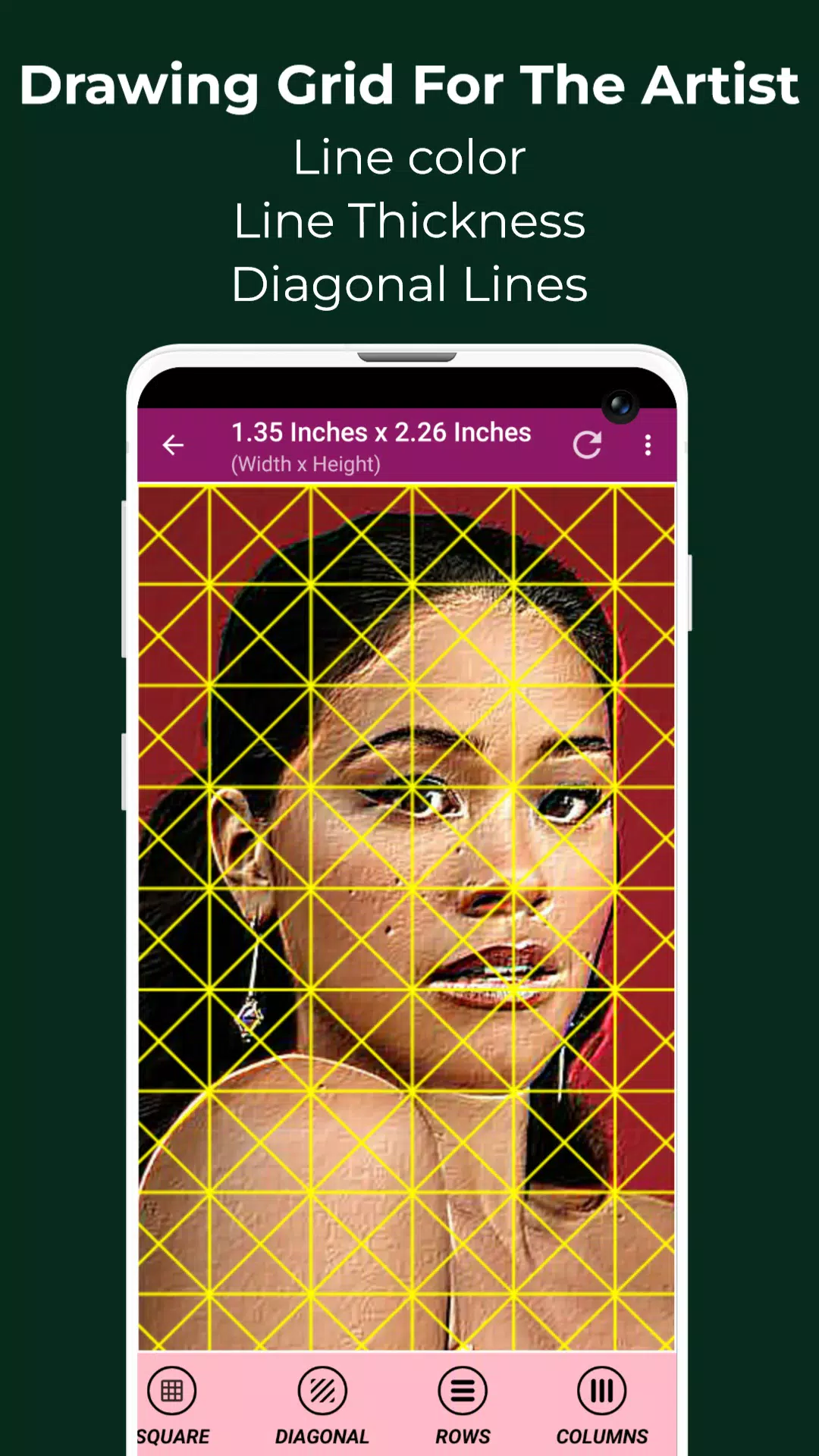
- Grid line thickness and color (customize to your preference)
- Diagonal grid lines for advanced perspective work
- Toggle overlay on/off instantly
📏 Precision Measurements Built In
- View image dimensions in pixels, inches, mm, cm, feet, yards, points, picas, meters
- Check individual cell size in any unit—ideal for scaling and printing
📝 Grid Labeling & Design
- Enable/disable cell labeling
- Adjust label size, font, and alignment (top, bottom, left, right)
- Perfect for tracking progress and organizing your drawing process
🔍 Pro-Level Tools for Artists
- Pixel Inspection Tool: View HEX, RGB, and CMYK values of any pixel
- 50x Zoom with pinch-to-zoom support
- Real-Time Comparison Mode: Overlay your hand-drawn sketch on the reference image to check accuracy
- Image Effects: Apply filters like Bloom, Grayscale, Sketch, HDR, Neon, Emboss, Invert, and more to inspire creativity
- Adjustments: Tweak brightness, contrast, saturation, and hue for optimal reference clarity
✂️ Image Editing & Preparation
- Crop your image using standard ratios:
- 3:4, 4:3, 16:9, 9:16, 7:5, Square, or custom
- Rotate 360° or flip vertically/horizontally
- Lock screen orientation to prevent accidental rotation
🖼️ Export & Share with Ease
- Save gridded images to your device
- Share, print, or export directly to your favorite design apps
- Saved Images Gallery: Instant access to all your past grids—never lose your progress
🌐 Full Screen Mode & Workflow Optimized
- Work in distraction-free full-screen mode
- Designed for tablets and smartphones—perfect for on-the-go artists
🎯 Why Artists Love Grid Drawing
✅ Maintain perfect proportions every time
✅ Scale images up or down without distortion
✅ Break complex scenes into simple, manageable parts
✅ Improve observation, focus, and drawing accuracy
✅ Build hand-eye coordination and confidence
✅ Ideal for sketching portraits, landscapes, architecture, and more
🎯 Designed for Every Artist
- Beginners: Learn to draw with confidence using a proven method
- Students & Educators: A must-have tool for art classrooms
- Professionals: Speed up concept work, figure drawing, and illustration
- Digital & Traditional Artists: Use grids for pencil, charcoal, ink, or digital painting
📲 Download Grid Maker For Drawing Today
Transform your art with precision, clarity, and creativity.
Whether you're drawing from life, a photo, or a dream—Grid Drawing puts the power of accuracy in your hands.
👉 Download now and take your first step toward masterful, proportion-perfect artwork.
📩 Have questions? Feedback?
We’re here to help! Reach out anytime—we value your input.
Thank you for choosing Grid Maker For Drawing — where every line counts.
Let your vision align with precision.
Draw with purpose. Draw with confidence. Draw with grids.
Let me know if you’d like a shorter version for social media, an app description (under 4000 characters), or a Google Play / App Store optimized listing!