Absolutely! Here's a professionally polished and engaging version of your original text, optimized for use on an app store listing, website landing page, or marketing material—while preserving all key details and enhancing clarity, flow, and appeal:
Grid Drawing – Create Custom Grids for Precise Art Transfer
Master the art of accurate drawing with Grid Drawing, the ultimate digital tool for artists who value precision, proportion, and creative confidence.
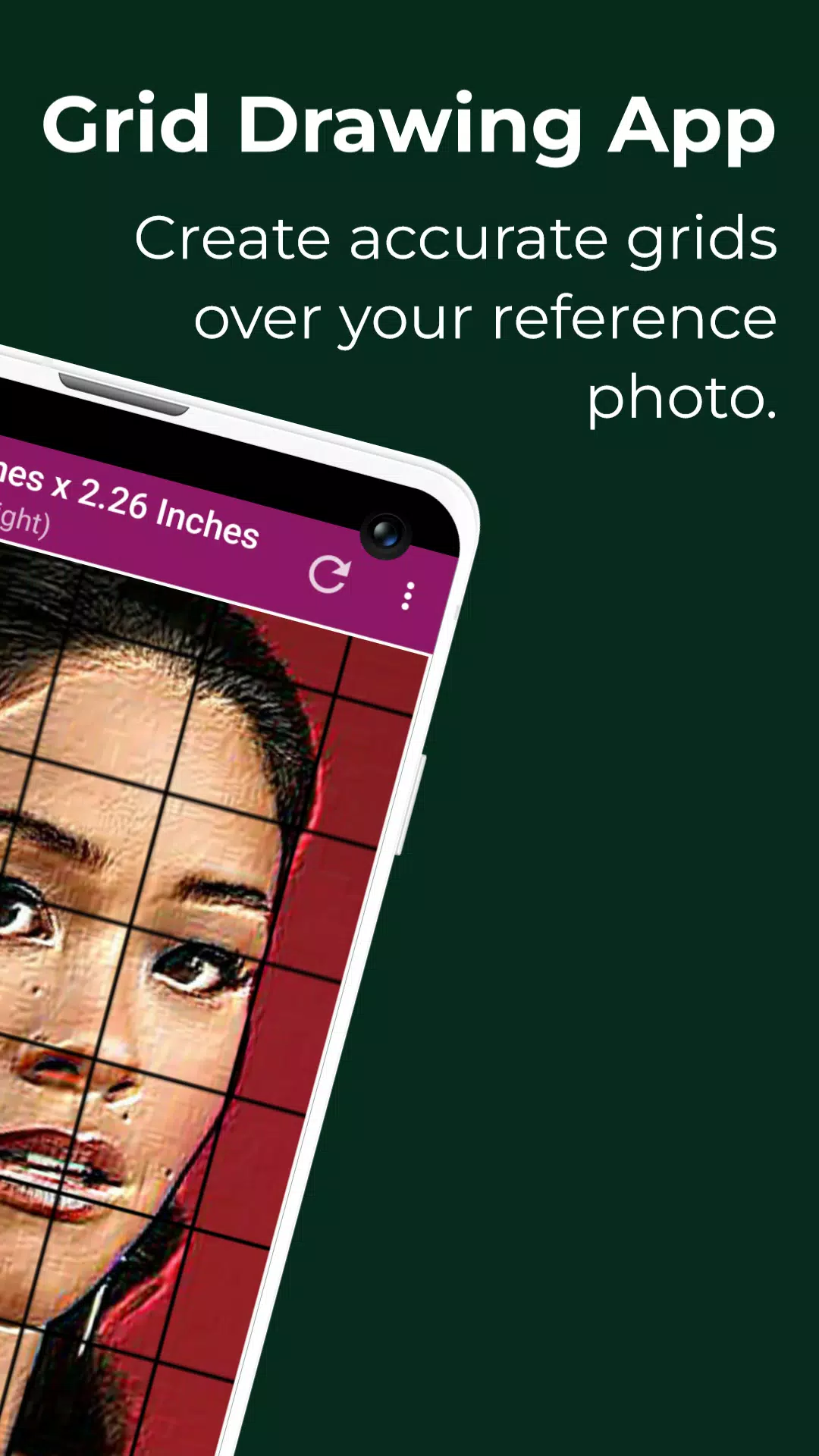
Whether you're a beginner learning to draw for the first time or a seasoned artist refining your technique, grid drawing is your secret weapon. This proven method involves overlaying a grid on a reference photo and replicating it on your canvas, paper, or wood—then drawing one grid cell at a time. The result? A flawless, proportionally perfect artwork every time.
✨ Why Artists Love Grid Drawing
- 🔹 Perfect Proportions – Maintain accuracy and scale with ease
- 🔹 Scale Any Image – Enlarge or shrink drawings without distortion
- 🔹 Break Complexity into Simplicity – Master intricate scenes, portraits, and landscapes, one square at a time
- 🔹 Sharpen Observation Skills – Train your eye to see shapes, angles, and relationships
- 🔹 Improve Hand-Eye Coordination – Build muscle memory and control
- 🔹 Boost Confidence – Turn any reference into a professional-quality drawing
🎯 Introducing Grid Maker For Drawing With Measurements – Your Complete Art Toolkit
The Grid Maker For Drawing app puts powerful, customizable grid tools in your hands—designed for artists who demand accuracy, flexibility, and creative freedom.
✅ Key Features:
-
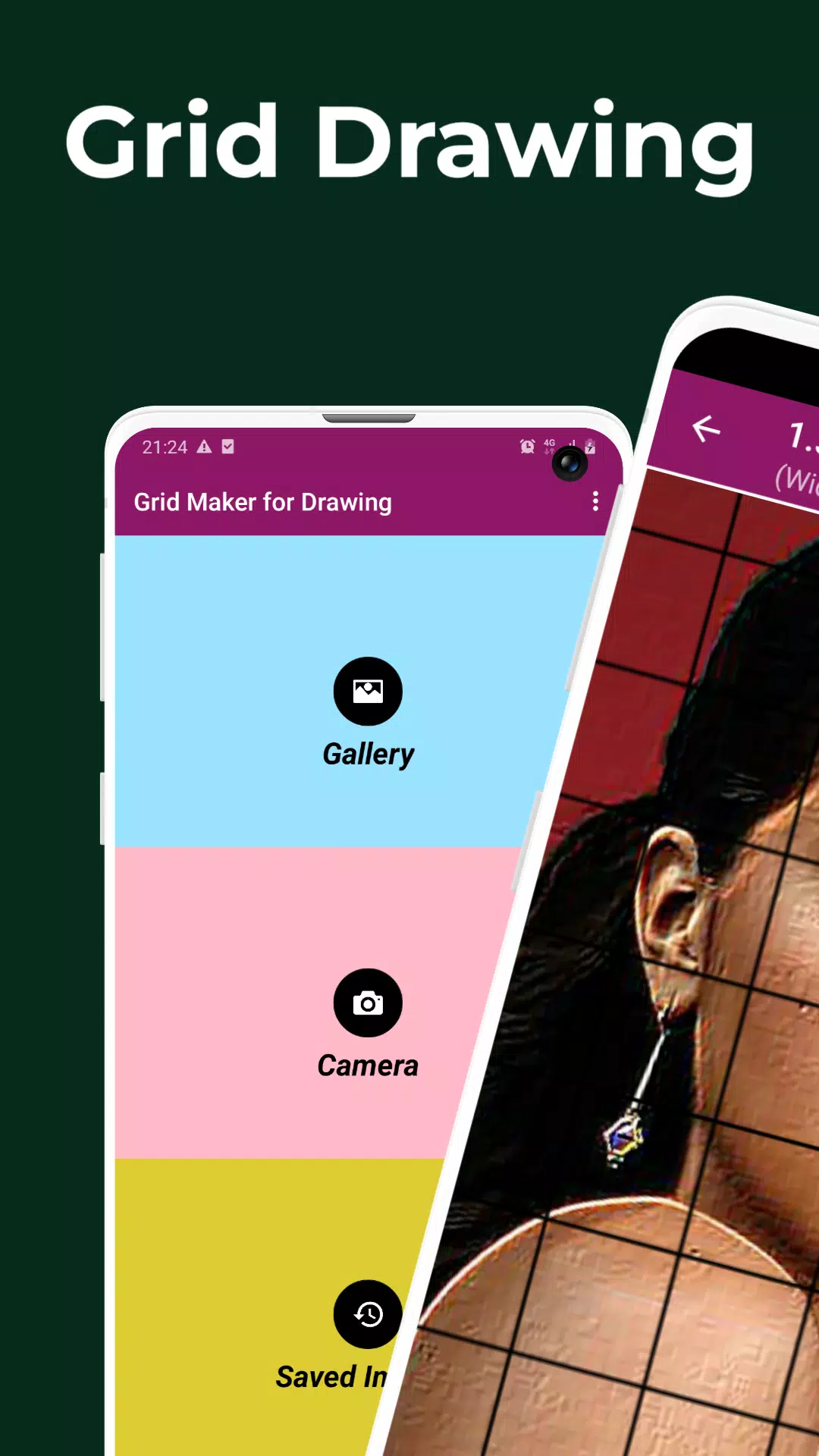
Capture or Import Photos
Use your camera or import from your gallery (supports JPEG, PNG, WEBP). -
Customizable Grid Layouts
Choose from square or rectangular grids—perfect for any canvas size or aspect ratio. -
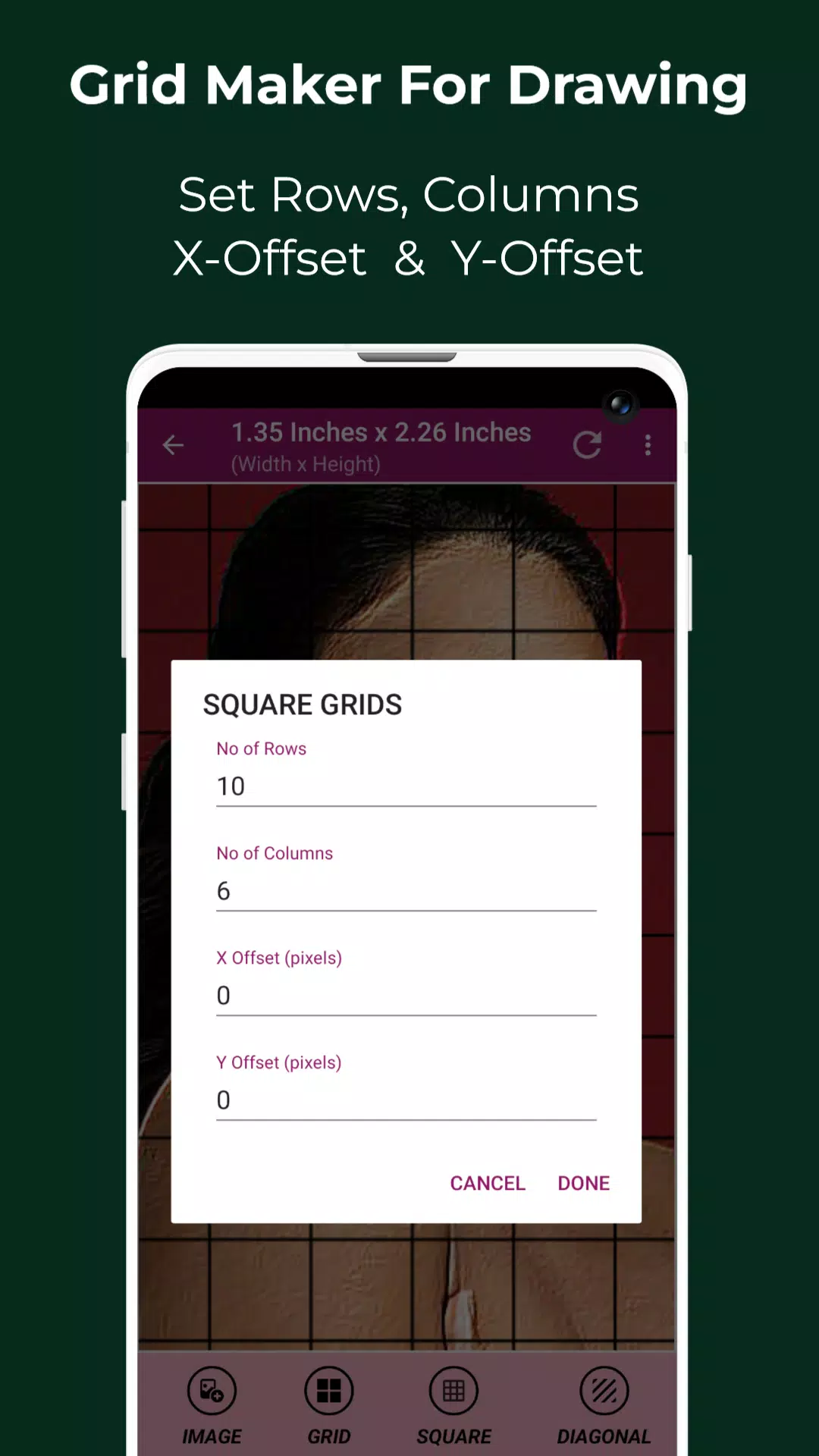
Adjust Grid Settings with Precision
- Set custom rows & columns
- Control X and Y-axis offsets
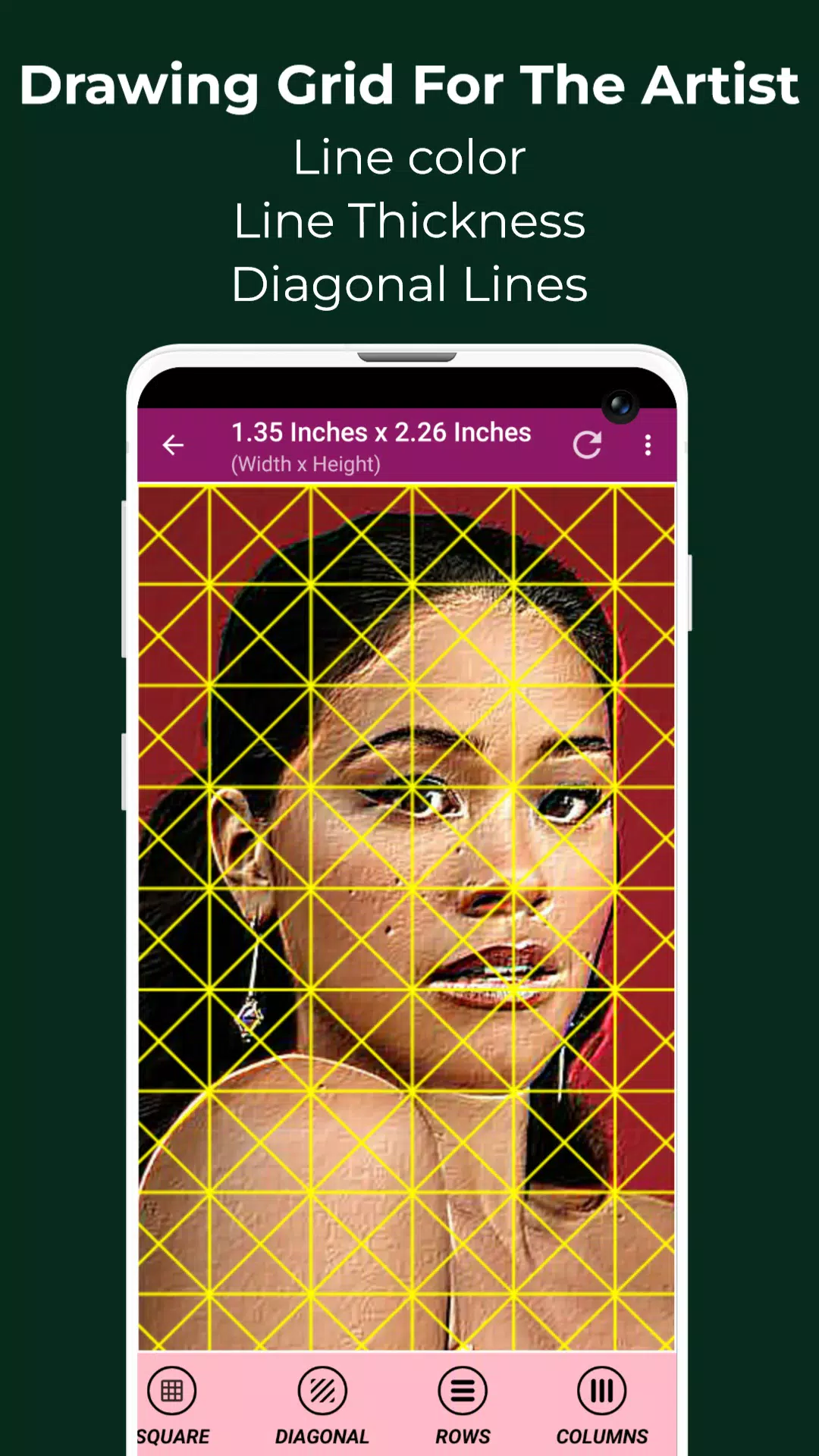
- Customize grid line thickness, color, and opacity
- Toggle diagonal lines for added guidance
-
Smart Labeling System
- Enable/disable grid cell labels
- Adjust label size, font, and alignment (top, bottom, left, right)
-
Real-Time Measurement Tools
View image and cell dimensions in pixels (px), inches (in), millimeters (mm), points (pt), centimeters (cm), meters (m), feet (ft), yards (yd) — ideal for print, digital, or large-scale artwork. -
Professional Image Editing Tools
- Crop to standard ratios: 3:4, 4:3, 9:16, 16:9, 7:5, or custom
- Rotate 360°, flip vertically/horizontally
- Adjust brightness, contrast, saturation, and hue
-
Visual Inspection & Precision Control
- Pixel Tool: Check HEX, RGB, and CMYK values of any pixel in your reference
- Zoom up to 50x – perfect for detailing small features
- Lock screen orientation – keep your view stable while drawing
-
Creative Effects & Filters
Apply artistic filters like Black & White, Grayscale, Sketch, Emboss, Neon, HDR, Glow, Bloom, Pixel, Lomo, and more to preview or enhance your reference. -
Compare & Refine in Real Time
Use Compare Drawing Mode to overlay your sketch on the original image—see how close you are, cell by cell. -
Save, Share & Print
- Save your gridded images for later
- Share with friends, teachers, or social media
- Print directly to paper for traditional drawing
-
Full-Screen Mode & Organized Workflow
- Work distraction-free with full-screen mode
- Access Saved Images anytime—never lose a project
🖌️ Perfect For:
- Portrait & Figure Drawing
- Landscape & Architecture Sketching
- Anime, Manga, and Character Design
- Tattoo & Stencil Art
- Art Students & Art Teachers
- Digital Illustrators & Concept Artists
📱 Designed for Artists, By Artists
No matter your level—whether you’re just starting out or you’ve been drawing for years—Grid Drawing helps you grow faster, draw more accurately, and create with more confidence.
It’s not just a tool. It’s a training system that builds skill, discipline, and visual intelligence.
📞 Have Questions? We’re Here to Help!
Contact us anytime for support, feedback, or feature suggestions. We’re passionate about helping artists reach their full potential.
Thank you for choosing Grid Drawing — where every line counts.
👉 Download now and turn your reference images into masterpieces—grid by grid.
Let me know if you'd like a shorter version (e.g., app store description), social media copy, or a video script based on this!