Absolutely — here's a polished, professional, and engaging version of your original content, optimized for use on a website, app store listing, or marketing material. The tone is clear, inspiring, and tailored to artists of all levels — from beginners to seasoned creators.
Grid Drawing Made Perfect: Master Precision with the Grid Maker For Drawing App
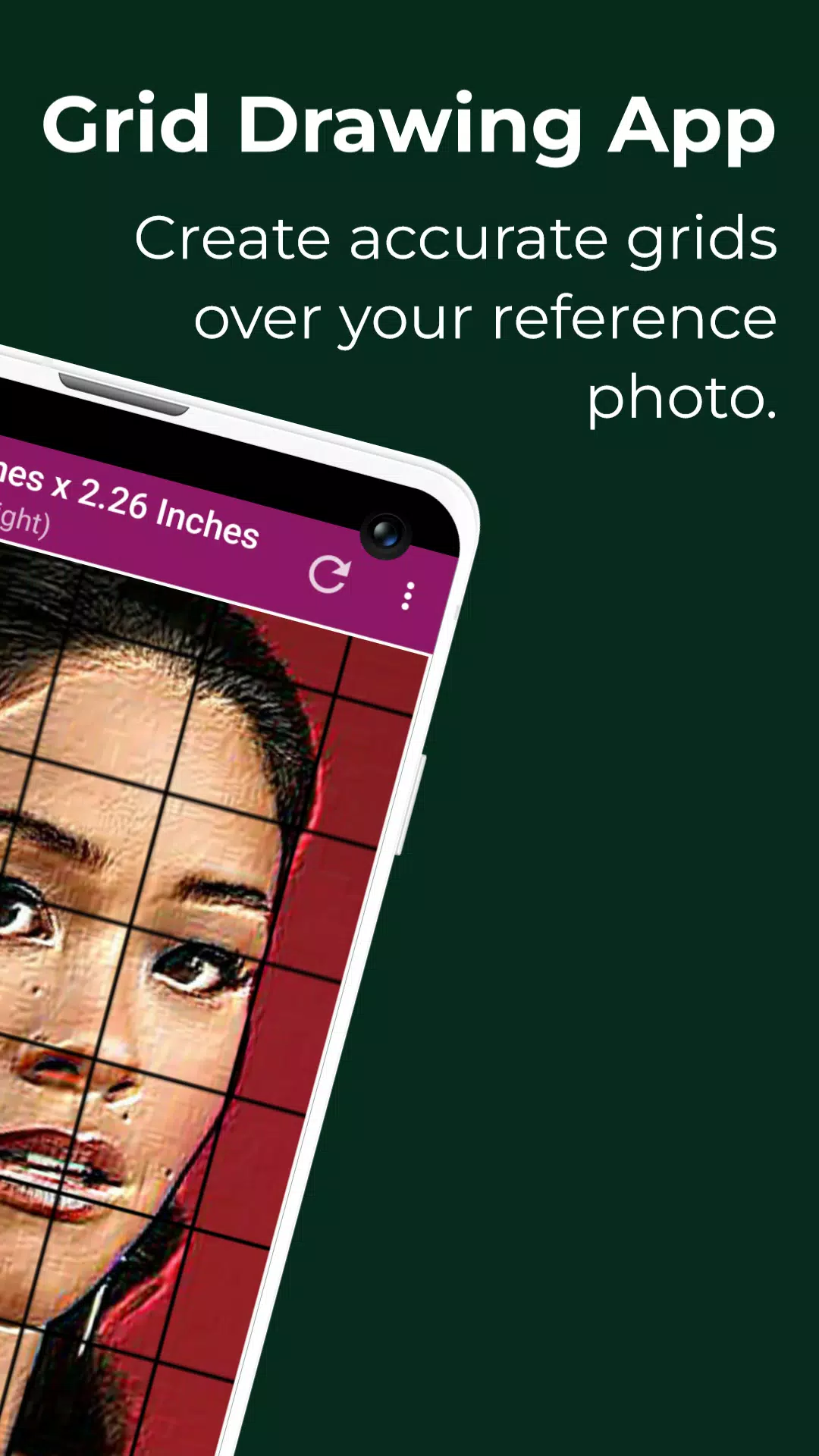
Unlock the power of precision art with Grid Maker For Drawing — the ultimate digital tool for artists who demand accuracy, proportion, and control in every stroke.
Whether you're transferring a photo to canvas, scaling up a sketch, or learning to draw with confidence, Grid Drawing is your trusted method for turning any image into a masterpiece — one square at a time.
🔍 What Is Grid Drawing?
Grid Drawing is a time-tested artistic technique used by masters for centuries. It involves overlaying a grid on a reference image and replicating the same grid on your drawing surface (paper, canvas, wood, etc.). By focusing on one cell at a time, you break down complex scenes into simple, manageable sections.
This structured approach ensures:
- Perfect proportions and accurate placement
- Seamless scaling (up or down)
- Easier drawing of complex subjects
- Sharpened observation skills and hand-eye coordination
- Confident progress — especially for beginners
It’s not just a shortcut — it’s a fundamental skill-builder for artists at every stage.
✨ Why Artists Love Grid Maker For Drawing
Built with creativity and precision in mind, our app gives you full control over every detail of your grid setup — so you can draw exactly how you want, exactly where you want.
🎯 Key Features That Elevate Your Art
-
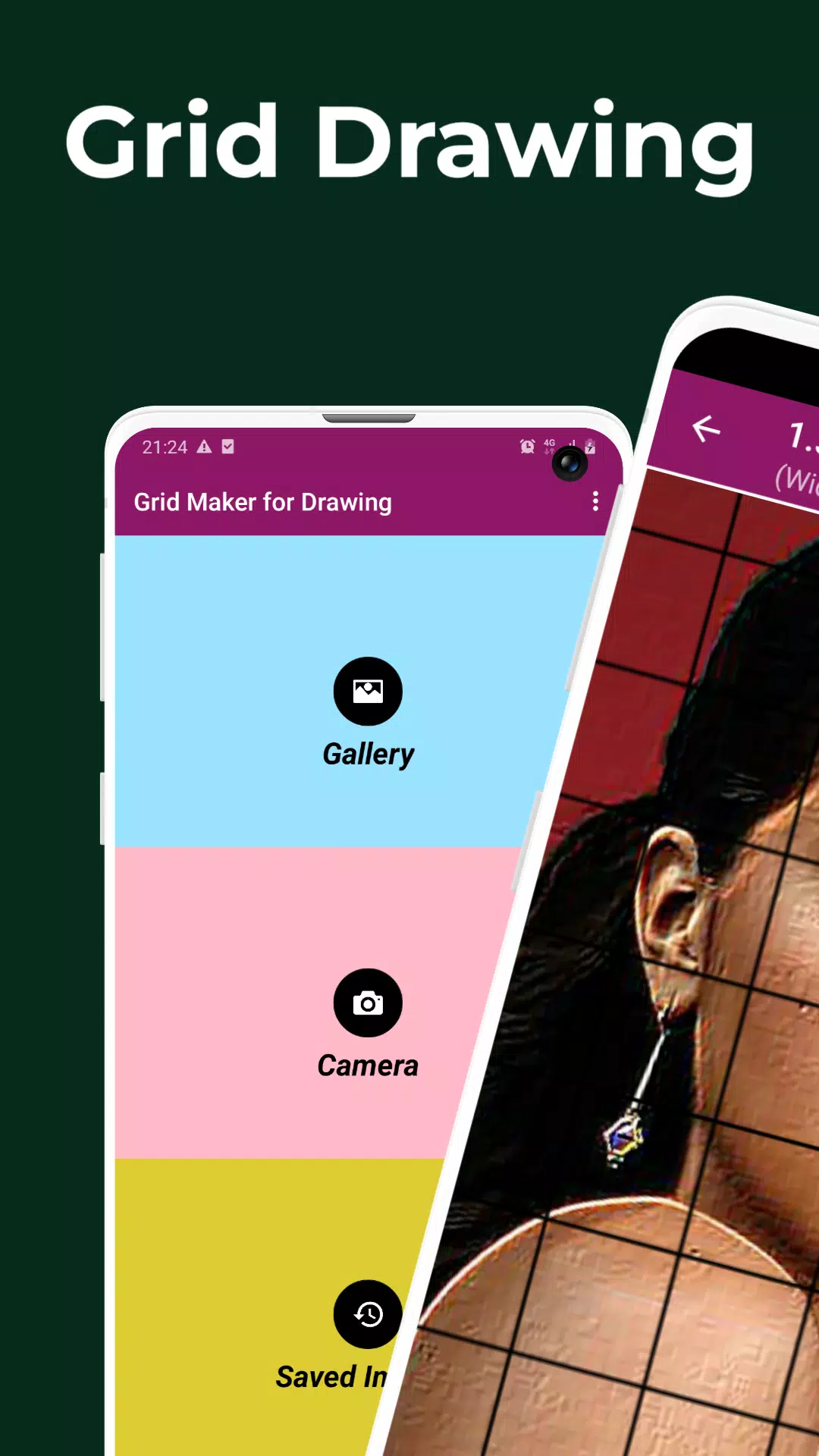
Capture or Import Any Image
Take a new photo with your camera or import from your gallery. Supports JPEG, PNG, and WEBP. -
Flexible Grid Layouts
Choose from square or rectangular grids to match your image’s aspect ratio. -
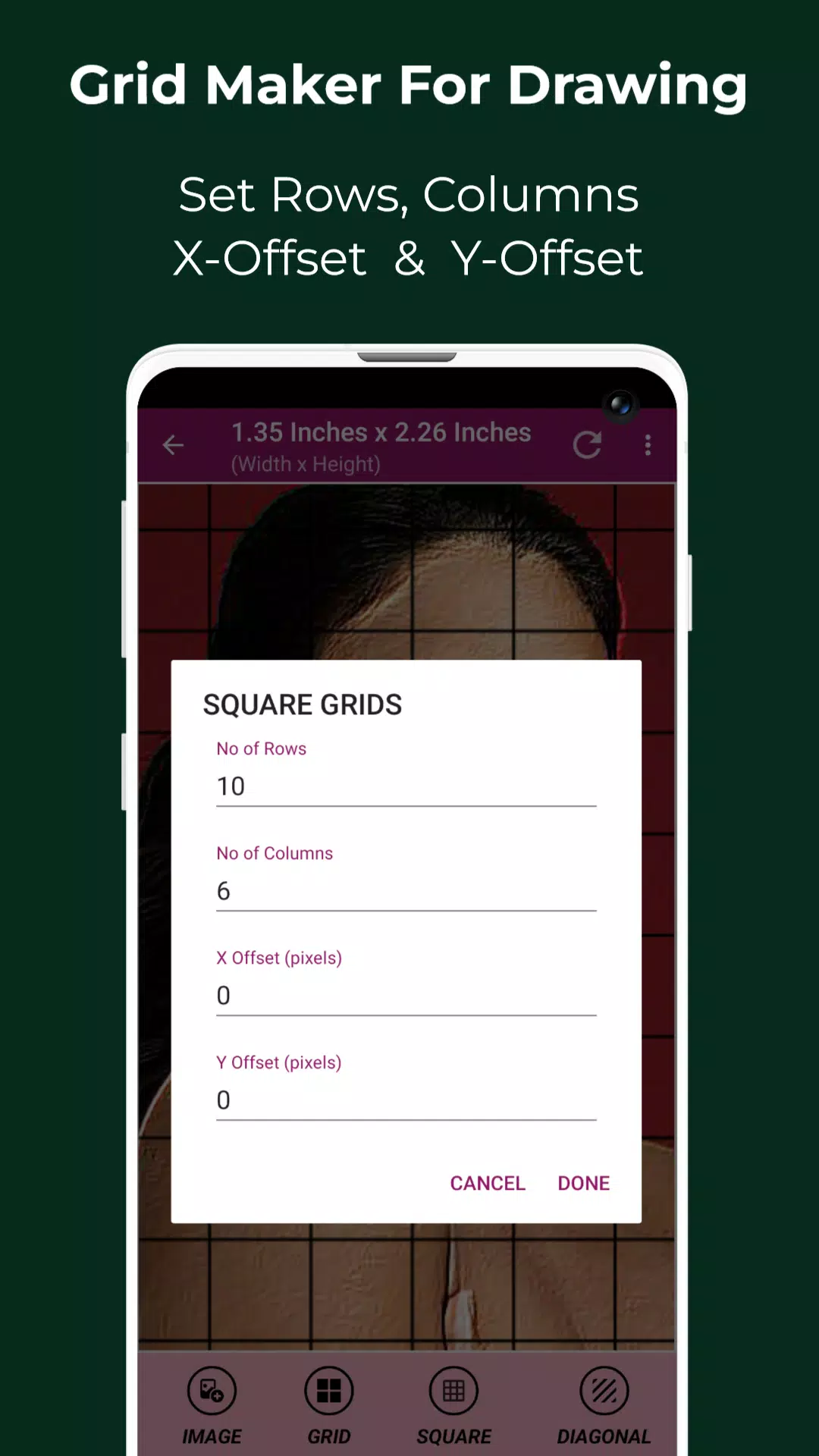
Customizable Grid Settings
- Set rows, columns, X/Y offsets
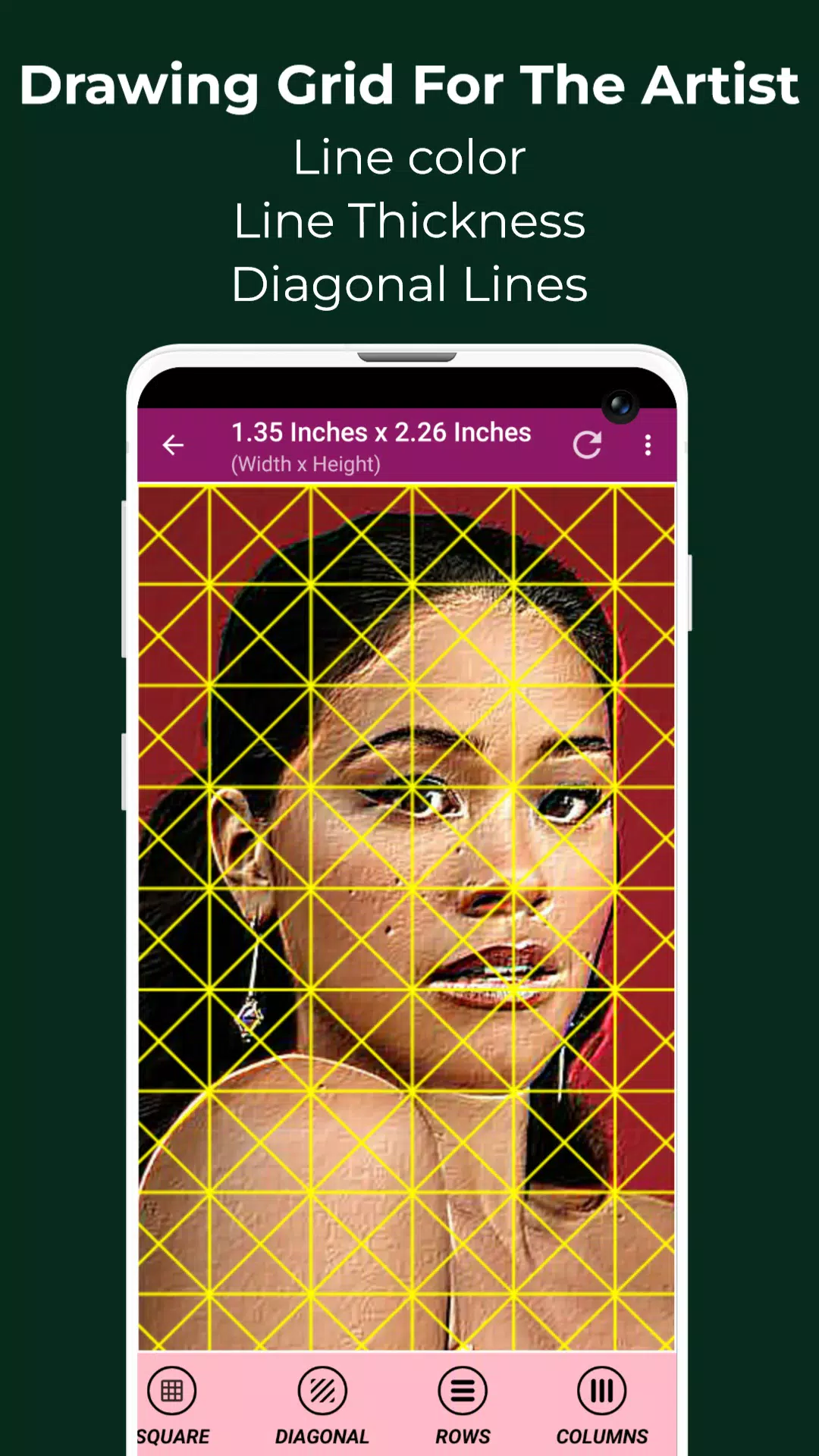
- Adjust line thickness and grid color
- Toggle overlay on/off instantly
-
Smart Labeling System
- Enable/disable cell labels
- Customize label size, alignment (top, bottom, left, right)
- Label every square for perfect tracking
-
Real-Time Measurements
View image and cell dimensions in pixels, inches, cm, mm, points, feet, yards, and more — ideal for printing, framing, or large-scale artwork. -
Advanced Image Tools
- Crop with presets: 16:9, 4:3, 9:16, Square, 3:4, 7:5, or custom
- Rotate 360°, flip vertically/horizontally
- Adjust brightness, contrast, saturation, and hue
-
Creative Effects & Filters
Apply artistic filters to test compositions:
Black & White, Grayscale, Sketch, Emboss, Glow, HDR, Invert, Neon, Pixel, Polaroid, Bloom, and more! -
Pixel-Level Precision
Use the Pixel Tool to inspect HEX, RGB, and CMYK values of any point in your reference image — perfect for color matching and detail work. -
Zoom & Focus
Zoom in up to 50x with smooth pinch-to-zoom. Lock zoom for detailed work. -
Compare Your Drawing in Real Time
Use Compare Drawing Mode to overlay your sketch on the original — instantly spot differences and refine your work. -
Full Screen Mode & Screen Lock
Focus on your art without distractions. Lock screen orientation for consistent framing. -
Save, Share & Print
Save your gridded images to your device, share via social media, or print directly for your sketchbook or studio. -
Saved Images Library
Access all your past grids in one place — never lose a project again.
🎨 Who Is This For?
- Beginners: Learn how to draw proportions, perspective, and facial features with confidence
- Students & Art Teachers: Use it as a classroom tool for structured learning
- Illustrators & Concept Artists: Scale and transfer complex designs with ease
- Portrait & Figure Artists: Capture exact facial ratios and body placement
- Digital & Traditional Artists: Perfect for both iPad, tablet, and paper-based work
🧠 Pro Tip: Grid Drawing Builds More Than Just Skills
This isn’t just about copying photos. Grid Drawing trains your brain to see like an artist — observing shapes, values, and relationships between elements. Over time, you’ll start to draw more naturally, even without a grid.
📱 Download Grid Maker For Drawing Today — Draw With Purpose.
Whether you’re drawing a portrait, a landscape, a still life, or a detailed illustration — get it right from the start.
✅ Precision
✅ Control
✅ Confidence
✅ Creativity
Download now and turn every sketch into a work of art.
📩 Have feedback? Need help?
We’re here for you. Contact us anytime — your journey matters.
Thank you for creating with purpose.
— The Grid Maker For Drawing Team
Let me know if you’d like a shorter version for an app store description, social media post, or email campaign!