There's nothing more frustrating than eagerly downloading a game, settling in to play, only to be met with errors that prevent you from diving into the experience. This is the unfortunate reality for many fans of *Final Fantasy 7 Rebirth* on PC, who are encountering DirectX 12 (DX12) errors. Let's explore what these errors are and how to fix them, ensuring you can enjoy this highly anticipated sequel to *Final Fantasy VII Remake*.
What Are DirectX 12 Errors in Final Fantasy 7 Rebirth?
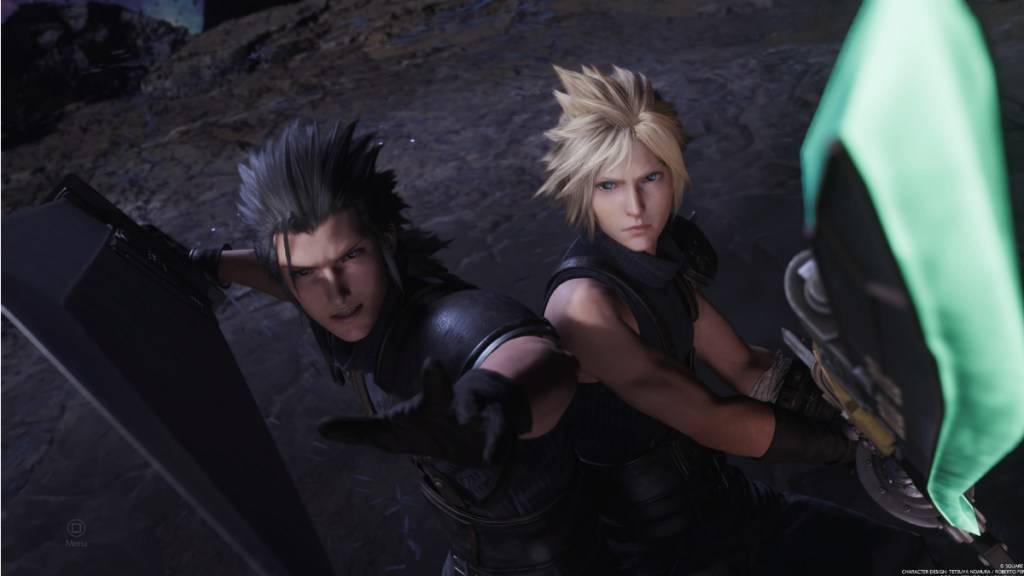
*Final Fantasy 7 Rebirth* has been captivating players since its release nearly a year ago. However, for those who are just now picking up the game, DirectX 12 errors are becoming a common issue, hindering their ability to launch the game. These errors are typically linked to the version of Windows on your system. To run *Final Fantasy 7 Rebirth*, your PC needs DirectX 12, which is only supported on Windows 10 and 11.
Related: Final Fantasy VII Rebirth’s Briana White Forges Community By Wearing Her Heart on Her Sleeve [Interview]
How To Fix DirectX 12 (DX12) Errors in Final Fantasy 7 Rebirth on PC
If you're confident that your PC is running the latest version of Windows, the next step is to verify that DirectX is up to date. Here's how to check and update DirectX on a system running Windows 10 or 11:
- Type "dxdiag" into the Search bar from the Start menu.
- Click on "dxdiag".
- Navigate to the System Information section to determine which version of DirectX is installed.
If you're using an older version of Windows, unfortunately, you won't be able to run the game without upgrading your operating system. It's worth checking for any available updates, but if none are available, you might need to consider a refund or try a different game.
If your system confirms DirectX 12 is installed but the error persists, the issue might be with your graphics card. Many players have taken to Reddit to express their frustrations, suggesting that the game's minimum requirements might be the culprit rather than their Windows version.
To ensure your system meets the game's requirements, visit Square Enix's official website. Here are the recommended GPUs for *Final Fantasy 7 Rebirth*:
- AMD Radeon™ RX 6600*
- Intel® Arc™ A580
- NVIDIA® GeForce® RTX 2060*
Realizing your GPU doesn't meet the requirements can be disappointing, especially after purchasing the game. However, these specifications are set to ensure the best gaming experience. If you're determined to play *Final Fantasy 7 Rebirth*, it might be time to consider upgrading your graphics card.
And that's how to fix DirectX 12 Errors (DX12) in *Final Fantasy 7 Rebirth* on PC. For more tips, check out the best deck and strategy to beat the Shadowblood Queen in the Square Enix title.
*Final Fantasy 7 Rebirth is available now on PlayStation and PC.*