Dive into the captivating world of *Tree of Savior: Neverland*, a stunning MMORPG brimming with adventure. With its unique art style and compelling storyline, you'll embark on an epic quest to save the world from imminent danger. However, this journey requires significant time investment, resources, and in-game currency to truly thrive. Luckily, redeem codes offer a significant boost!
Redeeming *Tree of Savior: Neverland* codes grants you generous rewards from the developers, accelerating your progress considerably. But act fast—these codes expire, so don't miss out!
Updated January 14, 2025, by Artur Novichenko: We've verified the 9 currently active codes below. We'll keep this guide updated, so check back often for new rewards.
All *Tree of Savior: Neverland* Codes
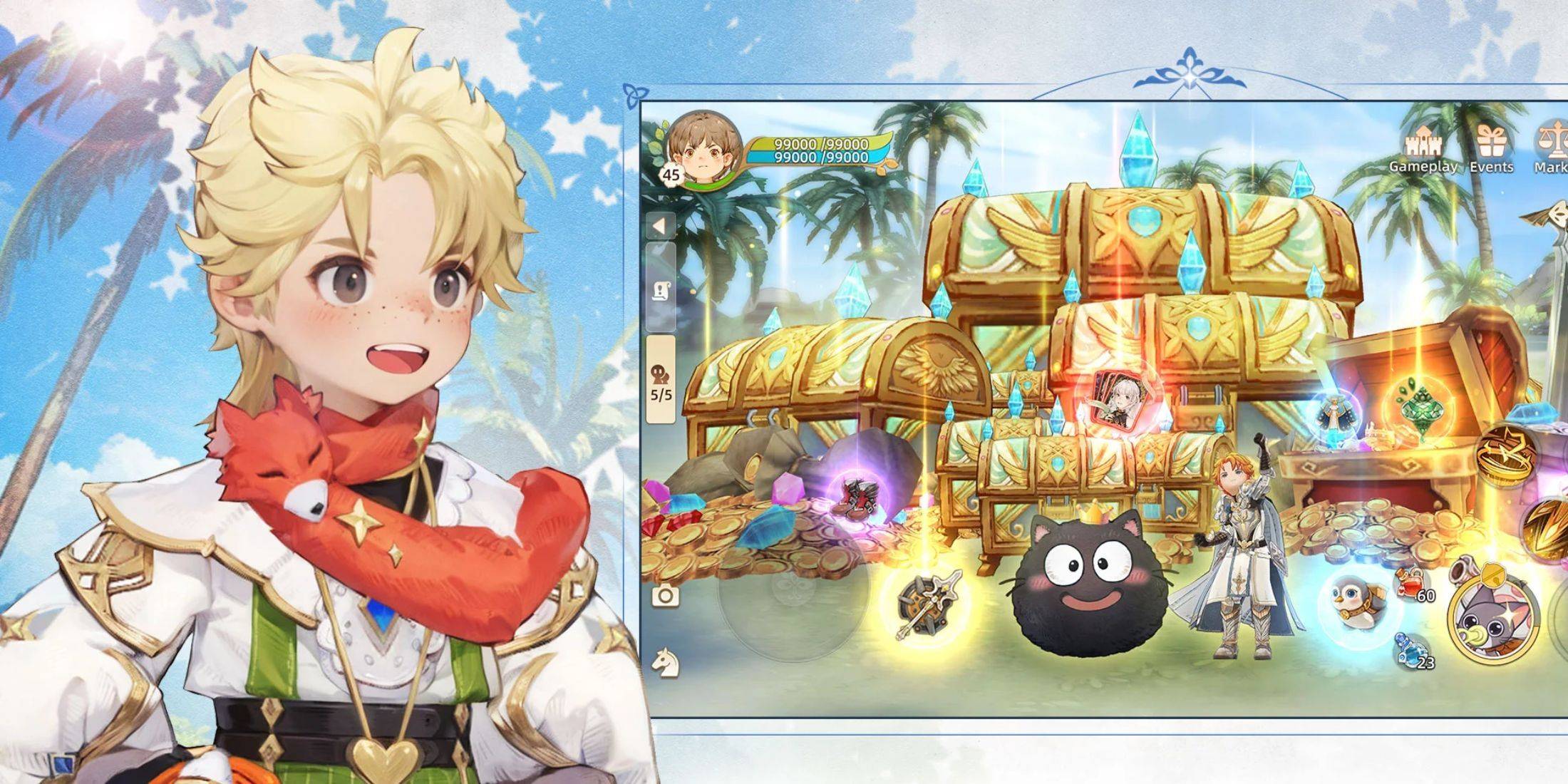
Working *Tree of Savior: Neverland* Codes
- TOSONGIFT - Redeem for in-game rewards.
- TOSN30DYS - Redeem for in-game rewards.
- TOSNONEMONTH - Redeem for in-game rewards.
- LVVH-KXYM-BWPZ - Redeem for in-game rewards.
- HMKS-GG-PD-YFWZ - Redeem for in-game rewards.
- NBDL-WTGD-JRXE - Redeem for in-game rewards.
- CPMJ-UGTM-UPAS - Redeem for in-game rewards.
- TOSN888 - Redeem for in-game rewards.
- TOSN-ASIA - Redeem for in-game rewards.
Expired *Tree of Savior: Neverland* Codes
Currently, there are no expired codes. Redeem the active codes above immediately!
Short on resources and time? *Tree of Savior: Neverland* codes are your solution. Each code provides valuable items and resources, giving you a significant advantage.
How to Redeem Codes in *Tree of Savior: Neverland*
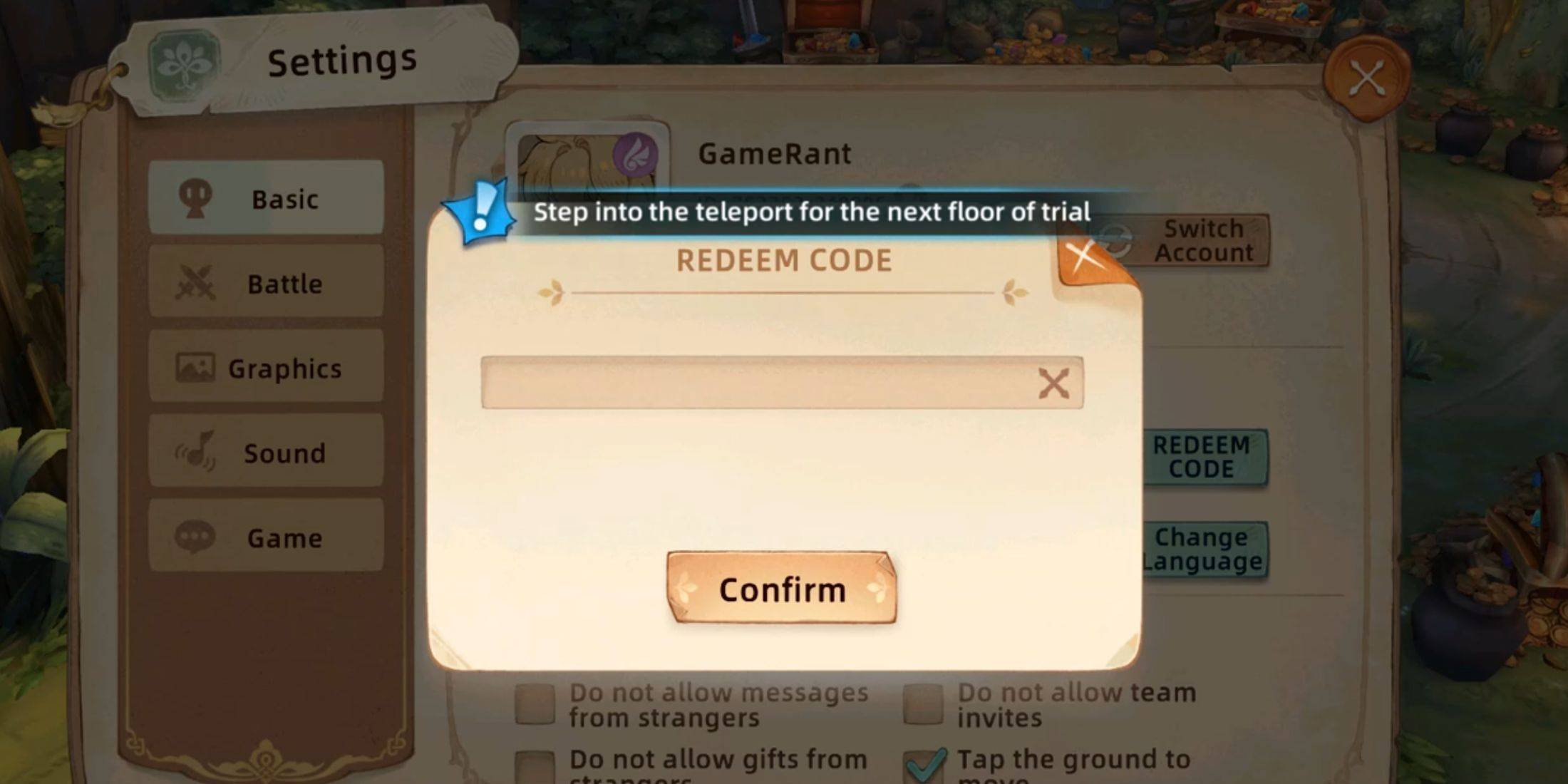
Redeeming codes is simple, taking only a few clicks. New players should note that you need to reach level 16 (approximately one hour of gameplay) before accessing the redemption feature. Follow these steps:
- Launch *Tree of Savior: Neverland*.
- Click your avatar in the upper-left corner.
- In the Stats menu, select the Settings button (gear icon) in the lower-left.
- Go to the Basic tab and find the Redeem Code button under Customer Service.
- Enter a code (copy-pasting is recommended) into the input field.
- Click the Confirm button.
A "Activation code used successfully" message confirms your rewards.
Finding More *Tree of Savior: Neverland* Codes
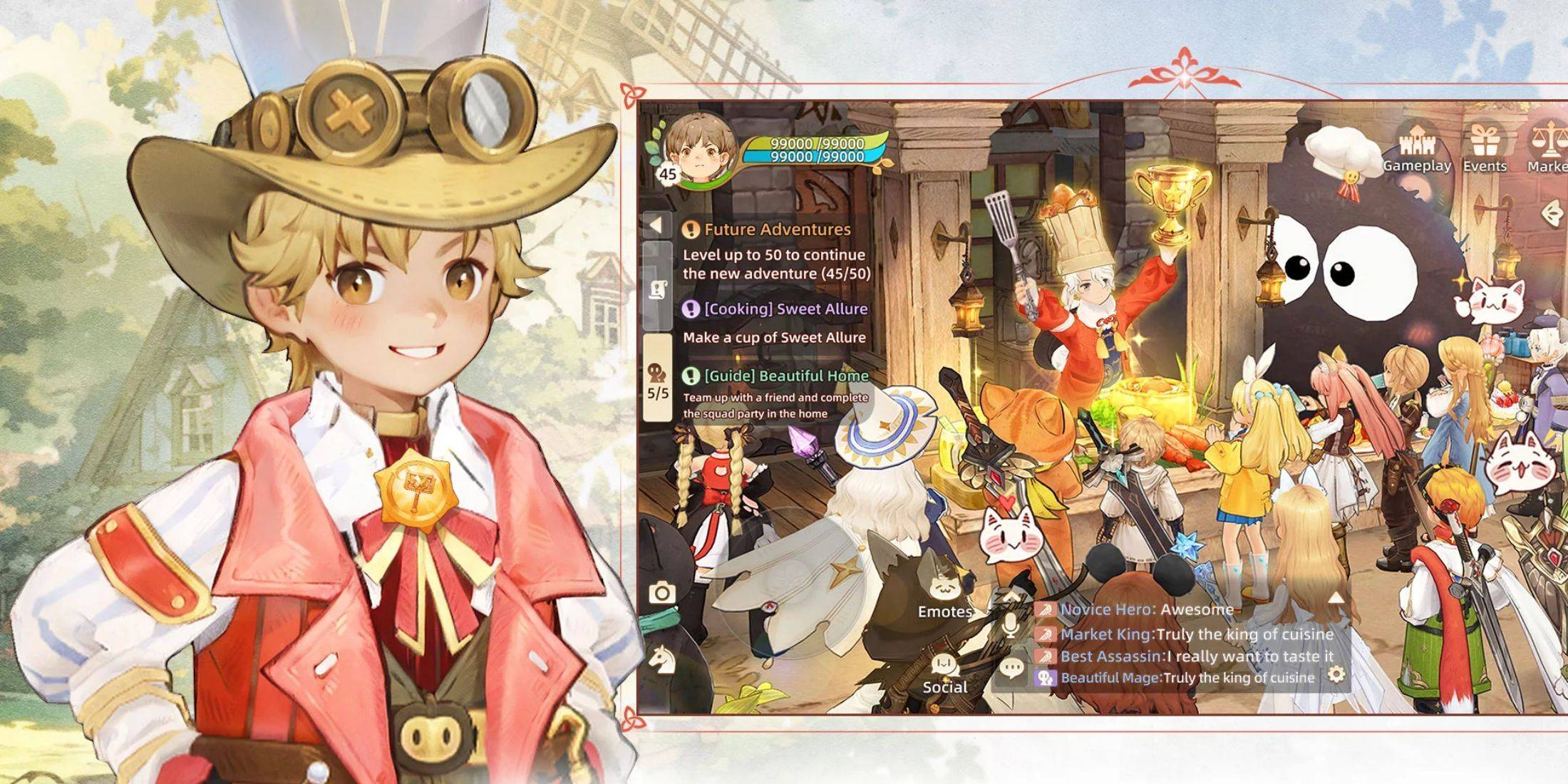
Similar to Roblox codes, new codes are periodically released on the game's official social media. Stay updated by regularly checking:
- The official *Tree of Savior: Neverland* Discord server.
- The official *Tree of Savior: Neverland* Facebook page.
*Tree of Savior: Neverland* is available on mobile devices.